7 VFX Mistakes Beginners Make (and how to Avoid them)
 Jordy Vandeput
44K views
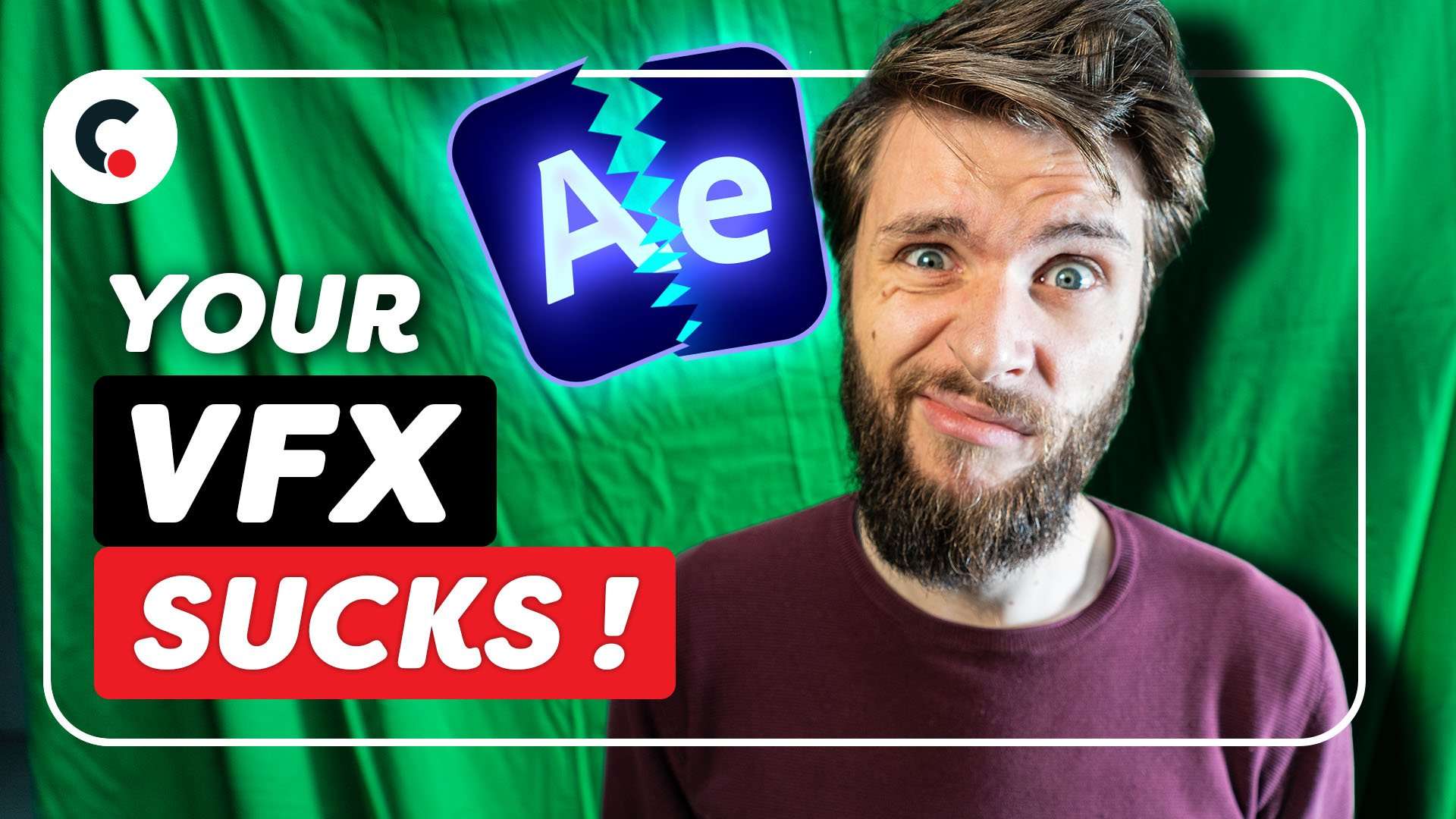
Avoid these 7 VFX mistakes that beginners using Adobe After Effects Make. 7 tips and advice on how to become a better VFX artist.
Bad VFX
When someone says that your VFX looks bad, they actually mean it doesn't look realistic. There's something about your work that makes it look fake.
Sometimes these issues can be resolved quickly. A bad green key can be fixed and a bad animated mask can be fixed. However, there're things that aren't so easy. Like discussed in the video above, one of those things are physics.
The way something bounces, accelerates or moves around should always match with the physics that we're used to on earth. When you jump in the air, there's a specific acceleration and how long it takes until you're back on the ground.
The same goes with animating as it should match those same physics. It's not easy, but you can train yourself, by studying real clips.
MSI Creator
Big thanks to MSI for sponsoring this video. If you're computer is slow, I can highly recommend to upgrade to the new Creator P50 and it's monitor the Creator PSPS341WU.
Jordy Vandeput
Founder of Cinecom · 2.75M+ subscribers on YouTube
Jordy Vandeput is a Belgian filmmaker who has taught practical filmmaking to millions through Cinecom. He breaks professional techniques down into clear, repeatable steps you can use on your very next project.
Related tutorials
 46K
4:43
After Effects 27 New Features: AI Assistant, Contour Paint and More
The After Effects 27 new features, tested hands-on in the beta: the AI Assistant builds a wiggle with its own sliders and organizes your project, Contour Paint turns footage into a painting, and five smaller updates save you clicks every day.
 179K
6:18
This New After Effects Update is Insane!
Learn how to use the newest 3D Beta feature from Adobe After Effects in this tutorial. Creating realistic renders has never been easier.
 61K
10:14

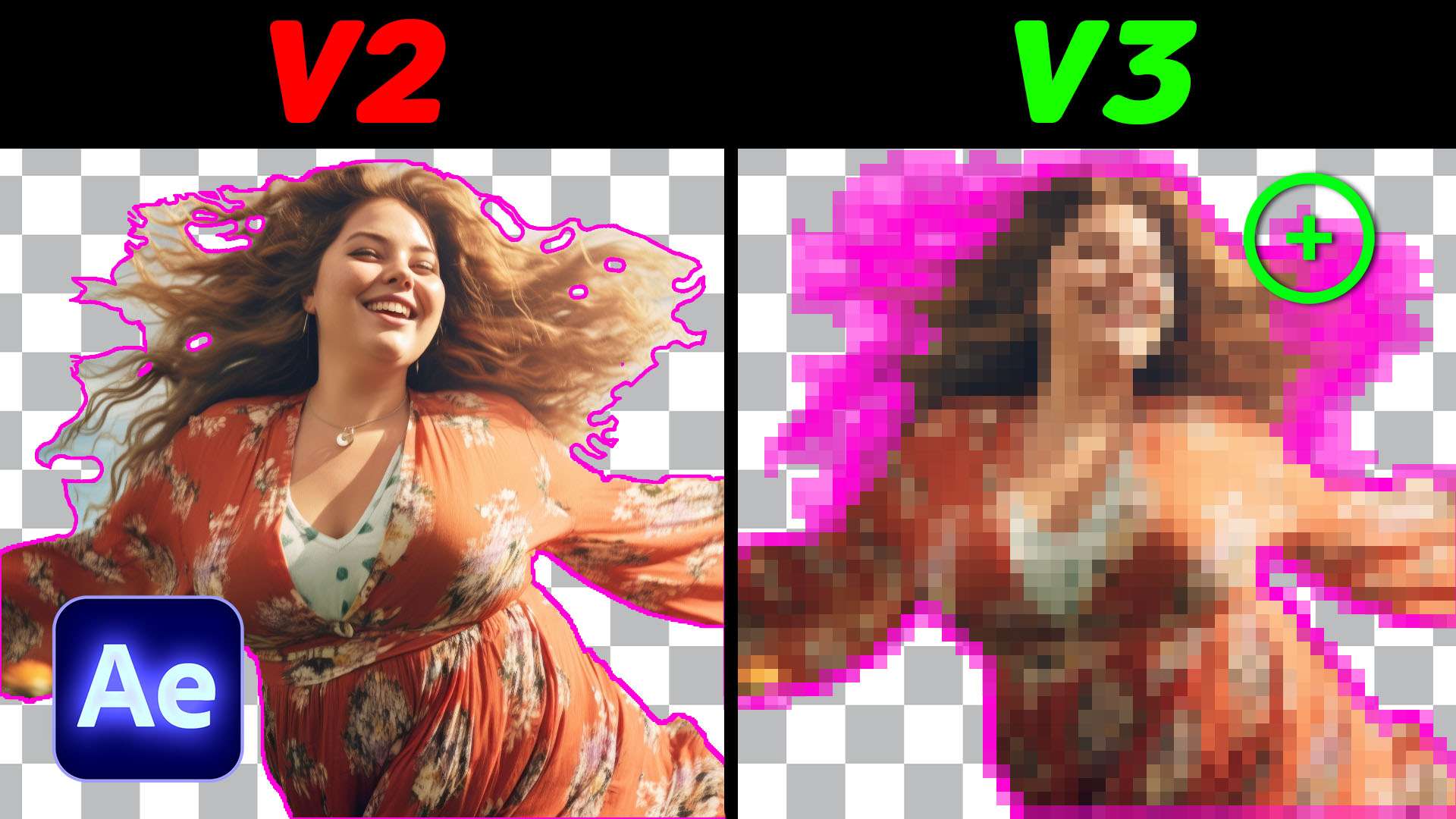
Is the NEW Rotobrush 3.0 Actually Better?
I tried out the new Rotobrush 3.0 In Adobe After Effects. Find out together with me if this new tool is worth it.


0 comments