We made the BONE CRACKING from Stranger Things REALISTIC!
 Jordy Vandeput
43K views
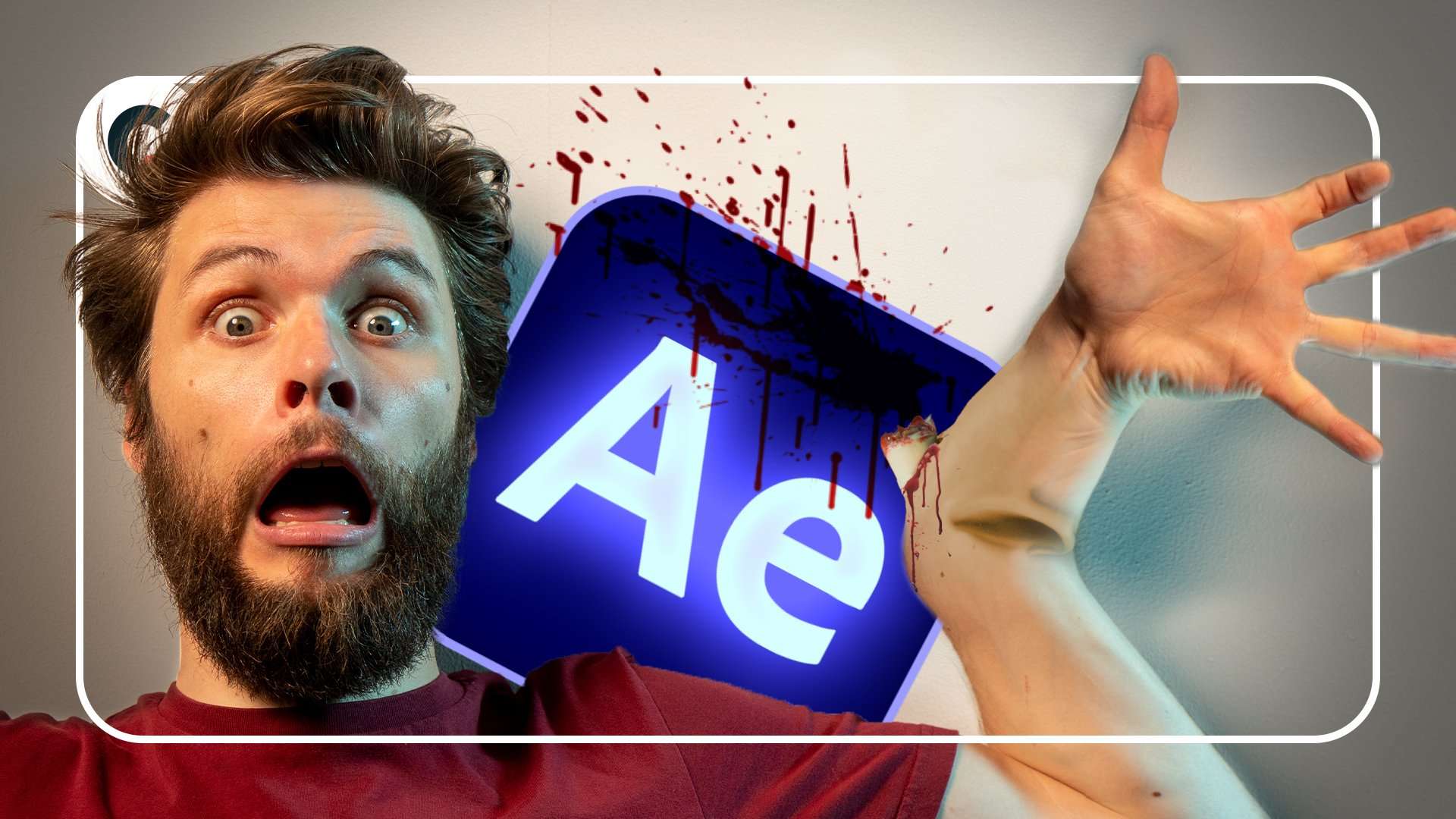
Learn how to recreate the horror bone cracking death as seen in Netflix series Stranger Things 4, but make it look realistic with an open bone fracture using practical effects and VFX editing in Adobe After Effects.
Upgrading stranger things vFX
It's not new to you guys that we love Stranger Things. In the last 2 months we even did 3 effects from the show. And guess what... we are adding another one to that list! In this weeks episode we are revisiting the breaking bones effects.
We already got a fully CGI and practical breaking bones effect on the channel so what in the world could we do now? Well easy! We are going to one up the effect and actually show the broken bone popping through of the skin!
How do the pro's fake it?
If you already saw our video you noticed that we did a mixture of practical effects and visual effects. We kept it very DIY so everybody could recreate it at home but ofcourse that's not how the pro's do it. They will definitely opt for a prosthetic arm that they can break.
These days there are a ton of prosthetic company's that excel at creating whatever the film industry needs. Next to creating hyper real human body's they can also do other creatures! A great example is the suit of Predator from the new movie Prey's Predator. The suits is so good they don't even need any digital work on it at all! They added electronics to move the eyes and mouth to really bring it to life.
LG DualUp with ERGO stand
With the LG DualUp monitor you can free up desk space and multitask more efficiently with a new, 16:18 aspect ratio. Giving you the screen space of a double monitor. Together with the flexibility of the Ergo Stand you can optimize your setup to increase your productivity and immerse yourself in your work.
Jordy Vandeput
Founder of Cinecom · 2.75M+ subscribers on YouTube
Jordy Vandeput is a Belgian filmmaker who has taught practical filmmaking to millions through Cinecom. He breaks professional techniques down into clear, repeatable steps you can use on your very next project.
Related tutorials
 46K
4:43
After Effects 27 New Features: AI Assistant, Contour Paint and More
The After Effects 27 new features, tested hands-on in the beta: the AI Assistant builds a wiggle with its own sliders and organizes your project, Contour Paint turns footage into a painting, and five smaller updates save you clicks every day.
 179K
6:18
This New After Effects Update is Insane!
Learn how to use the newest 3D Beta feature from Adobe After Effects in this tutorial. Creating realistic renders has never been easier.
 61K
10:14
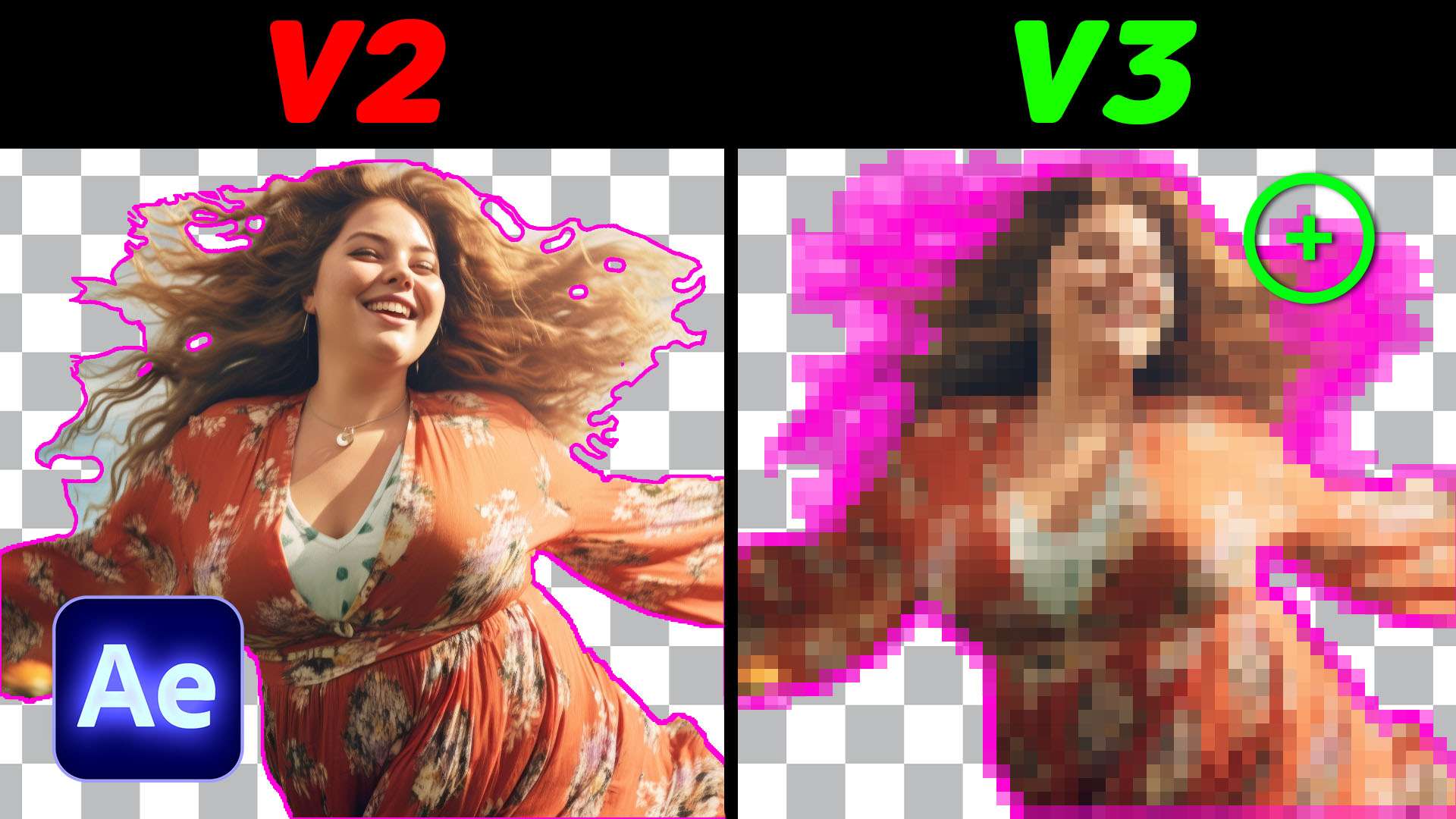
Is the NEW Rotobrush 3.0 Actually Better?
I tried out the new Rotobrush 3.0 In Adobe After Effects. Find out together with me if this new tool is worth it.


0 comments