Create 3D Animations without knowing Anything about 3D
 Jordy Vandeput
105K views
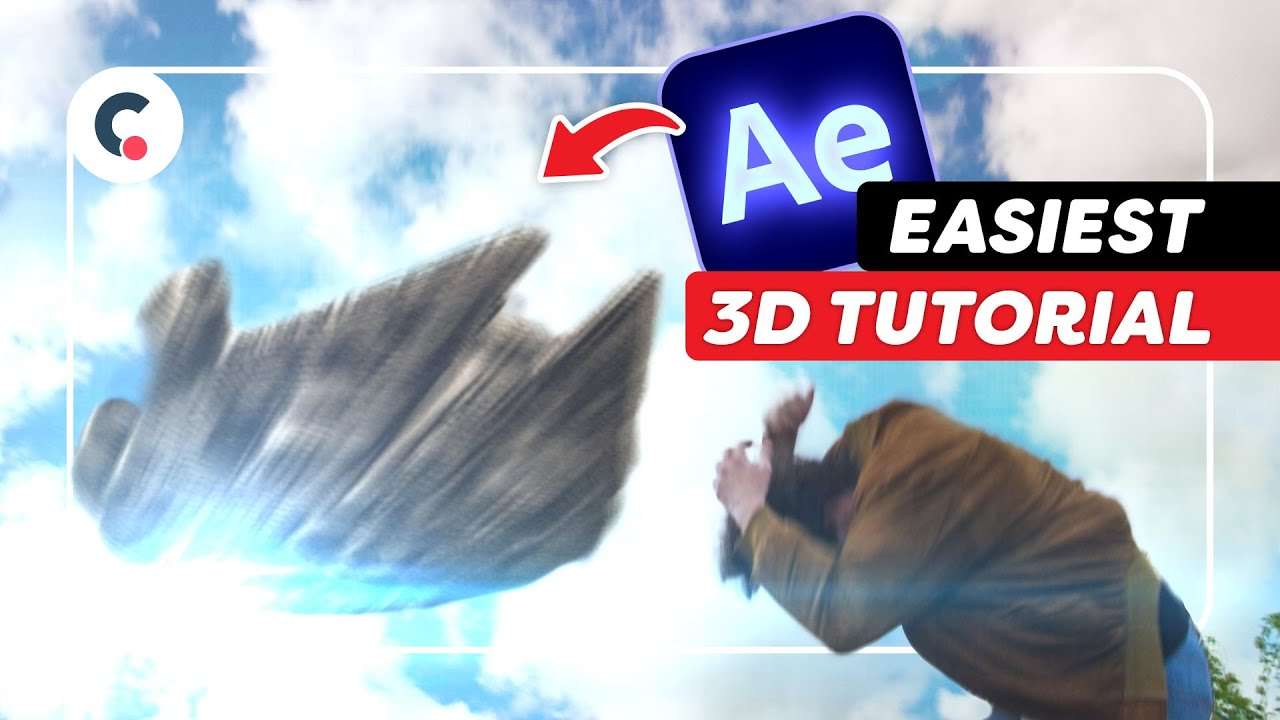
Learn how to scan real objects and animate the textured 3D model in Adobe After Effects and Cinema4D Lite. An easy tutorial video for VFX beginners.
3D Modeling and Texturing
I've always admired the great art of modeling and texturing. Definitely when I saw Yannick and Lorenzo taking their Cinema4D course. Seeing some of their first 3D animations was really inspiring.
But I need to stay honest to myself; just like any other VFX work, 3D takes time to create. And I'm not the person who has patience for that. I need more action and faster results, which is probably why I love cinematography so much. After you set your lights, you can immediately see the magic on your monitor.
Luckily there are many options these days to make the process of VFX and 3D animations go faster. Think of the various online libraries from which you can download 3D models.
Or even better; why not look for an interesting object that you have laying around and scan it!
Polycam
Using our brand new iPhone 13 Pro Max, we also had to try out the Polycam app! With Polycam we can either use the LiDAR scanning method, or the photo modus.
For scanning smaller objects, we'll be using photo mode. Simple walk around an object to scan and the app does the rest of the work for you.
Once the 3D model is processed, you can export it to an OBJ file. You now how a textured 3D model which you can instantly start animating with. It's that simple!
Big thanks to Polycam for sponsoring this video. If you want to learn more, check it out on the iOS app store.
Jordy Vandeput
Founder of Cinecom · 2.75M+ subscribers on YouTube
Jordy Vandeput is a Belgian filmmaker who has taught practical filmmaking to millions through Cinecom. He breaks professional techniques down into clear, repeatable steps you can use on your very next project.
Related tutorials
 46K
4:43

After Effects 27 New Features: AI Assistant, Contour Paint and More
The After Effects 27 new features, tested hands-on in the beta: the AI Assistant builds a wiggle with its own sliders and organizes your project, Contour Paint turns footage into a painting, and five smaller updates save you clicks every day.
 179K
6:18
This New After Effects Update is Insane!
Learn how to use the newest 3D Beta feature from Adobe After Effects in this tutorial. Creating realistic renders has never been easier.
 61K
10:14

Is the NEW Rotobrush 3.0 Actually Better?
I tried out the new Rotobrush 3.0 In Adobe After Effects. Find out together with me if this new tool is worth it.


1 comment
I really appreciate your work. the whole point very easy to understand. Please keep us up to date like this.