INSTANT DECORATE with VFX like Kevin Parry (After Effects Tutorial)
 Jordy Vandeput
60K views
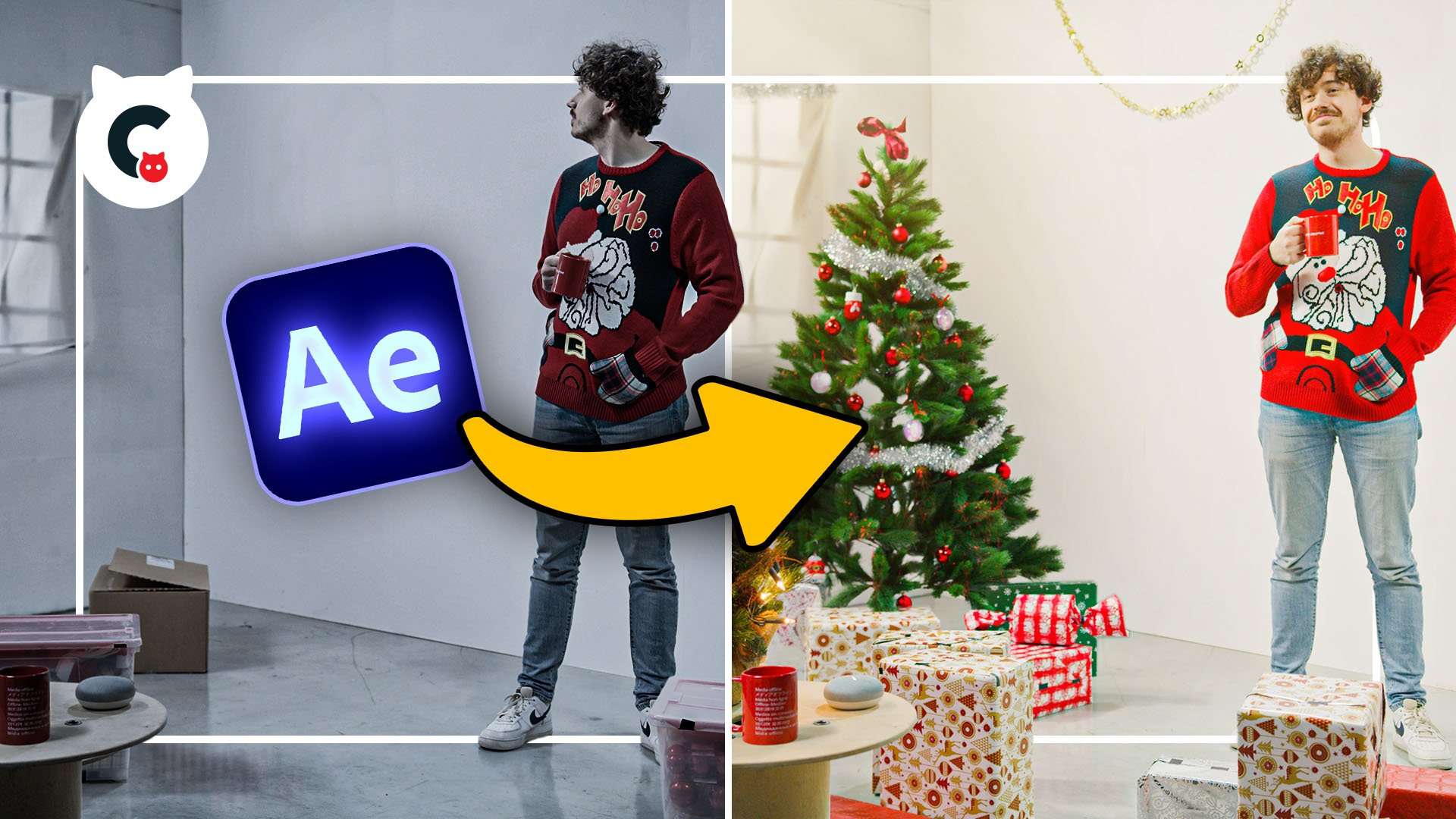
Learn how to instantly decorate your home with VFX editing magic like Kevin Parry in this Adobe After Effects tutorial.
Good vFX Don't have to be complicated
When you start going down the rabbit hole of VFX you quickly start to gravitate to making them more complex. Adding a ton of effects to create mind-blowing VFX. And while these are indeed cool we cant forget those really easy and simple VFX shots. Sometimes a simple mask is all you need to create stunning visuals and that's exactly what we'll be doing today.
A few days ago Kevin Parry uploaded a brand new holiday season video. Here you can see him asking his Alexa to decorate his house. With the help of some very well placed masks he was able to achieve a very impressive result.
Think before you shoot
When working on effects like these where there are a lot of moving parts it always best to sit down for a second and think. You need to have a good battleplan of how to shoot this. What's the first thing you'll do vs the last, will you shoot in separate layers or have everything together, where will all the shadows be, etc. You don't want to mess up this part because reshooting things like this means starting from 0.
We for example took 40 minutes to record all our shots. And that's only 1 take so we were very lucky everything went right! Sometimes you don't even notice something went wrong until you are already editing and then you have to go back to shoot all over again. Making you lose even more time.
Storyblocks
Big thanks to Storyblocks for their support. If you ever need stock footage for your video head over to them! Next to the 4K stock clips, they also have After Effects templates, Premiere Pro presets, overlay effects and so much more. Download unlimited video assets for a single price per year.
Jordy Vandeput
Founder of Cinecom · 2.75M+ subscribers on YouTube
Jordy Vandeput is a Belgian filmmaker who has taught practical filmmaking to millions through Cinecom. He breaks professional techniques down into clear, repeatable steps you can use on your very next project.
Related tutorials
 46K
4:43

After Effects 27 New Features: AI Assistant, Contour Paint and More
The After Effects 27 new features, tested hands-on in the beta: the AI Assistant builds a wiggle with its own sliders and organizes your project, Contour Paint turns footage into a painting, and five smaller updates save you clicks every day.
 179K
6:18
This New After Effects Update is Insane!
Learn how to use the newest 3D Beta feature from Adobe After Effects in this tutorial. Creating realistic renders has never been easier.
 61K
10:14

Is the NEW Rotobrush 3.0 Actually Better?
I tried out the new Rotobrush 3.0 In Adobe After Effects. Find out together with me if this new tool is worth it.


1 comment
Thanks for the amazing content. Your videos are always really helpful, I currently have Adobe After Effects CC 2022 and I was wondering if you could show us a tutorial on how to do a realistic backflip.