Create an UPSIDE DOWN Parallax World (Premiere Pro Tutorial)
 Jordy Vandeput
50K views
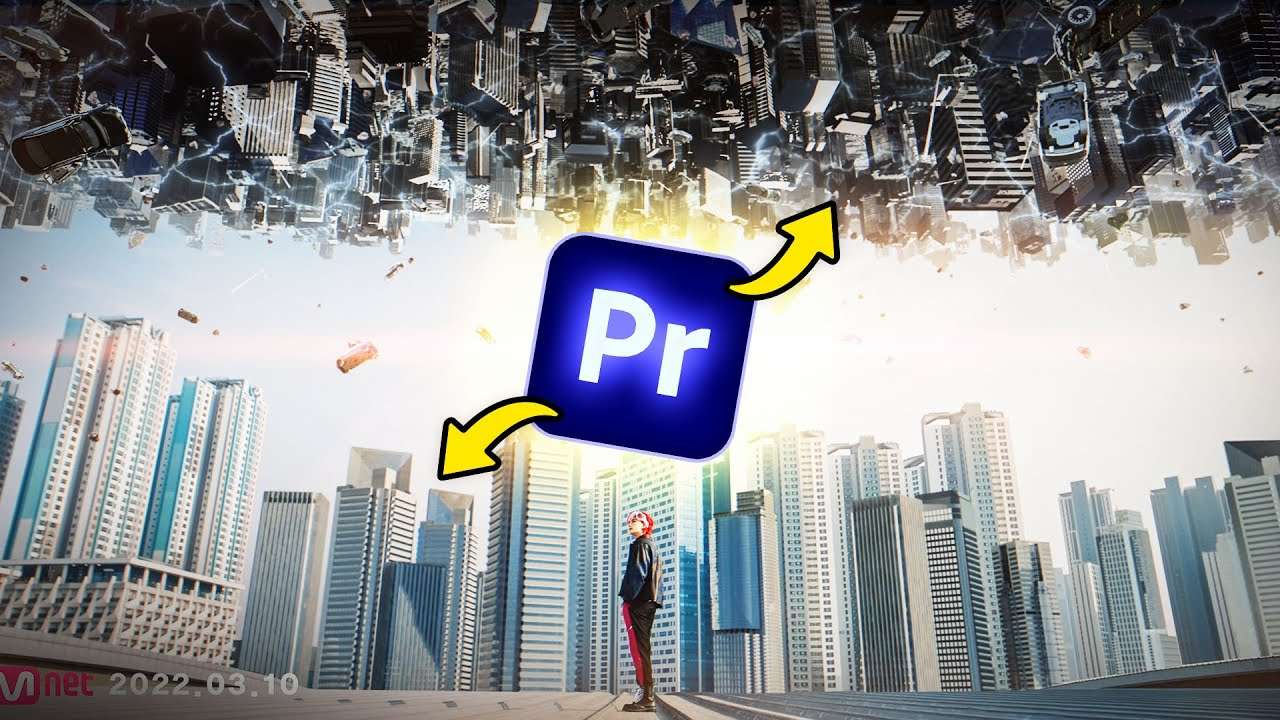
Learn how to create an upside down parallax world in this Adobe Premiere Pro tutorial video. Inspired by the music video 'Maniac' from Stray Kids.
Parallax World in Adobe Premiere Pro
The idea of creating a parallax world in Adobe Premiere Pro is not new. Creators have been doing it for a while and it has actually been a trend some years ago.
But recently we've seen this effect coming back in the new music video 'Maniac' from the Stray Kids. This K-Pop band shows the parallax effect in an interesting way. Between the two worlds you can see cars floating as well as a blue energy cloud.
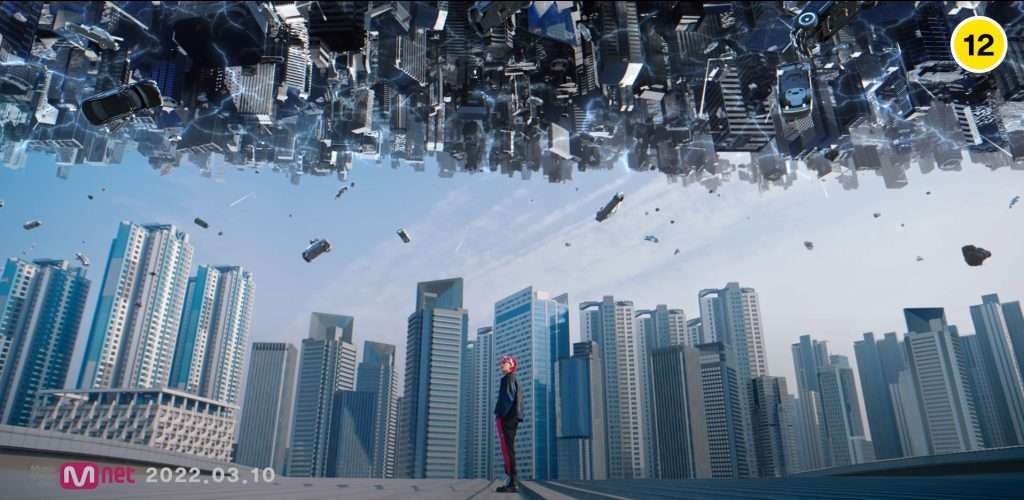
Music Video Effects
In music videos, effects can be as crazy as you want. That makes such projects always so creative. In the past we've covered many more effects that you can create inside Adobe Premiere Pro which work great for music videos.
I believe music videos are a great way for artists to express their songs visually. The abstract or underlaying story of the lyrics can be shown in surrealistic visuals.
Since VFX became more and more accessible, we see amazing effects in almost every music video that comes out.
Learn Adobe Premiere Pro
To learn more about Adobe Premiere Pro, check out my Advanced course! The overwhelmingly positive reviews have made this course super popular.
You'll learn everything there is to know about the video editing program in a fun and to-the-point structure.
Jordy Vandeput
Founder of Cinecom · 2.75M+ subscribers on YouTube
Jordy Vandeput is a Belgian filmmaker who has taught practical filmmaking to millions through Cinecom. He breaks professional techniques down into clear, repeatable steps you can use on your very next project.
Related tutorials
 49K
7:58

How to Make a Glowing Logo in Premiere Pro (With Light Rays)
Make a glowing logo in Premiere Pro with the Film Impact effects that now ship with Premiere: Volumetric Rays, Glint and Wonder Glow, animated with 3D Rotate. Plus the effect order trick that makes the light react to the movement, and two editing tricks I use every day.
 50K
8:17

4 Premiere Built-In Transitions That Replace Keyframes
Premiere built-in transitions can do the work of a stack of keyframes. I show four builds: a text reveal with Motion Camera, a Spin Motion logo animation, a TV turn on effect with TV Power, and lower thirds made from Fold Motion and Spring Motion.
 26K
6:11

How to Make a Superhero Landing in Premiere Pro
Learn how to make a superhero landing in Premiere Pro without After Effects. Cut yourself out with the Object Mask tool, drop in with the Transform effect, speed up the fall with a speed ramp and hit the ground with an earthquake from the Camera Shake effect.


0 comments