Calibrate your camera with Xrite i1 FilmMaker Kit
 Jordy Vandeput
41K views
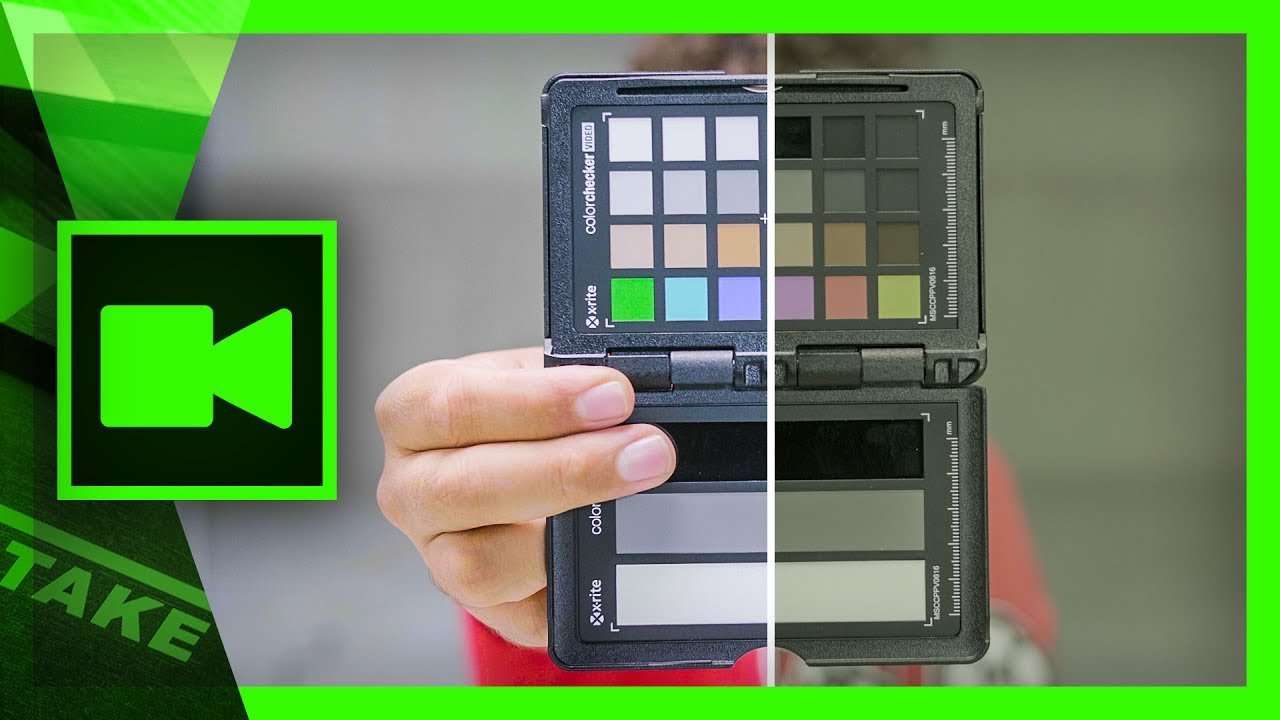
See how to calibrate your camera's colors to match. We're using the Xrite i1 FilmMaker kit, which has a color checker passport and display calibrator to do the job.
If you wanna take color management to the next level, the i1 FilmMaker kit from Xrite is the product you need! It consist out of a color checker passport and display calibrator. Through both production and post-production workflows you can calibrate your camera, match different camera's or find out which colors are off.
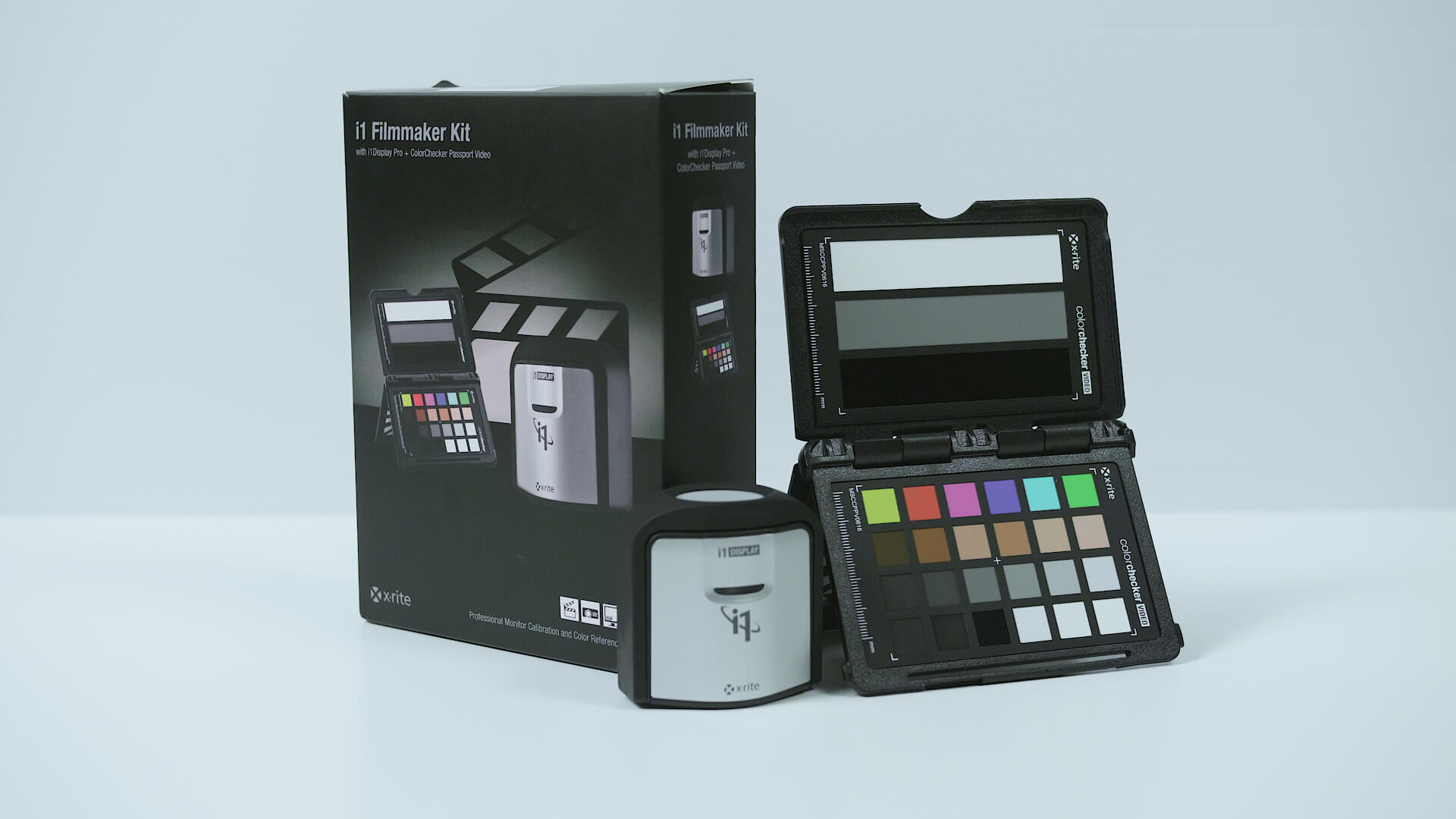
Production
The color checker passport is mostly known for its post-production workflow, where you can neutralize your recorded clips or match them with other shots. This is great when shooting in RAW, but most video cameras or DSLR's don't have that option. This means the color information is baked into the compressed video file, thus it's much harder to pull on the exposure and colors in post production.
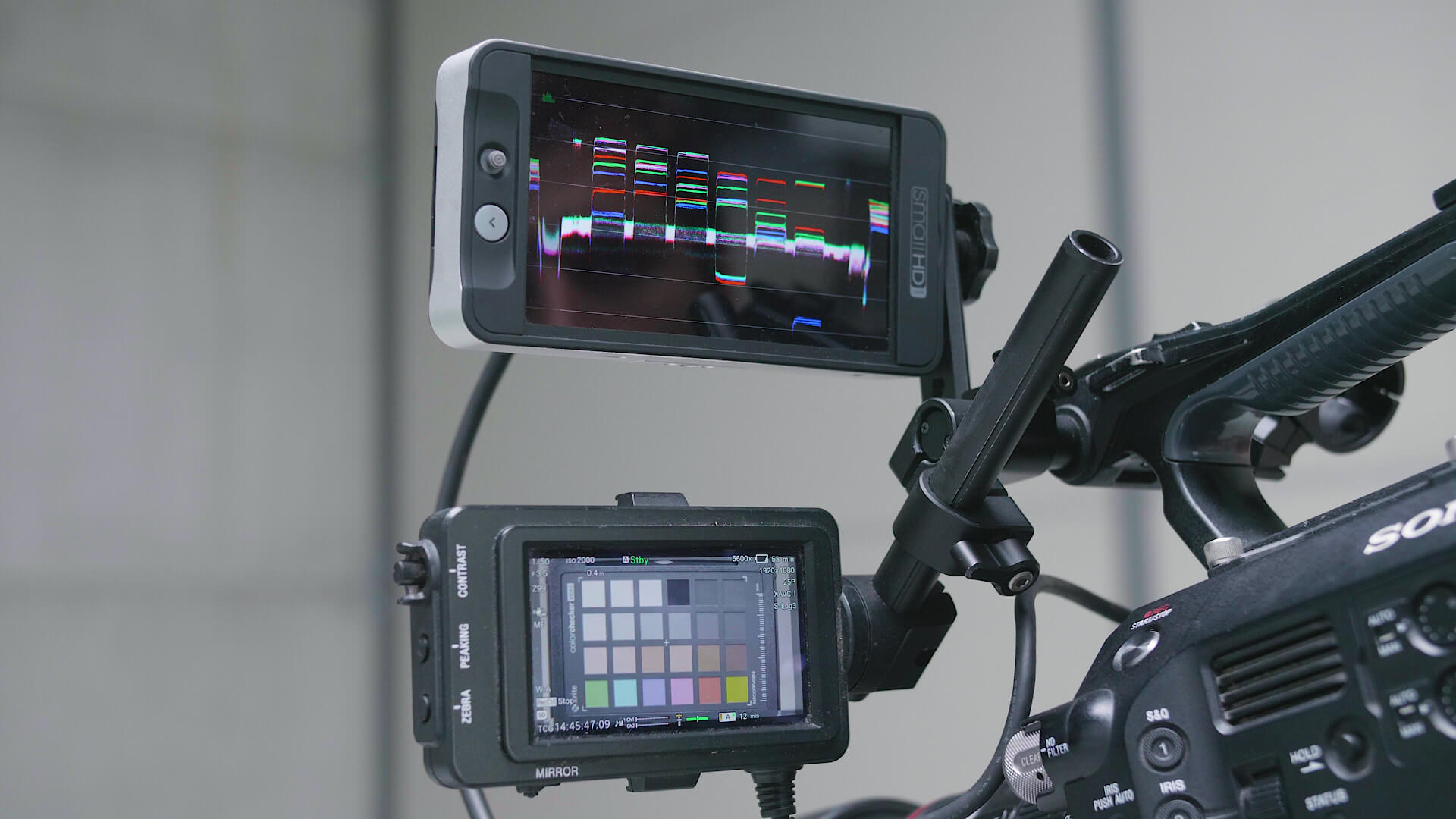
Using a vectorscope and waveform we can actually calibrate our camera to get a neutral color while recording. Unfortunately not all camera's have all the options we need to do so. The Sony FS7 and other professional cameras do have these options, but most DSLR's don't.
Cameras that don't have all the options to tweak the details do give us an output on the vectorscope which colors are off. This way it's easier for us to understand what to do in post production.
Post Production
DaVinci Resolve and Final Cut Pro X have an automated option for the color checker passport to neutralize the colors. Unfortunately Premiere Pro doesn't, but in this tutorial we show you how to go through this process manually.
Jordy Vandeput
Founder of Cinecom · 2.75M+ subscribers on YouTube
Jordy Vandeput is a Belgian filmmaker who has taught practical filmmaking to millions through Cinecom. He breaks professional techniques down into clear, repeatable steps you can use on your very next project.
Related tutorials
 16K
6:22

20 Lighting Tricks You Won’t Believe are This Simple!
Learn 20 lighting tricks to level up your cinematography in this tutorial video. Create more depth and cinematic video using these easy tips.
 15K
8:46
How we saved our Ruined short Movie with Editing
In this video tutorial we will teach you how we used easy editing tips and tricks to save our ruined Short Movie about Space.
 53K
8:39

This Simple Trick makes your VFX 90% Better
Learn how to use lighting to instantly improve your VFX with these 5 simple tips and tricks.


3 comments
What's up, I wish for to subscribe for this web site to obtain hottest updates, therefore where can i do it please assist.
I do not know whether it's just me or if everybody else encountering problems with your site. It looks like some of the text in your content are running off the screen. Can somebody else please provide feedback and let me know if this is happening to them as well? This could be a issue with my web browser because I've had this happen before. Appreciate it
Thank you for the good writeup. It in reality was a enjoyment account it. Look advanced to far added agreeable from you! By the way, how can we communicate?