10 Steps to Shoot Epic B-Roll of Anything
 Jordy Vandeput
96K views
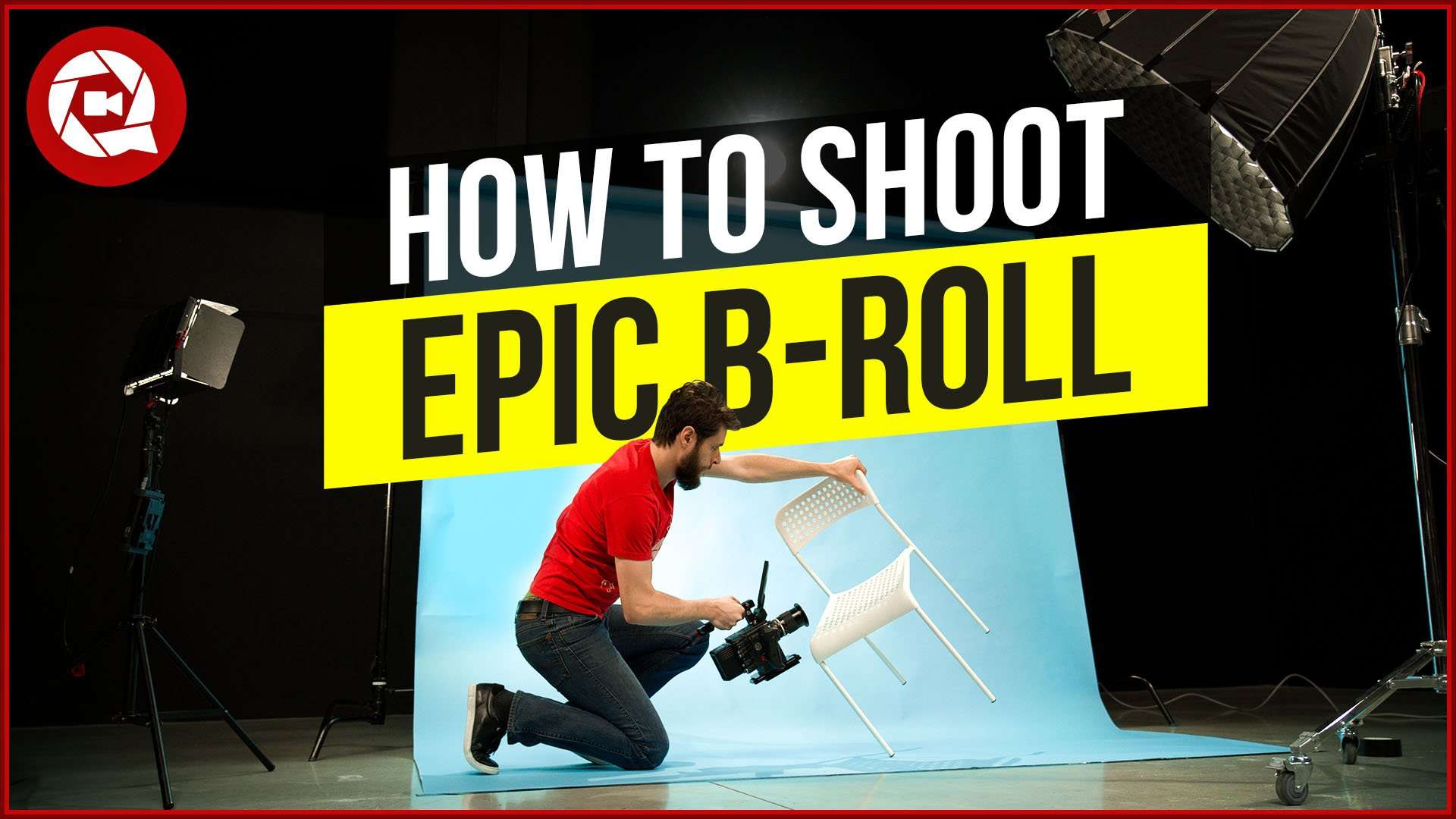
Shoot epic cinematic b-roll of any boring object by following these 10 simple steps. From setting to lighting and video editing tips & tricks
Create epic b-roll
The epic b-roll trend has been going for quite a while now. But is it possible to create an epic b-roll sequence from boring household objects? Of course it is! You can make everything look epic, doesn't matter if it's a simple chair, a toilet paper roll or even a croissant. Let me tell you how to make anything epic.
Backgrounds are important
It's important to choose where you are going to shoot your object since the background can not be a disturbance. You object has to stick out on screen! So if you're shooting a white toilet paper roll, think about a darker background since that will create a nice contrast. Or for the orange looking croissant, a blue background will be great.
Light it up
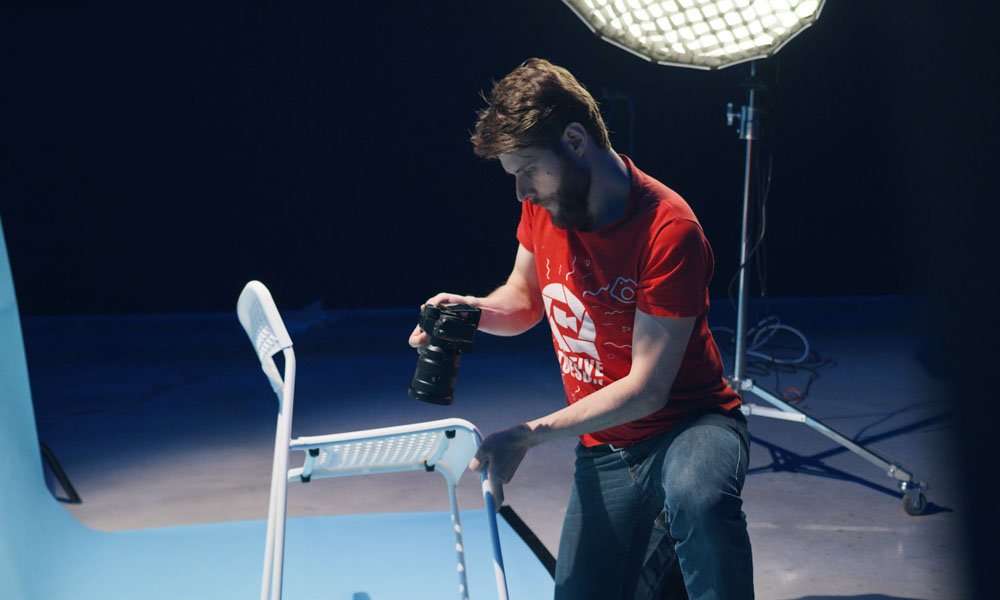
Lighting is super important. You can create mystery in your shots, work with shadows, multiple light sources, etc. It can also create a lot more depth in your shots. The most important lighting however is the backlight, try to use that a lot, it will make your object stick out of the background.
Getting the shots
The type of shots that you make of your object is super important. Start off with a mysterious shot, maybe a bit out of focus. Shooting a lot of close ups is also a good technique for creating a bit of mystery. If you have the right light sources you can also create silhouette shots of your objects. If your object has a nice texture, try to create some depth in that as well with your lighting, this will look super good on camera. Dynamic shots where you either move the camera or the object are also a great plus. Make sure to think about unique perspectives as well.
Revealing the object
The edit is the last part of your process and is also super important, you have to create a visual story that reveal your object in a creative way. For example, starting off with mysterious shots of your object, cutting to close ups and in the end, the final shot, the ultimate reveal, a wide shot of your object.
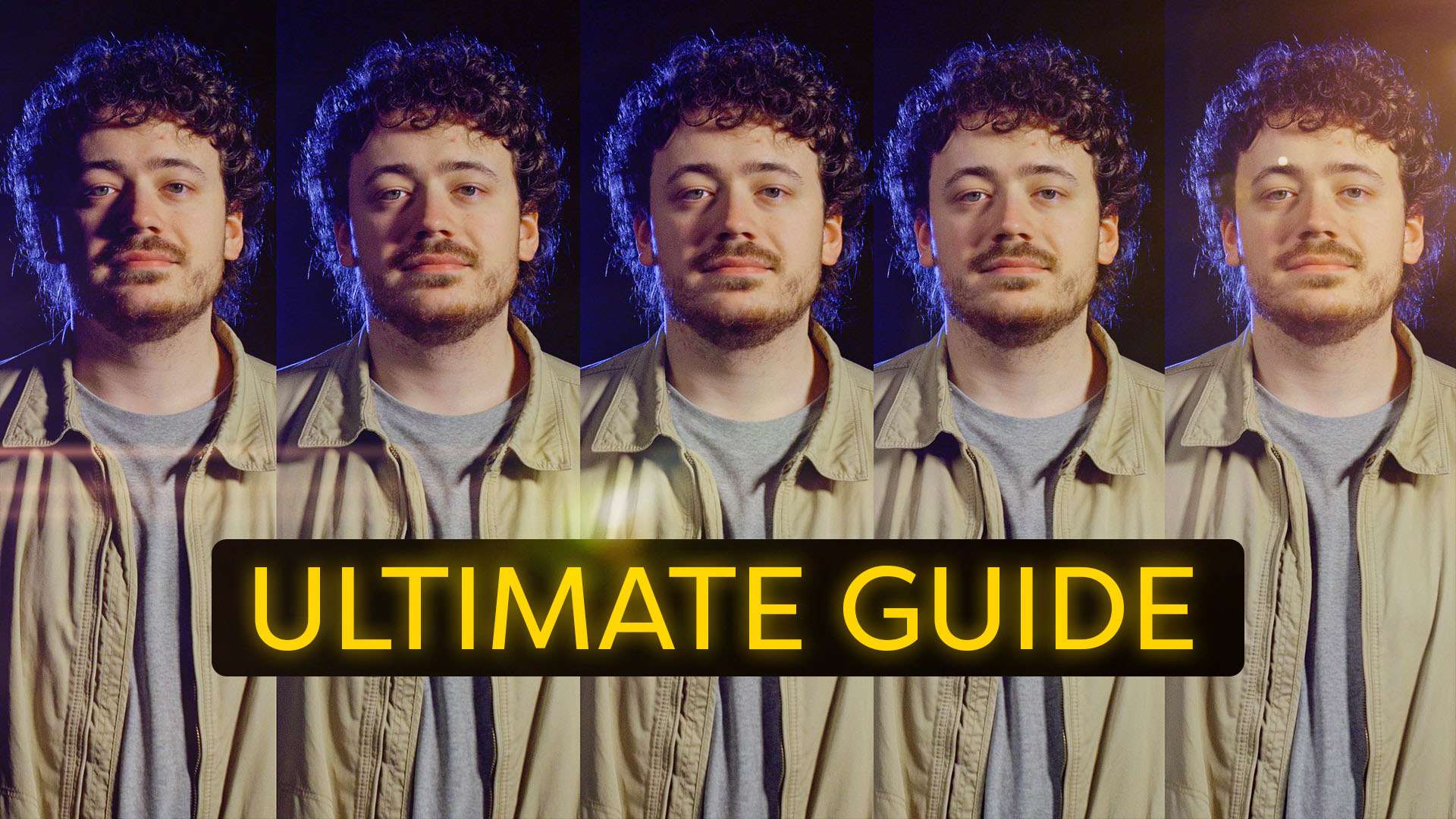
Now cutting this is quite easy but you can spice this up a lot! With the use of speedramps you can create a more dynamic edit. Using overlays (like flares for example) is a great way to make transitions between shots or to spice a specific shot even more. Don't forget, the build up is super important so also look for a good song that has a build up, a beat drop and of course at the end another build up so that you can end with a wide shot of your object.
Storyblocks
If you want to have access to a library full of overlays, transitions, stock footage, customizable After Effects templates and much more, definitely have a look at Storyblocks. We use it every week for lots of different projects. It's a great tool for every filmmaker.
Jordy Vandeput
Founder of Cinecom · 2.75M+ subscribers on YouTube
Jordy Vandeput is a Belgian filmmaker who has taught practical filmmaking to millions through Cinecom. He breaks professional techniques down into clear, repeatable steps you can use on your very next project.



1 comment
Great tutorial. Thanks, Kathy