5 Montage Techniques to Improve your Videos
 Jordy Vandeput
186K views
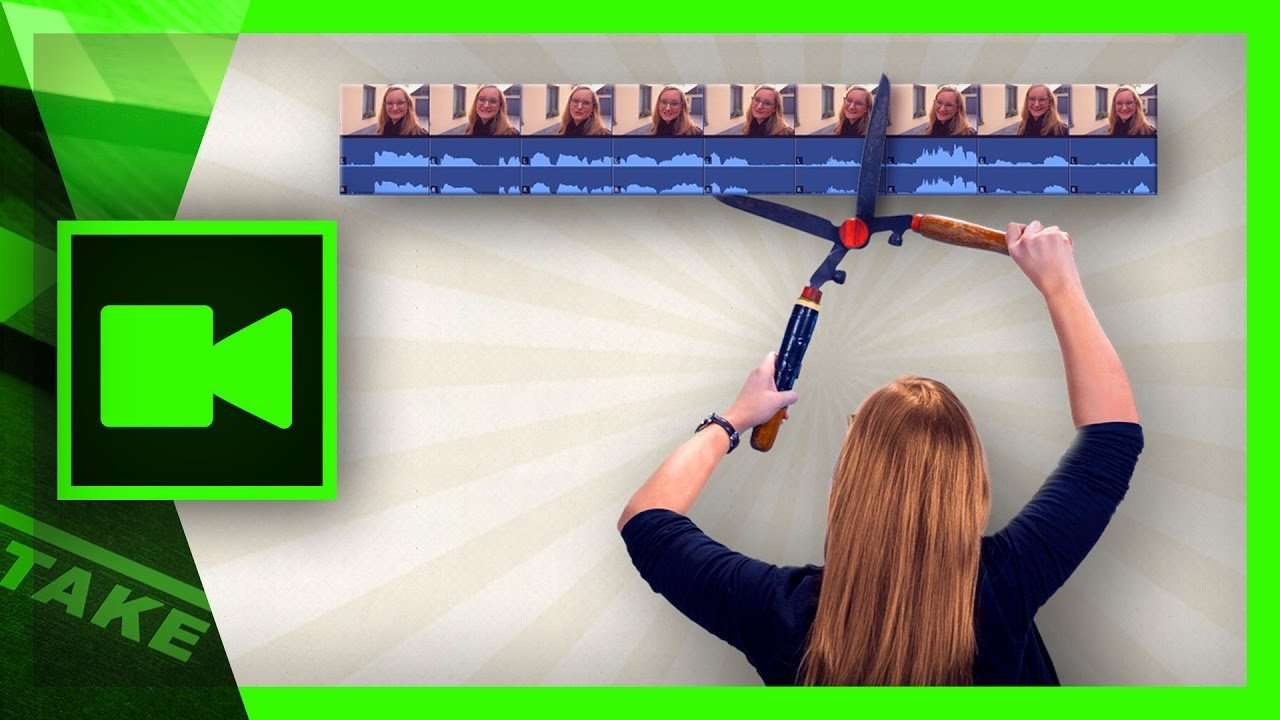
Montage techniques are certain rules and ways to arrange your video clips or where to cut. In this video tutorial you'll learn 5 popular montage techniques.
A good video editor is like a ninja; if his work cannot be seen, he did a good job!
Since the invention of moving pictures, film makers where looking for ways to make their videos more interesting by combining different shots together. Over the years dozens of such montage techniques are founded. They also refer to the psychology of video editing.
A good video edit is fluent, dynamic, it can create tension or surprise the viewer. In the video tutorial we'll have a look at five common montage techniques.
The first one is called cutting into the action. We cut from one camera angle to another and make sure there's movement between it. This makes the viewer focus on the movement and not on the cut.
In the second montage technique we make a resemblance between two different scenes. The way a second scene starts could tell an underlying story to its previous scene. In our example we make a resemblance between a battlefield and cutting an apple in a kitchen.
The next technique is more of something to be aware of. Building up tension or an awkward feeling with the viewer can be created by holding a clip longer than normal. We often tend to cut away to fast. It's simple as that!
For the fourth technique we'll have a look at insert and cut away shots. These are usually close-ups that we can insert in an action of a long shot. We also advice to always shoot enough inserts as it could help with stretching or cropping the length of your video.
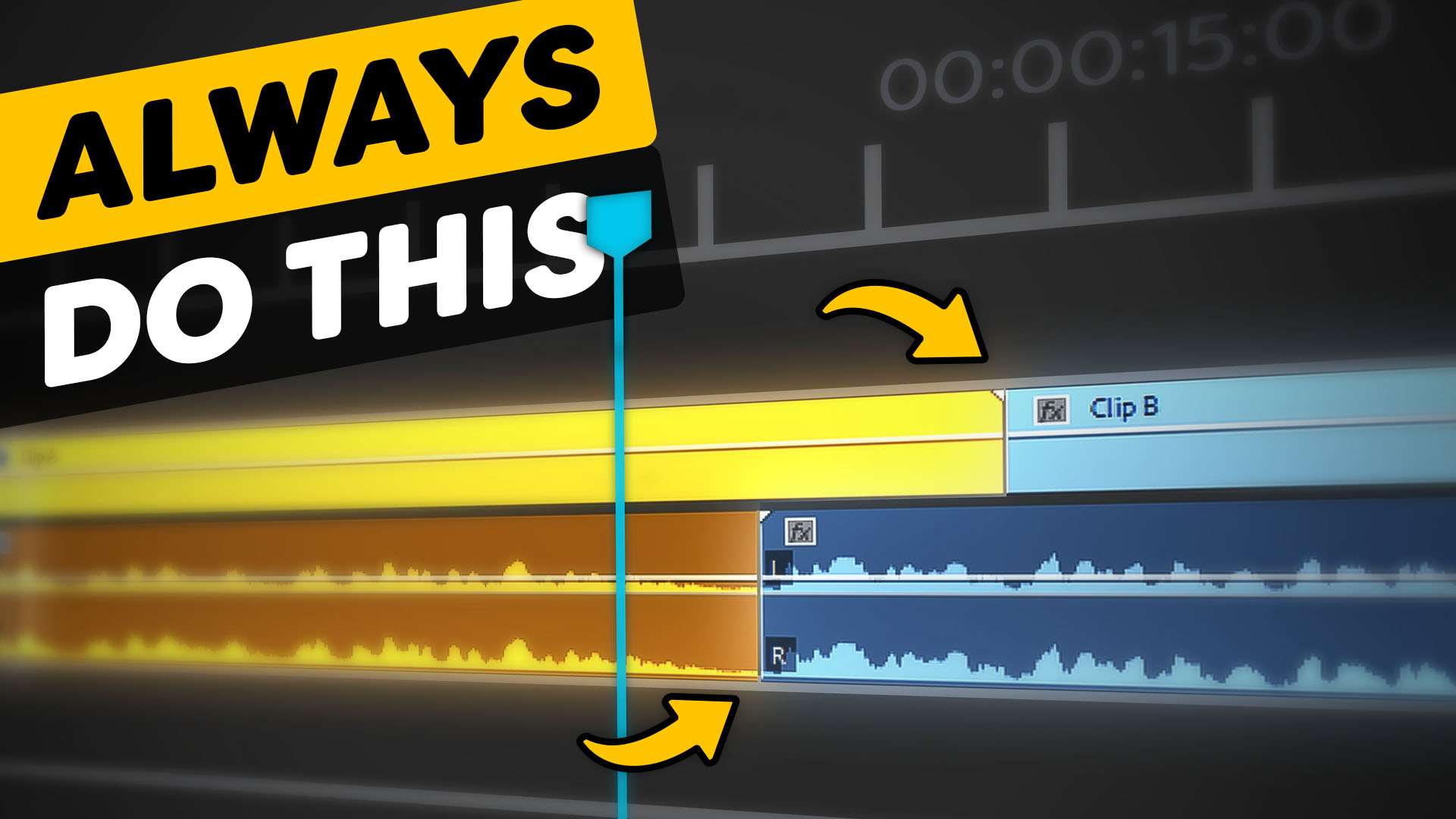
The L-cut is the last montage technique. Here we guide the viewer gently to the next scene by overlapping the audio. You want to introduce the sound of the second scene already in your first scene. The viewer expects a new scene to happen and will not get surprised.
Jordy Vandeput
Founder of Cinecom · 2.75M+ subscribers on YouTube
Jordy Vandeput is a Belgian filmmaker who has taught practical filmmaking to millions through Cinecom. He breaks professional techniques down into clear, repeatable steps you can use on your very next project.



11 comments
Actually, tip 5 is called J-Cut. L-Cut is when you overlap the audio of the first clip into the second one. I enjoy your videos a lot. Very good work
Please make an editing tuts Jordy :)
We have a lot of video editing tutorials. You can find the Premiere Pro video here: https://www.cinecom.net/?s=premiere+pro
Hi Jordy, could you make a video on how to do correctly the editing, when you have an interview style shot and you zoom in then zoom out, not what is the name of this technique. Every time I use this, the zoomed in part looks a bit washed out, I am afraid I am doing something wrong... Thanks
Hey Sebastian, with washed out you mean out of focus? That's probably because you're using a photo lens. Video lenses keep their focus while zooming. Most photo lenses don't.
Thanks for the quick reply. This not what I mean, let's say you have a good footage, a talking head, just like your YouTube videos, when you edit your footage, you don't want to keep the same frame, to make it more dynamic. What I am doing, for example, on a footage shot on 1080X1280 after a few seconds I will cut the footage, zoom in about 10%, let it run a few seconds and then cut again and set the frame size back and so on.... But the quality of the final results seams to be poorer when zoomed in ... I hope you can help, thanks
Ah I understand what you mean now. What I do is record in 4k resolution and downscale to 50% to edit in 1080p. Whenever I zoom in I go to 70-80%. But as you can see I never cross the 100% as that will decrease quality. If you record in 1080p then I would suggest to work with two cameras or purchase a 4K camera. The prices have really decreased a lot.
Thanks Jordy, keep up the good work.
BTW, does this technique have a specific name?
Hi Jody I am going to shoot a low budget music video for a friend and I am locked down on the equipment to use for smooth movement. Any help would be great. Regards.
I would recommend a Flycam if you're on a tight budget. Or perhaps make a DIY steadicam with weight puling. You can find a tutorial here: https://www.youtube.com/watch?v=6NDsEFy5Iww