3 Point Lighting Tutorial: The Basics of Light for Video
 Jordy Vandeput
30K views
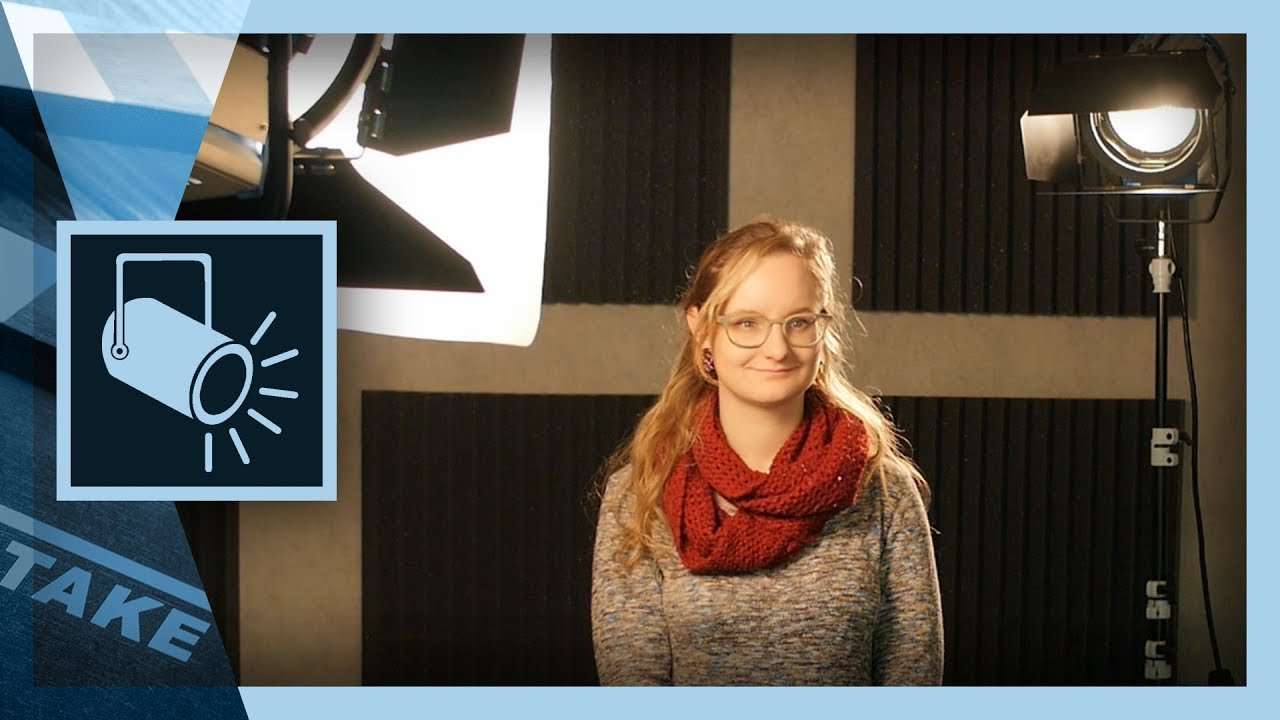
The 3 point lighting is the basic principle for using light in video. A setup used to light your model more dynamic. Enjoy the tutorial video!
Lighting is one of the more important building blocks for making good video. It's the tool that creates a mood, a look & feel. But it's just about pointing your light anywhere to 'brighten up' the scene, there's an actual technique anyone can follow. This technique is called the 3 Point Lighting and is considered as the foundation in lighting subjects like a model. Like the tutorial explains, it works with a fill light, key-light and back-light.
If you're starting out it's important to first get the hang out of this technique, after that you can experiment with different styles and moods. One way to experiment is just by replacing the 3 lights with with different sources. For example; if you use a big soft box as the key-light, try swapping it with a hard Fresnel light. Or use color filters to change the overall tone of the lighting. Just note yourself that you must follow that 3 point lighting principle.
Another way to experiment with light is by leaving out of the light sources. By dimming your key- and fill-light, you can create nice looking silhouettes with only the back-light active. Or only use the key-light for a dramatic shadow effect.
I'm curious to see what you can achieve with this 3 point lighting setup. Let us know in the comments!
Jordy Vandeput
Founder of Cinecom · 2.75M+ subscribers on YouTube
Jordy Vandeput is a Belgian filmmaker who has taught practical filmmaking to millions through Cinecom. He breaks professional techniques down into clear, repeatable steps you can use on your very next project.




2 comments
I thought the fill light was to fill in the shadows that were created with the key light.
That's correct as well. But often when you have more sources available you could use an extra 'fill' light to lift up those shadows.