Become a fulltime filmmaker. Your career starts here.
Filmmaking & Video Editing courses by Jordy Vandeput. Learn Cinematography, Adobe Premiere Pro, After Effects and more. Download Video Packs: presets, templates, LUT's and more assets.


Every course. Every pack. One price.
- 14 courses
- 24 video packs
- 1 partner deal
- Every future release
Discover our Award Winning Courses
Learn filmmaking, cinematography, video editing and more.
 3h 35m
Video Editing with Adobe Premiere Pro for Advanced Users
 4h 59m
Unreal Engine 5 For Beginners: Learn The Basics Of Virtual Production
 40m
Mastering Cinematic Compositions In Video & Film
 3h 13m
Get Started with Adobe After Effects 2026 (Beginners)
What students say
★ 4.7 average across 6,577 reviews, on the courses and packs themselves.
★★★★★Very informative, engaging and entertaining.
★★★★★Awesome course, I learnt everything I needed and so much more, in a instructive and funny way! Trully edutainment and pure gold, thanks a lot and stay creative!
★★★★★The course was absolutely awesome, I'm not a beginner in video editing, but I definitely needed a well-structured complete course of the basics of Premiere and this was exactly the video I needed!
★★★★★Great information and a really great format. I would liked to have seen this 4 years ago! It would have helped me a lot. I love all of the content you guys create. Keep it up.
Assets that drop straight into your edit.
LUTs, templates, presets and footage. Royalty-free, commercial use included.
Odin Pro: One-Click Assets for Premiere Pro & After Effects


Free tutorials, every week
Find us on YouTube and learn from industry professionals
 23K
5:49
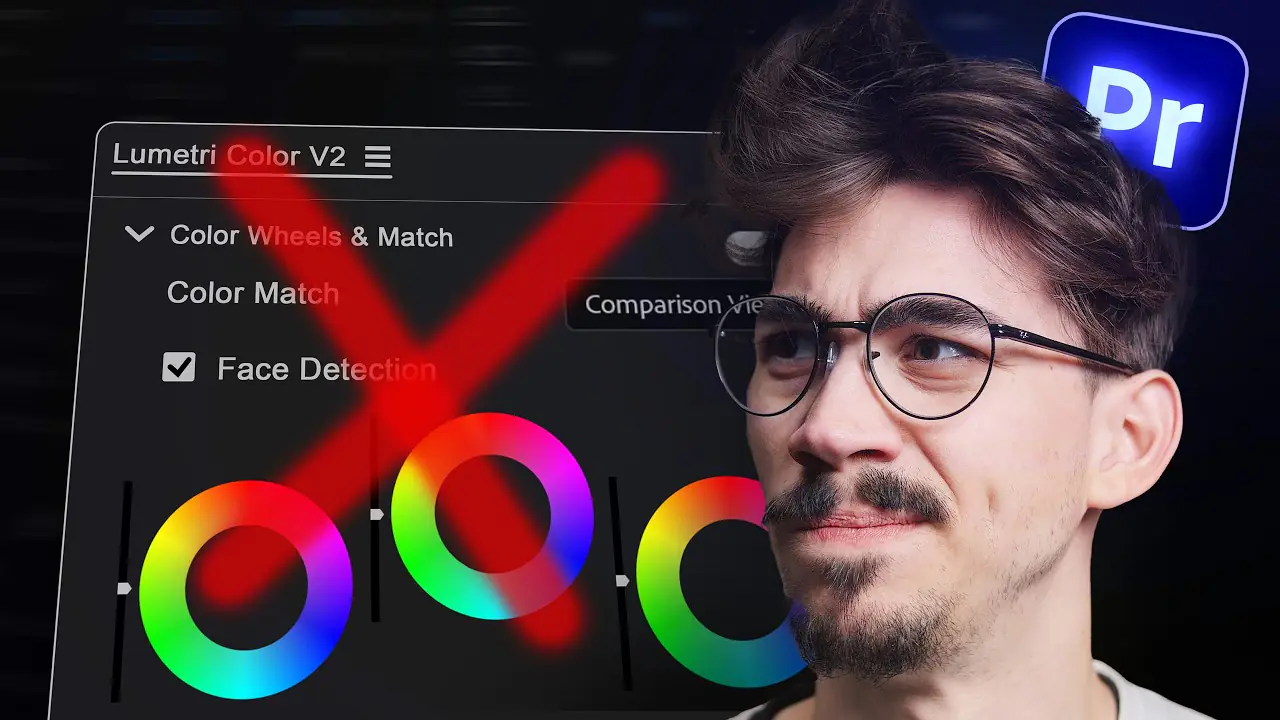
Lumetri Color Panel Removed: 5 Premiere Pro Grading Tricks
Is the Lumetri Color panel removed in Premiere 27.0? The panel retires, but the effect stays. Here are five grading tricks to learn now: two ways to make one color pop, a film look with FilmConvert Nitrate, a skin tone fix with HSL Secondary and a dreamy glow.
 25K
6:11

How to Make a Superhero Landing in Premiere Pro
Learn how to make a superhero landing in Premiere Pro without After Effects. Cut yourself out with the Object Mask tool, drop in with the Transform effect, speed up the fall with a speed ramp and hit the ground with an earthquake from the Camera Shake effect.
 14K
5:28
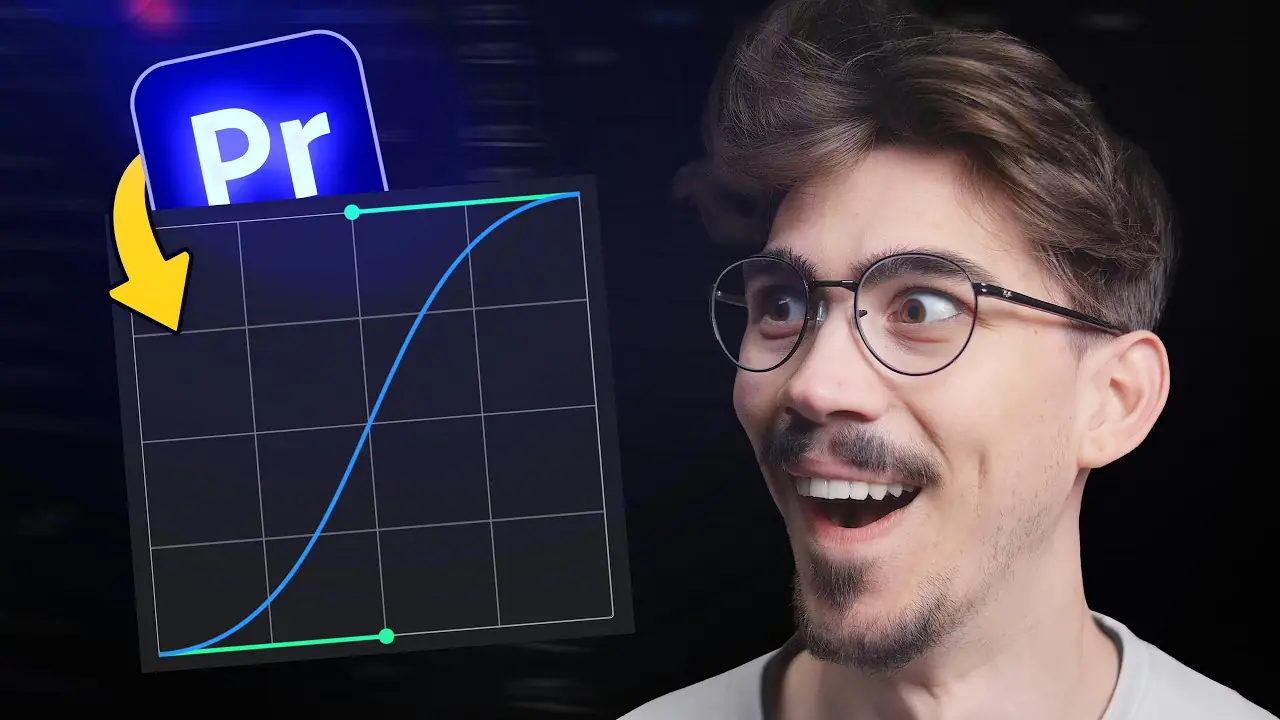
Premiere Pro Easing Curves and 3 More Blinkl Tools
Premiere Pro easing curves cannot be saved and reused, so simple animations end up in After Effects. The Blinkl ring menu adds a curve editor, beat markers, clipboard pasting and text animation presets, all from Ctrl + right-click. Here is what each tool does and what it costs.