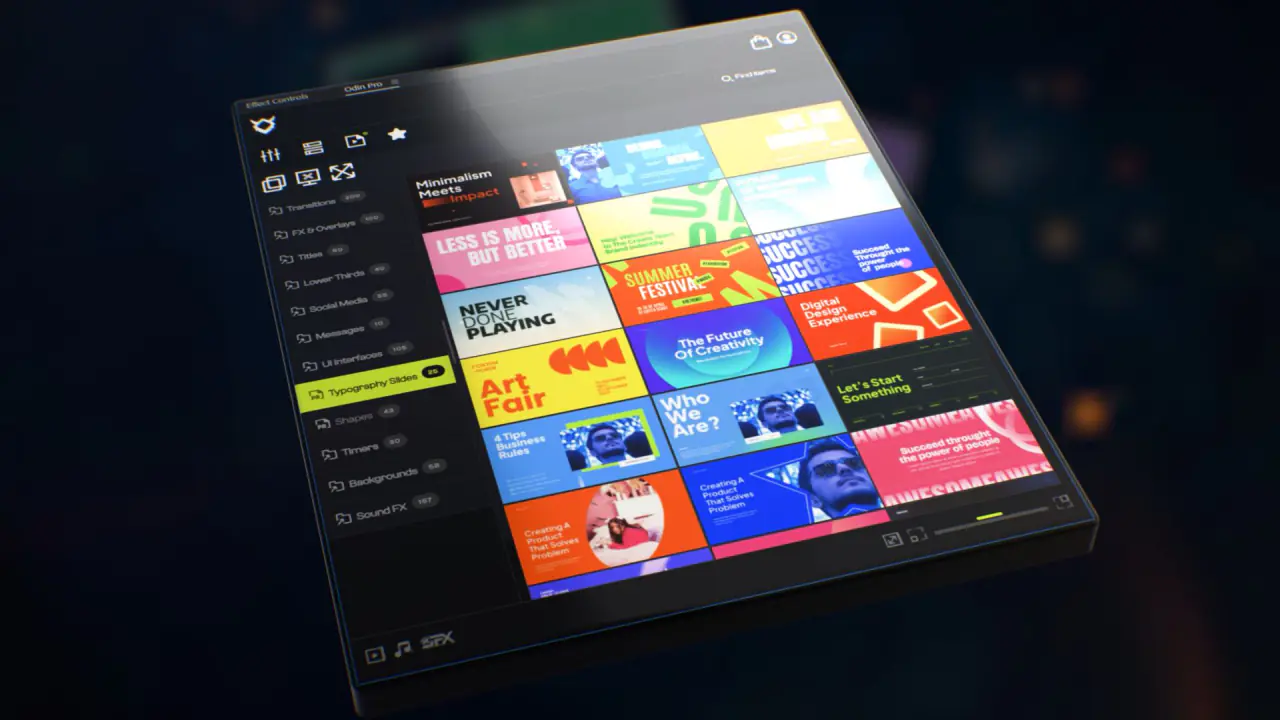
Odin Pro: One-Click Assets for Premiere Pro & After Effects
Transitions, titles, effects and sound effects in one panel inside Premiere Pro and After Effects. Click one and it lands on your timeline.
 Adobe Premiere Pro
 Adobe After Effects
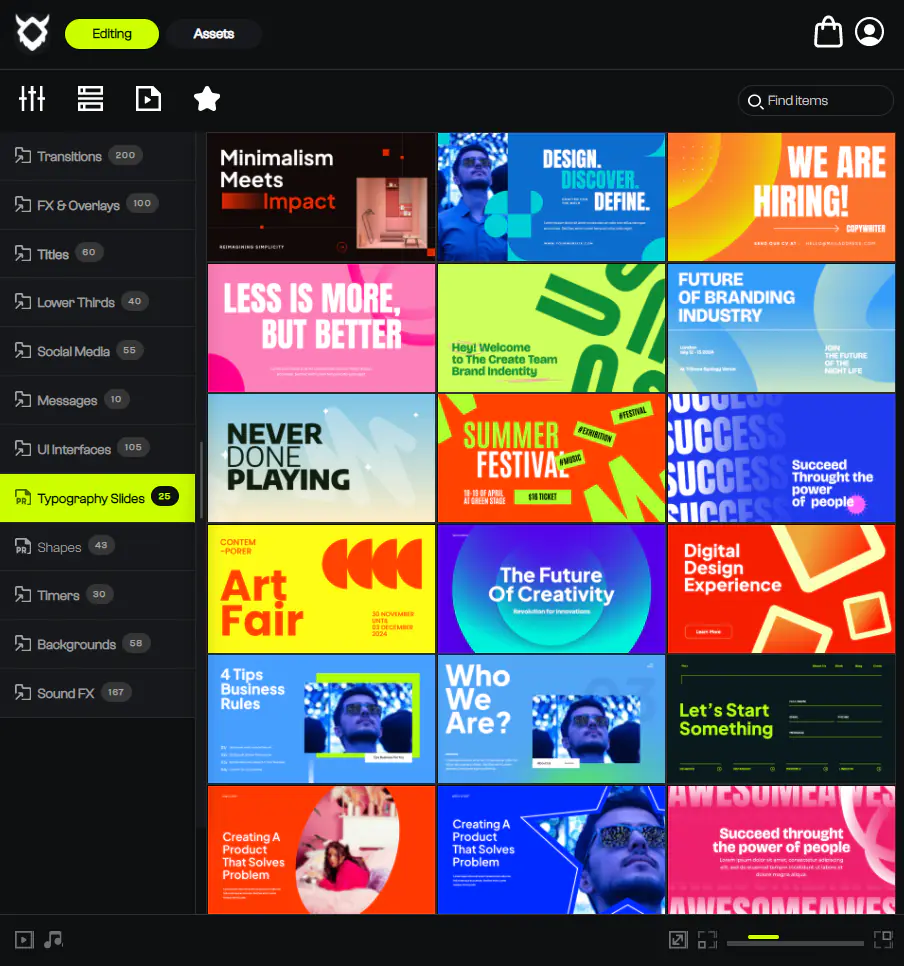
I use Odin Pro in my own edits. It is a panel that sits inside Premiere Pro and After Effects, and it holds the things I would otherwise build again for every video: transitions, titles, lower thirds, motion graphics and sound effects. You click one and it drops onto your timeline.
You also never have to open the keyframes to make it fit. You change the text, the colours and the timing in the panel, and the element scales to your frame, 16:9 for YouTube or vertical for a Reel.
Both programs share one library, so the title you used in After Effects is waiting for you in Premiere Pro too.
Odin Pro is a collaboration between Cinecom and Premiere Basics. Start on the free plan and try it in a real project before you pay anything.
- Pick a plan above. The free plan works too. You make your Odin Pro account at the same time.
- Download the installer for Windows or macOS from odin-pro.com and run it.
- Open Premiere Pro or After Effects and open the Odin Pro panel from the Window menu.
- Sign in, pick a category, and click an element to put it on your timeline.
- Assets
- 800+
- Categories
- 50+
- Runs on
- Windows and macOS
- Computers
- 2 at the same time
- Licence
- Commercial use on every paid plan
- Updates
- New content every month on paid plans
- Works in
-
Adobe Premiere Pro
Adobe After Effects


Every course. Every pack. One price.
- 14 courses
- 24 video packs
- 1 partner deal
- Every future release