Create an in-camera dream effect
 Jordy Vandeput
15K views
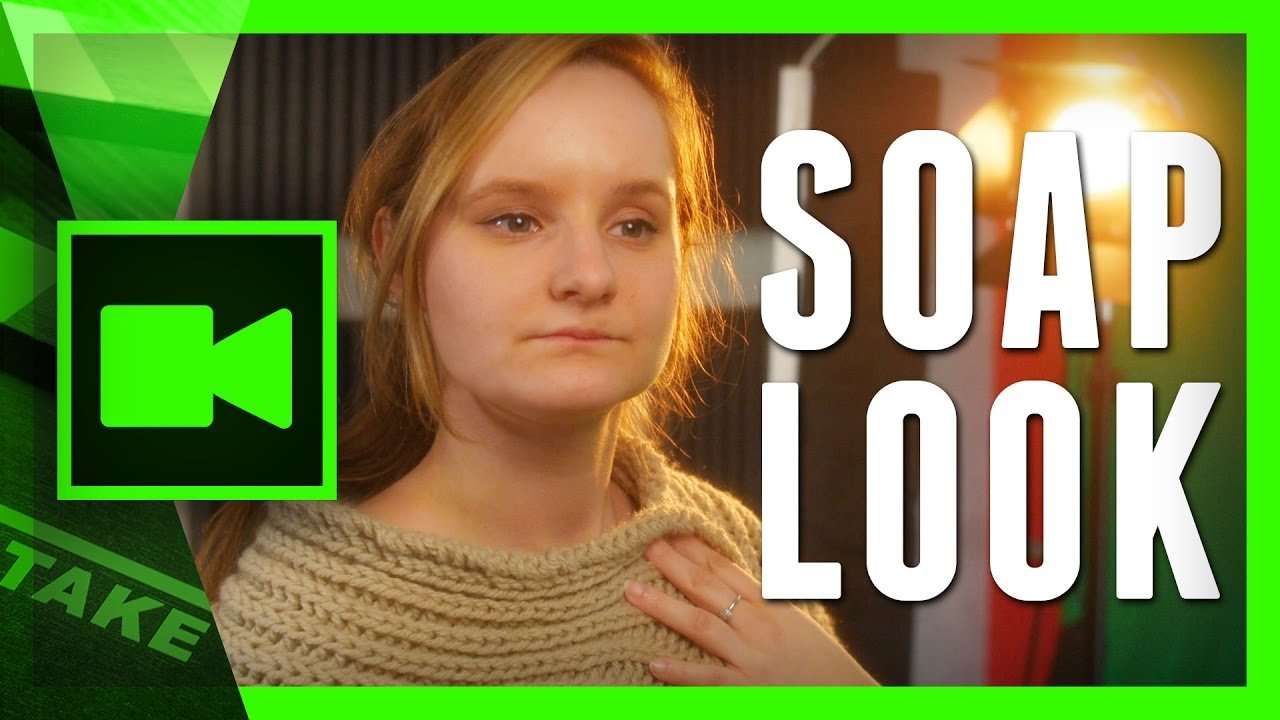
Create an in-camera dream effect like the drama soap the Bold and the Beautiful by using a simple nylon stocking filter trick.
One day at film school we where learning about lens filters. We usually only use ND filters or variations of it. The main reason is because most effects can be done in post production now. And if you would record with a special filter, you can't go back. Although, some effects are not so easy to create in editing. One of those things is a dream effect. This is a soft look which adds a beauty character to your scene.
This is very popular used in erotic scenes or drama soaps. The most famous will be "The Bold and The Beautiful". It's very known for it's soft, dream effect. Of course the DOP from that production used a real camera filter. We will use a "hack" to recreate that effect. Take an old (or new) nylon stocking and clamp it between your lens and your camera body. For those who use an adapter or speedbooster, make sure to attach it behind that. We want the stockings to be as close as possible to the sensor.
Jordy Vandeput
Founder of Cinecom · 2.75M+ subscribers on YouTube
Jordy Vandeput is a Belgian filmmaker who has taught practical filmmaking to millions through Cinecom. He breaks professional techniques down into clear, repeatable steps you can use on your very next project.







0 comments