Music Video Lighting from Bruno Mars ‘Versace on the Floor’
 Jordy Vandeput
25K views

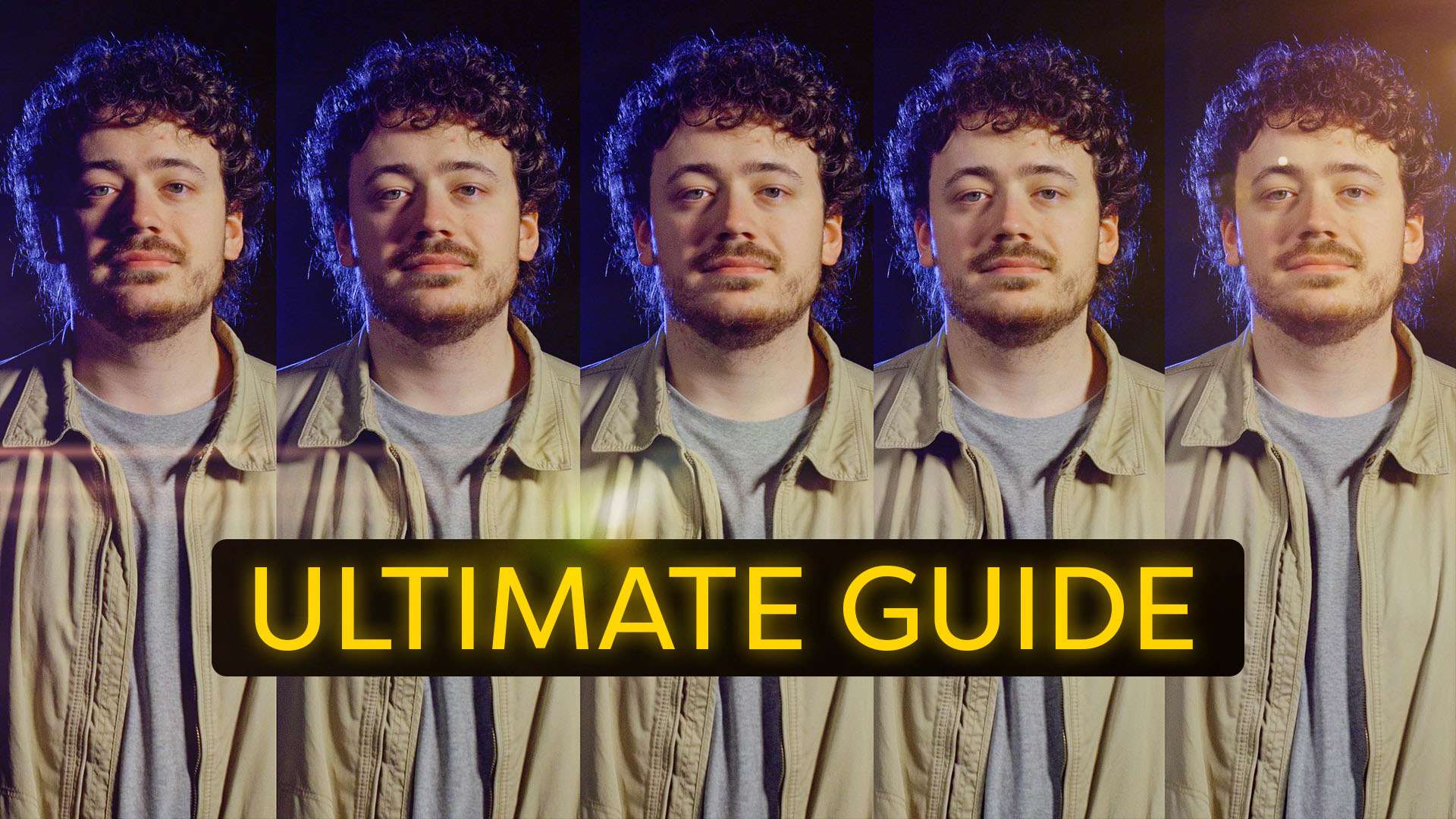
Learn how to light a music video like in Bruno Mars 'Versace on the Floor'. DIY lighting effects and bokeh to create a disco music clip.
Bruno Mars is no stranger in our community. The first time we did a video about his music video "That's what I like", it got viral. So with Bruno having just released a new video, we had to make a breakdown of it again!
This time no fancy scribble animations, but some cool lighting techniques. What they've done in Versace on the Floor is nothing special, but they did create a very nice eighties disco theme. The great thing is you can perfectly recreate it on a small budget.
Music Video Lighting
Like mentioned in the video we'll be using two lights to achieve the lighting effects from Versace on the Floor. One is a blue colored lighting, which we'll aim to the ceiling to create a soft overall light. And the other one is a purple light which can shine directly on the artist from above.
Any type of light will do, but you do need to modify the colors. We're using gels or filters from LEE. You can find the blue filter here and the purple filter here.
If you have some budget you can buy a star curtain or LED starlight backdrop, which will give the best results for those little background lights. But Christmas lights, like we used, can also work!
Bruno Mars - Versace on the Floor
Whenever we do a breakdown of a music video we have to be very careful with copyright issues. This is why we cannot use the original song in our tutorial, but luckily we have Premiumbeat on board! They let us pick out any song for this video and we've chosen something that would match Versace on the Floor a little. The song is called Easy Roller and you can check it out here!
Rocketstock - Canvas
This episode is sponsored by Canvas, a product from Rocketstock that contains 100 loop-able backgrounds. They've got many themes like Awards, Sci-Fi, 3D and more. They're great to use as a background for logos or presentations, but you can also blend them with your videos, which is a great way to enhance your next music video!
Jordy Vandeput
Founder of Cinecom · 2.75M+ subscribers on YouTube
Jordy Vandeput is a Belgian filmmaker who has taught practical filmmaking to millions through Cinecom. He breaks professional techniques down into clear, repeatable steps you can use on your very next project.






1 comment
Hello! I Visit a CineCom its a very Helpful for me in every Videos Catageory and for tips am very thankful!To cinecom if they help me i want some Video luts For colour grading in permeire pro kindly grant my coments i hope my matter will solve