Premiere Pro Workspace: How to Organize
 Jordy Vandeput
240K views
Organizing your workspace in Adobe Premiere Pro is super easy, in this beginner tutorial we'll teach you how to do it in simple steps.
What's the best way to organize?
Although there isn't really a right or wrong answer creating your own personal Premiere Pro workspace is something that you have to decide for yourself but try to keep it as clean as possible.
A clean workspace makes you more productive since you can find everything you need way faster. You can drag panels around, delete certain panels that you never need or you can add specific panels that you really want in your workspace.
If you are working on multiple monitors that I recommend using the source program panel on one monitor and all your other panels on the second monitor.
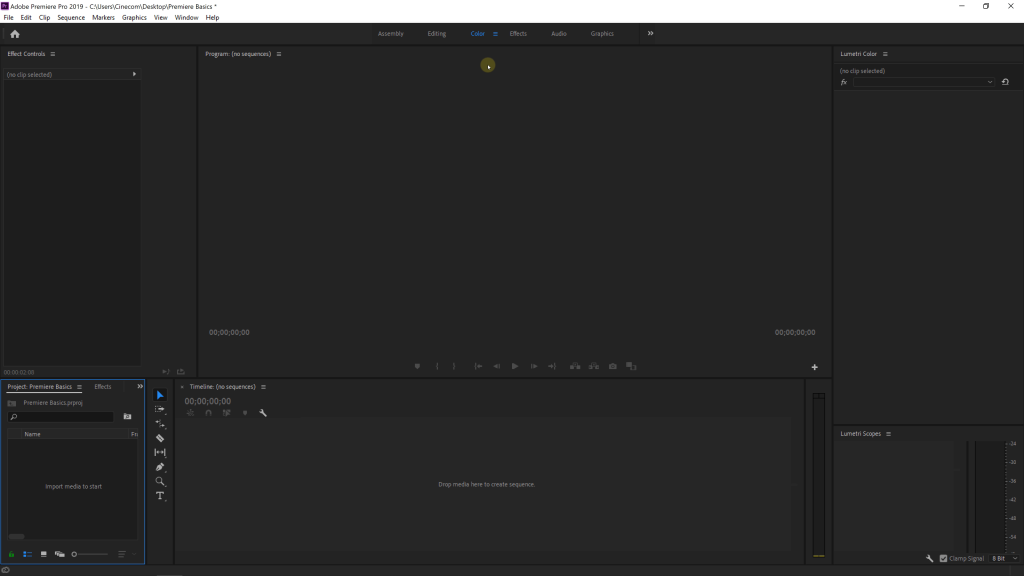
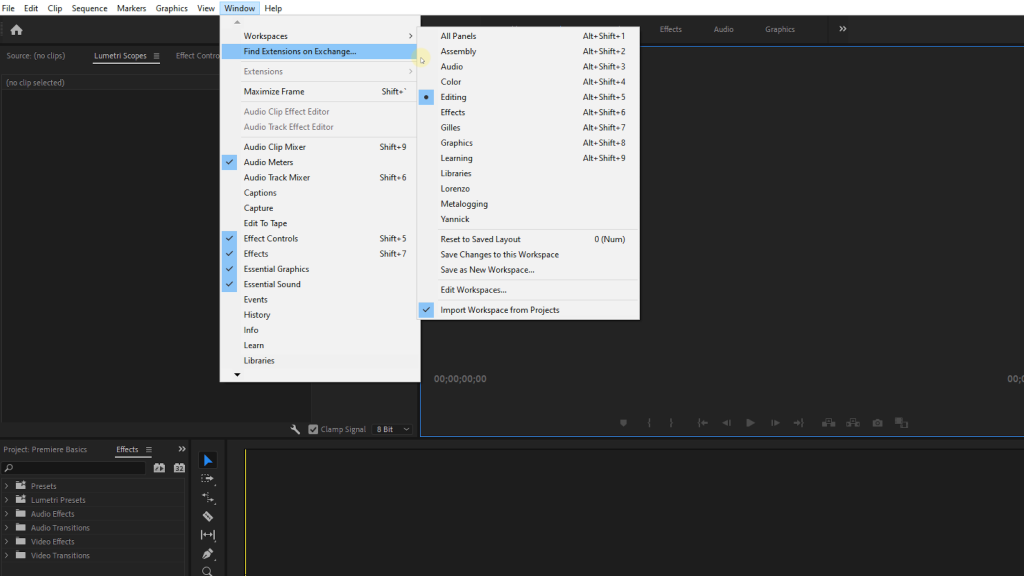
Whenever you create a new workspace, don't forget to save it. You can always create multiple workspaces. I also find this way more practical to switch between an editing workspace, a colorgrading workspace and a workspace where I can mix the audio.
Whenever you create multiple workspaces, also try to keep the workspace toolbar clean, delete the ones that you never use.
Can you teach me more about Premiere Pro?
Of course we can!
We will not only be posting weekly 'basic' videos on our YouTube channel, but we also upload complete courses on Skillshare. You can find these online courses on our website or on Skillshare.
We have courses about Premiere Pro, After Effects, Lighting, Lumetri in Premiere Pro, Camera Framing and so much more. We make these courses fun and educational, straight to the point and without any bullshit.
It's the perfect way to get started in Adobe Premiere Pro.
Jordy Vandeput
Founder of Cinecom · 2.75M+ subscribers on YouTube
Jordy Vandeput is a Belgian filmmaker who has taught practical filmmaking to millions through Cinecom. He breaks professional techniques down into clear, repeatable steps you can use on your very next project.



0 comments