I bought an $8,000 COMPUTER BEAST (2x RTX 3090)
 Jordy Vandeput
64K views
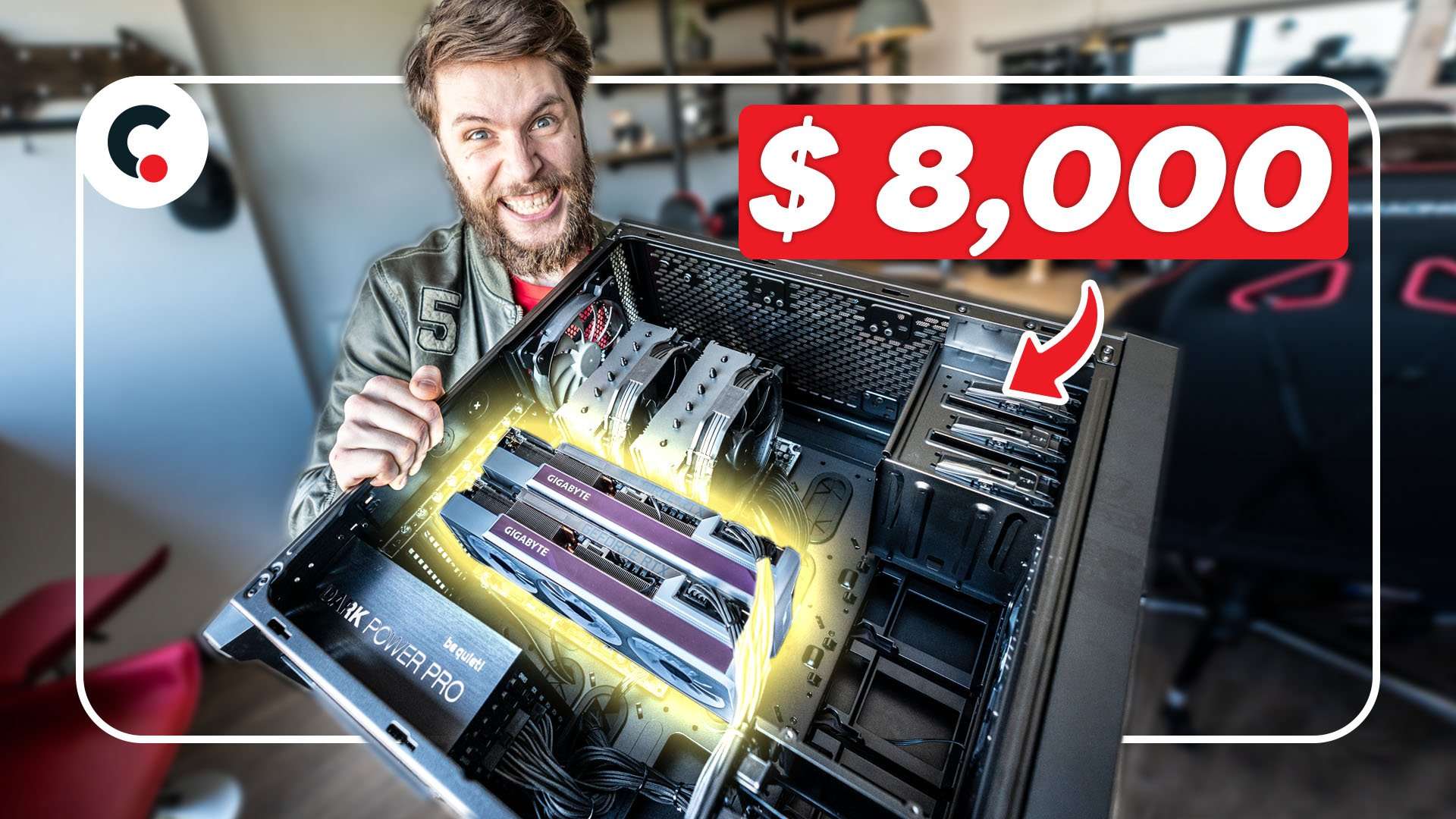
With 2x RTX3090 I built a new computer for 3D rendering. Tips & Tricks on how to build your own video editing computer and why we bought this beast PC.
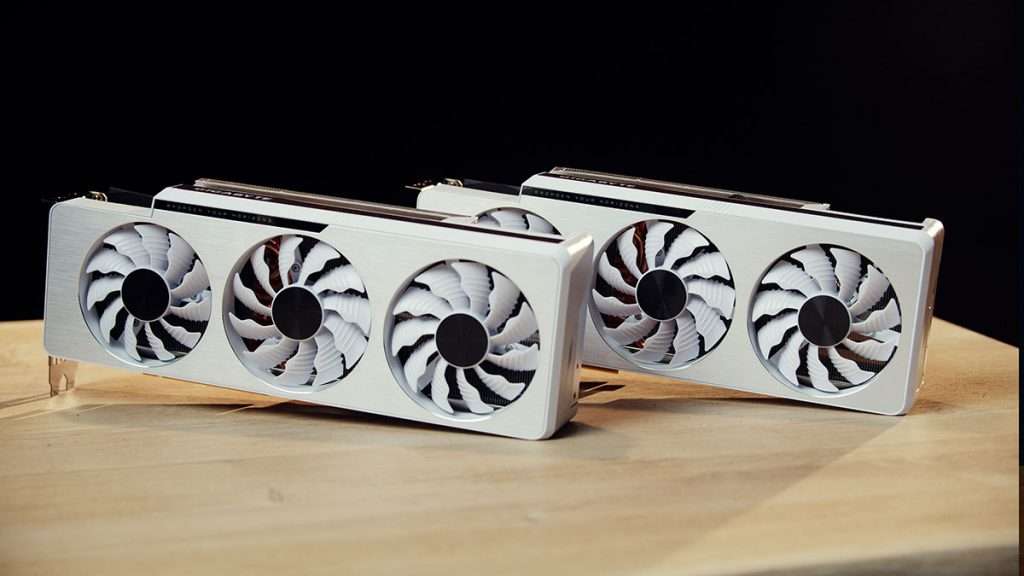
RTX 3090 GPU
Ever since Nvidia released their new 3000 series, the demand for the new graphic cards have been over the roof! This is due to the fact that the cards are fairly cheap while giving an enormous performance increase over their previous generation cards.
The RTX3090 is their flag ship card, which is for most people a complete overkill. But for us, 3D artists, it's a true blessing.
Rendering with Redshift
By default, Maxon Cinema4D (the program we make 3D animations with) renders on the processor. This goes very slow! Redshift is a plugin that allows us to render on the graphics card or GPU. This goes a whole lot faster.
On the Puget System website I read about the performance of the different GPU's and that how I made my choice to purchase two RTX 3090 cards.
The Specifications
So, what exactly can be found on our new rendering computer?
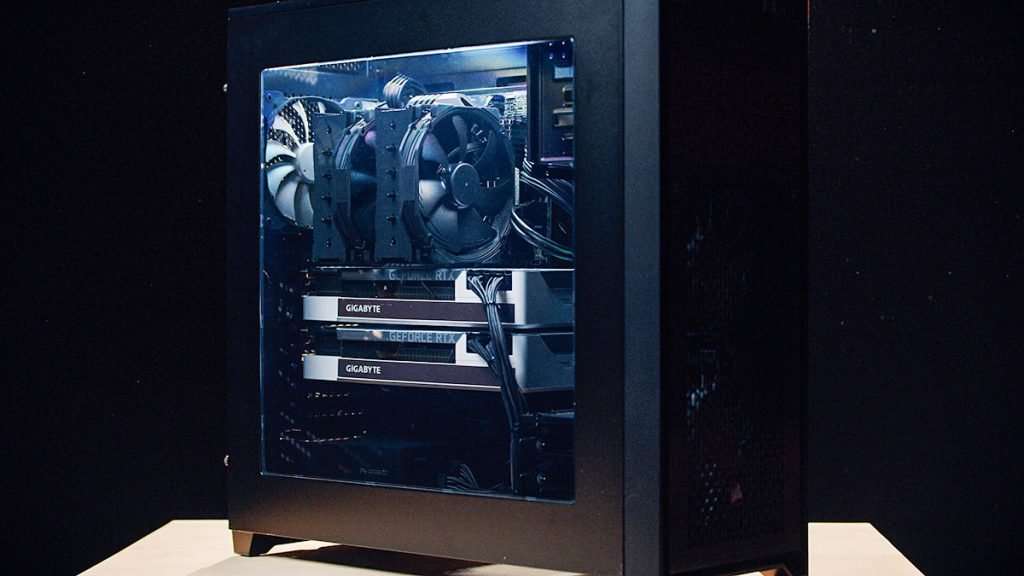
- Processor: AMD Ryzen 7 5800X
- CPU Cooler: Noctua NH-D15 Chromax Black
- Graphics Cards: 2x GigaByte GeForce RTX™ 3090 VISION OC 24G
- SSD: Samsung 970 EVO PLUS M.2 - 2TB
- Memory: Corsair Vengeance LPX 2x16GB DDR4-3000
- Motherboard: Asro X570 CREATOR
- Power Supply: be quiet! Dark Power Pro 12 - 1500W
- Case: Corsair Obsidian 750D Airflow ATX
Jordy Vandeput
Founder of Cinecom · 2.75M+ subscribers on YouTube
Jordy Vandeput is a Belgian filmmaker who has taught practical filmmaking to millions through Cinecom. He breaks professional techniques down into clear, repeatable steps you can use on your very next project.






3 comments
Why not a NVLink to share the VRAM between them? Are there any specific considerations behind this?
This is Insane , Make a Benchmark video
I bought a similar high-end pc from originpc.com 3 weeks ago and the specs: Cpu: Ryzen 9 5950x Cpu cooler: Corsair H150i Gpu: RTX 3090 SSD: Samsung 980 pro 1tb HDD: Origin 7200 rpm 2tb Memory: Corsair dominator platinum 2x16GB DDR4 3200 (White) Motherboard: Asrock x570 extreme4 Power supply: Corsair RM1000x Case: Corsair 5000D ariflow (White) It cost me around 5300$.