5 keying Tricks WITHOUT Greenscreen (After Effects)
 Jordy Vandeput
782K views
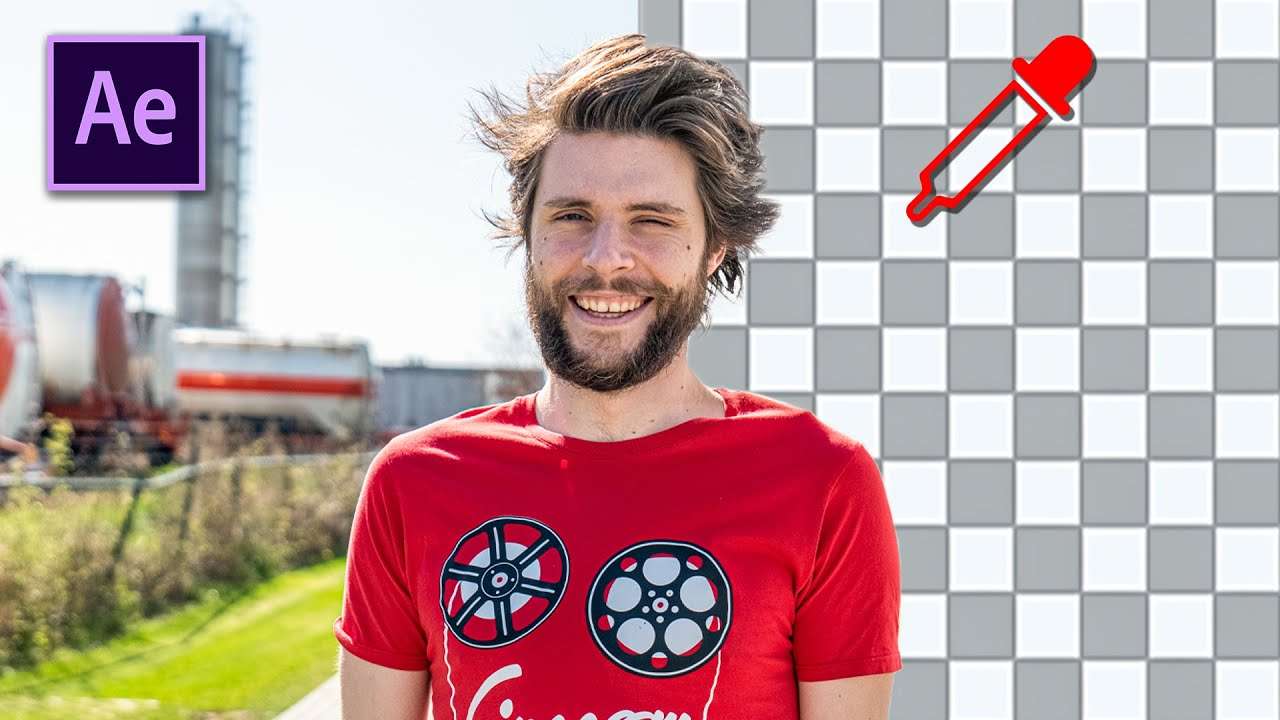
5 Easy keying tricks in Adobe After Effects without using a greenscreen. Learn how to remove different backgrounds.
Keying, everybody has done it or has tried it. Because let's admit it, keying is super hard. In this tutorial we will show you how to key your footage in a non traditional way. We will cover 5 different techniques besides Green keying. But maybe I can give you my own personal experience tips about green keying. Because let's admit green keying is quite essential when doing special effects.
Pulling off a great green key is not just something you do with one simple click. There are a lot of things you need to consider before you can come close to a perfect key. First thing is the color of the green you are using. This needs to be a darker green, a light green can have to much yellow and this can be a problem. Because yellow is also in your skin-tones and will make the key super hard. Next is the lighting on the green screen, this needs to be soft and the exposure needs to be the same over the entire screen.
Then the problem we have the most, green spill on our talent. If you place you talent to close to the green screen, it will reflect on your talent giving him or her a green spill. This can be easily fixed by placing your talent further away from the screen. And the last tip I have is try to film in the highest resolution possible and if your camera allows it, shoot in 10 bit. This will also make the keying easier because your footage will have a wider color range.
Storyblocks Video
This video was supported by Storyblocks Video, an easy to use site full of stock footage, After Effects templates, backgrounds, motion Graphics and much more.
Jordy Vandeput
Founder of Cinecom · 2.75M+ subscribers on YouTube
Jordy Vandeput is a Belgian filmmaker who has taught practical filmmaking to millions through Cinecom. He breaks professional techniques down into clear, repeatable steps you can use on your very next project.
Related tutorials
 179K
6:18
This New After Effects Update is Insane!
Learn how to use the newest 3D Beta feature from Adobe After Effects in this tutorial. Creating realistic renders has never been easier.
 61K
10:14
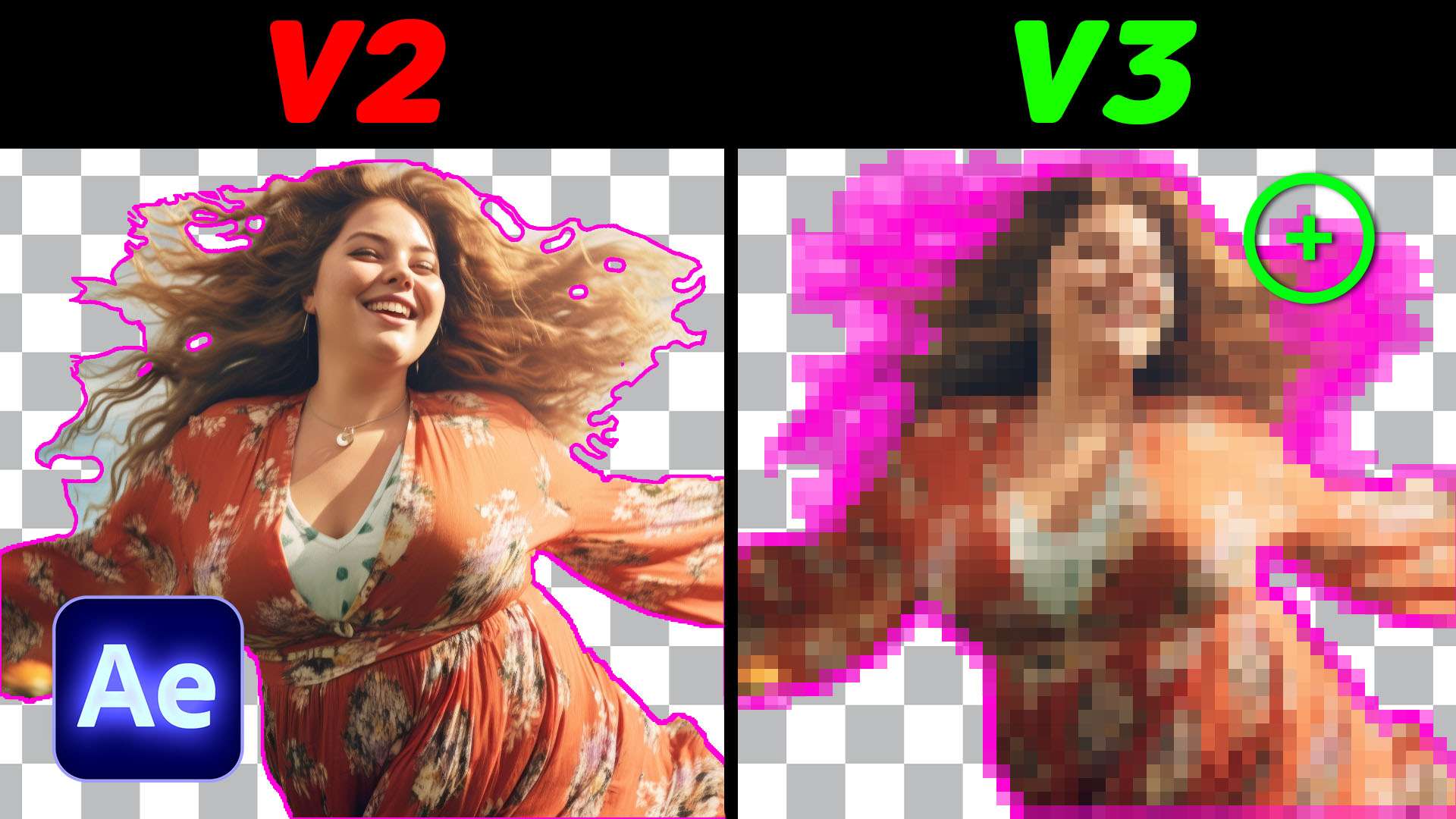
Is the NEW Rotobrush 3.0 Actually Better?
I tried out the new Rotobrush 3.0 In Adobe After Effects. Find out together with me if this new tool is worth it.
 46K
5:29
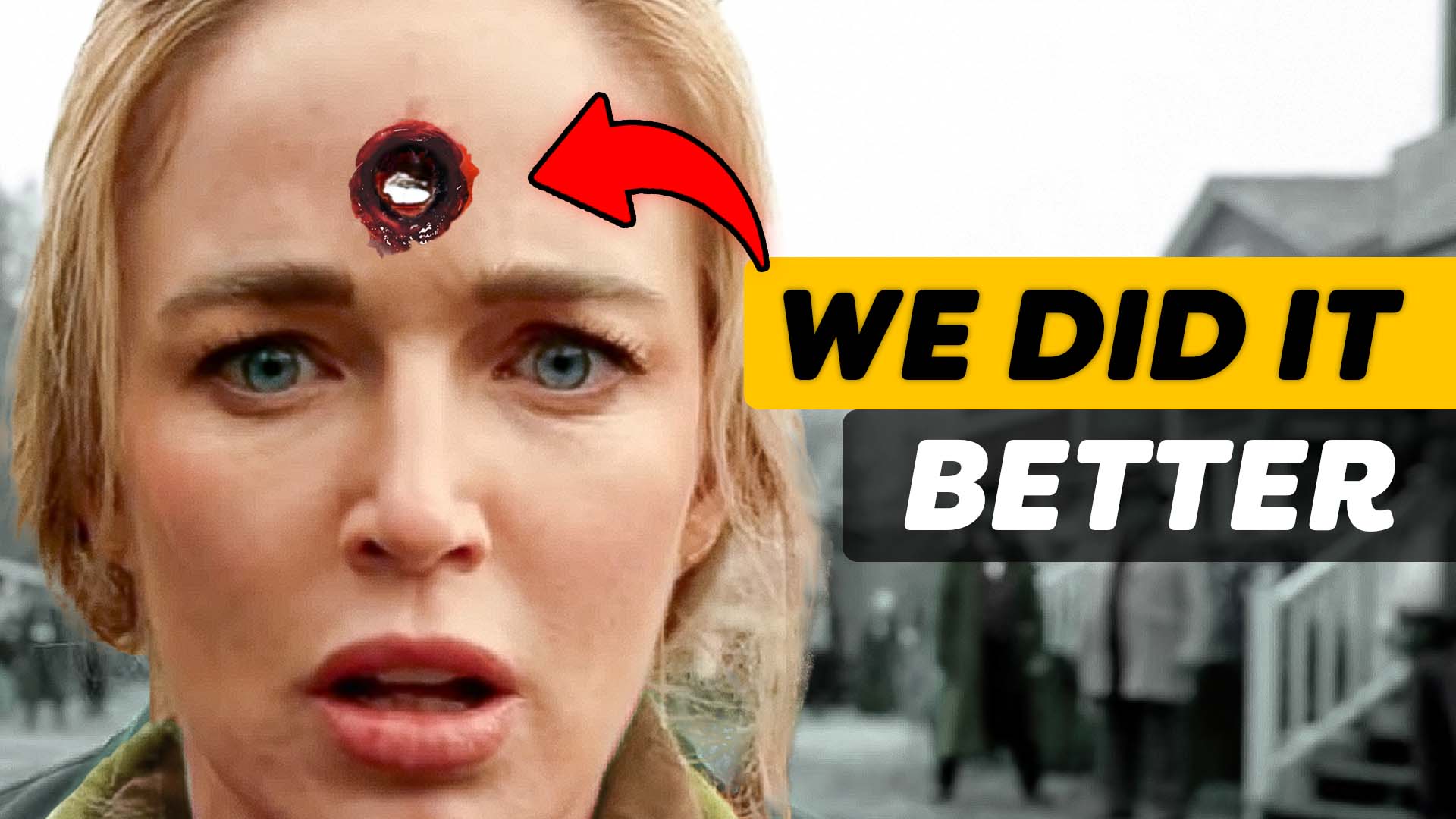
This Easy VFX Trick Will Blow Your Mind!
Learn how to create a realistic gun shot wound effect in this tutorial with the help of some practical tools and Adobe After Effects.
0 comments