
Jordy Vandeput
Founder of Cinecom · 2.75M+ subscribers on YouTube
Jordy Vandeput is a Belgian filmmaker who has taught practical filmmaking to millions through Cinecom.
Everything Jordy has published
Browse by topic 46K
8:17
4 Premiere Built-In Transitions That Replace Keyframes
Premiere built-in transitions can do the work of a stack of keyframes. I show four builds: a text reveal with Motion Camera, a Spin Motion logo animation, a TV turn on effect with TV Power, and lower thirds made from Fold Motion and Spring Motion.
 24K
5:49
Lumetri Color Panel Removed: 5 Premiere Pro Grading Tricks
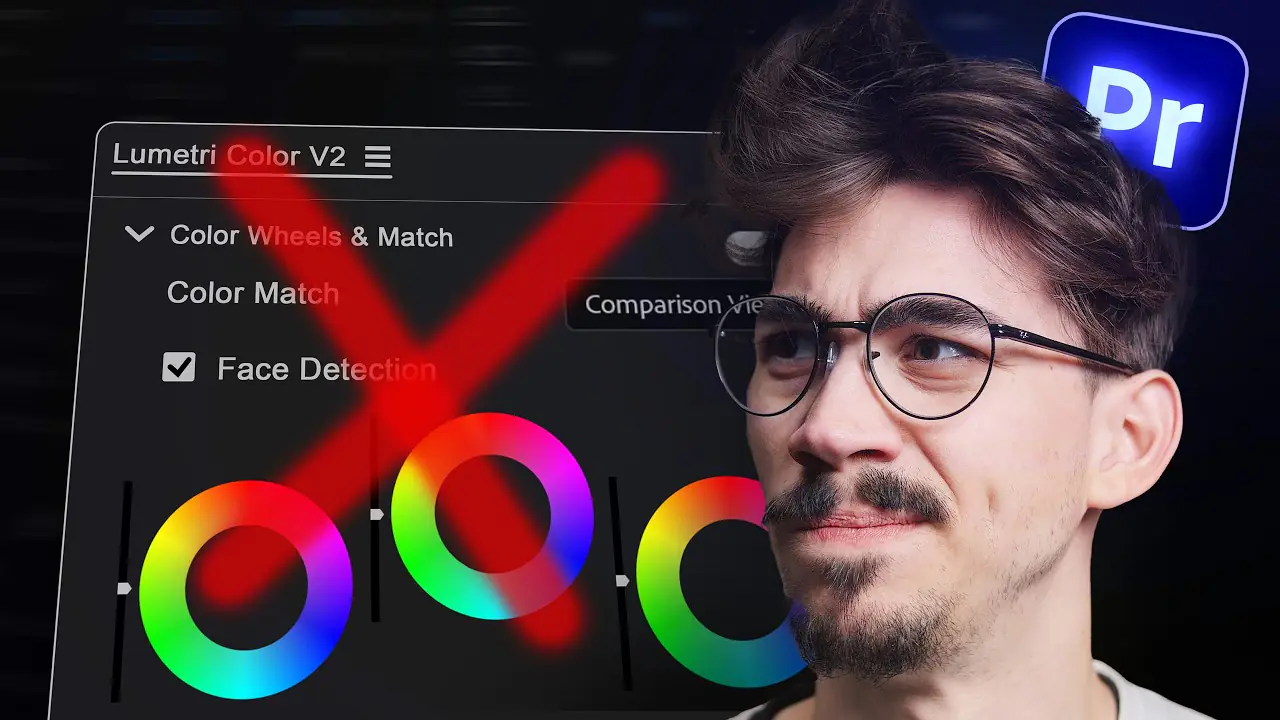
Is the Lumetri Color panel removed in Premiere 27.0? The panel retires, but the effect stays. Here are five grading tricks to learn now: two ways to make one color pop, a film look with FilmConvert Nitrate, a skin tone fix with HSL Secondary and a dreamy glow.
 25K
6:11

How to Make a Superhero Landing in Premiere Pro
Learn how to make a superhero landing in Premiere Pro without After Effects. Cut yourself out with the Object Mask tool, drop in with the Transform effect, speed up the fall with a speed ramp and hit the ground with an earthquake from the Camera Shake effect.
 14K
5:28

Premiere Pro Easing Curves and 3 More Blinkl Tools
Premiere Pro easing curves cannot be saved and reused, so simple animations end up in After Effects. The Blinkl ring menu adds a curve editor, beat markers, clipboard pasting and text animation presets, all from Ctrl + right-click. Here is what each tool does and what it costs.
 48K
8:04

FAST And EASY Effects You MUST KNOW! (Premiere Pro Tutorial)
Learn a fast Premiere Pro workflow: remove a building with Photoshop generative fill, mask precisely, animate with Transform, and bend it in After Effects.
 18K
6:42

Create SMOOTH LOGO Animations! (Premiere Pro Tutorial)
Step-by-step Premiere Pro logo animation: build squares, use Transform and Basic 3D, add motion blur (180°) and polish with velocity curves for smooth results.
 75K
6:11

5 Editing Tricks You Should Learn IMMEDIATELY!
Learn 5 audio editing tricks for Premiere Pro: beat-syncing, low-pass EQ, AI music search, Automate to Sequence, and EQ for clear dialogue. Practical steps incl
 19K
7:46

5 AI Tools HIDDEN Inside Premiere Pro.. (It’s INSANE)
Discover 5 AI tools for Premiere Pro—Adobe Firefly SFX, Hypernatural videos, Media Search, Voice Enhancer, and Meshy AI—to speed up editing and boost qualit
 57K
6:15

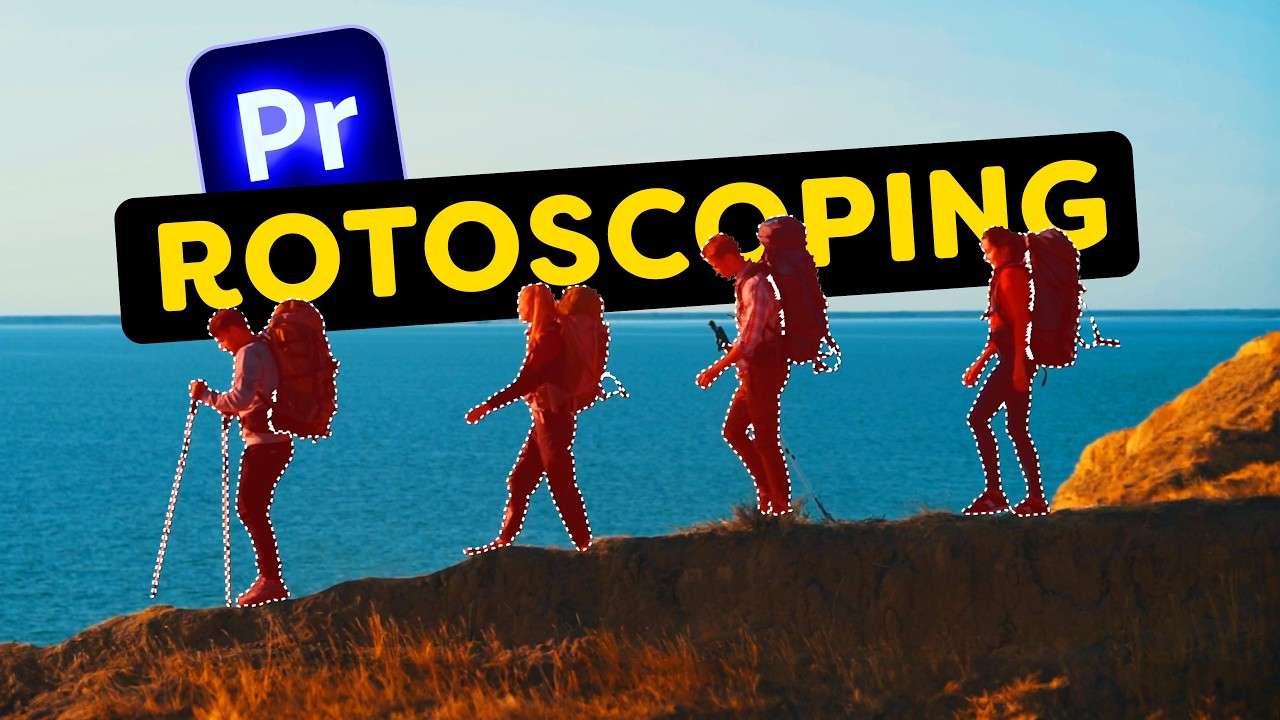
This Update CHANGES EVERYTHING! (Premiere Pro V25.6)
Learn Premiere Pro V25.6 Object Mask Tool: fast mask tracking, opacity/effect assignment, and how to place text behind moving subjects in Premiere.
 217K
6:07

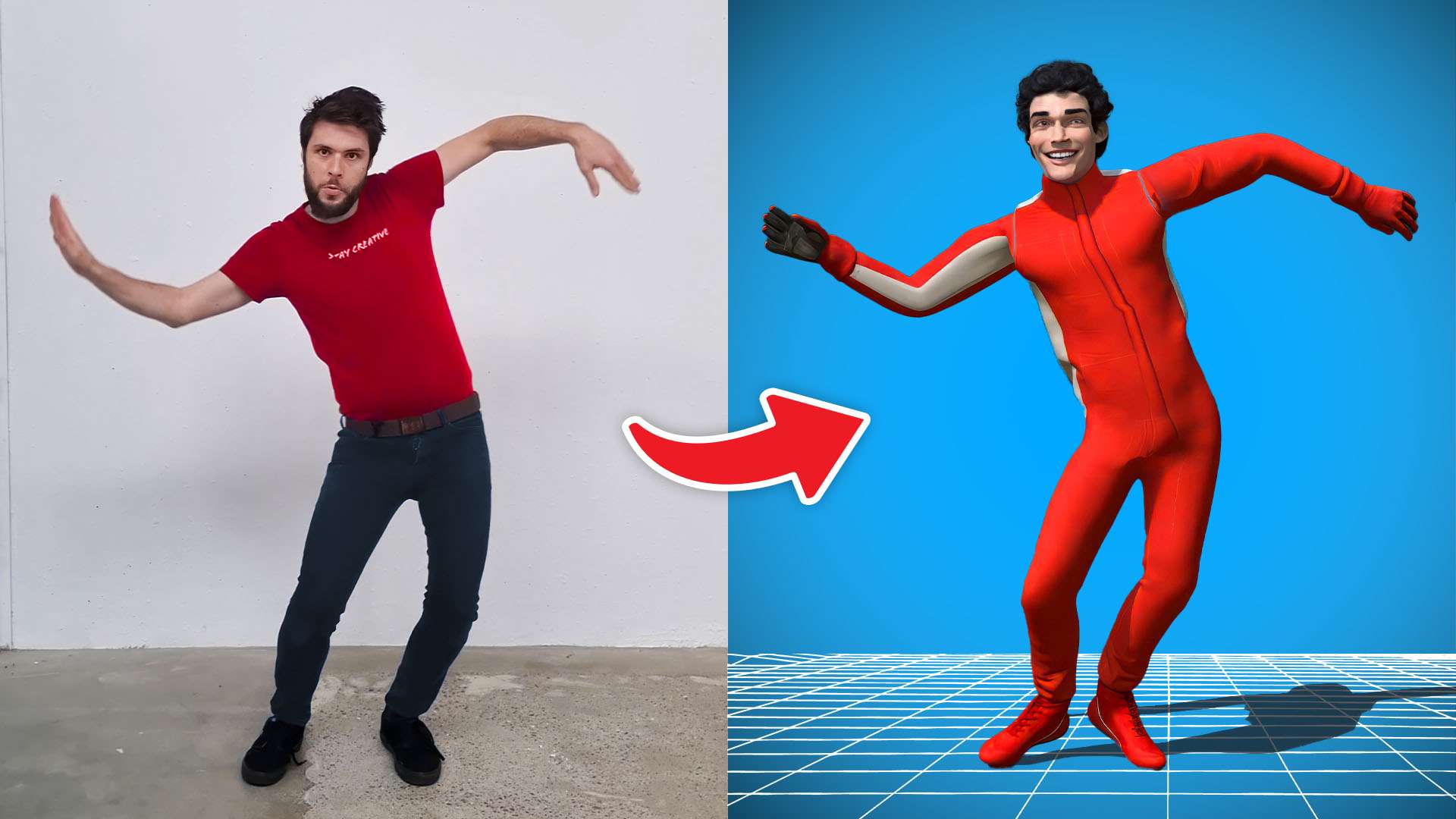
Free Motion Capture for Everyone! (No suit needed)
Learn how to motion capture yourself for free without the need for a motion tracking suit.
 49K
6:21

How Video Editors Are Tricking You (and you don’t even know)
Learn the secret video editing techniques your favorite YouTubers use to keep your attention in this tutorial video.
 32K
4:30

I Tried Editing In The FIRST PREMIERE EVER!
Learn 10 mind-blowing and interesting facts and a little bit of history about Premiere in this Adobe Premiere video!


Every course. Every pack. One price.
- 14 courses
- 24 video packs
- 1 partner deal
- Every future release