5 things you can do with Rotoscope (After Effects Tutorial)
 Jordy Vandeput
228K views
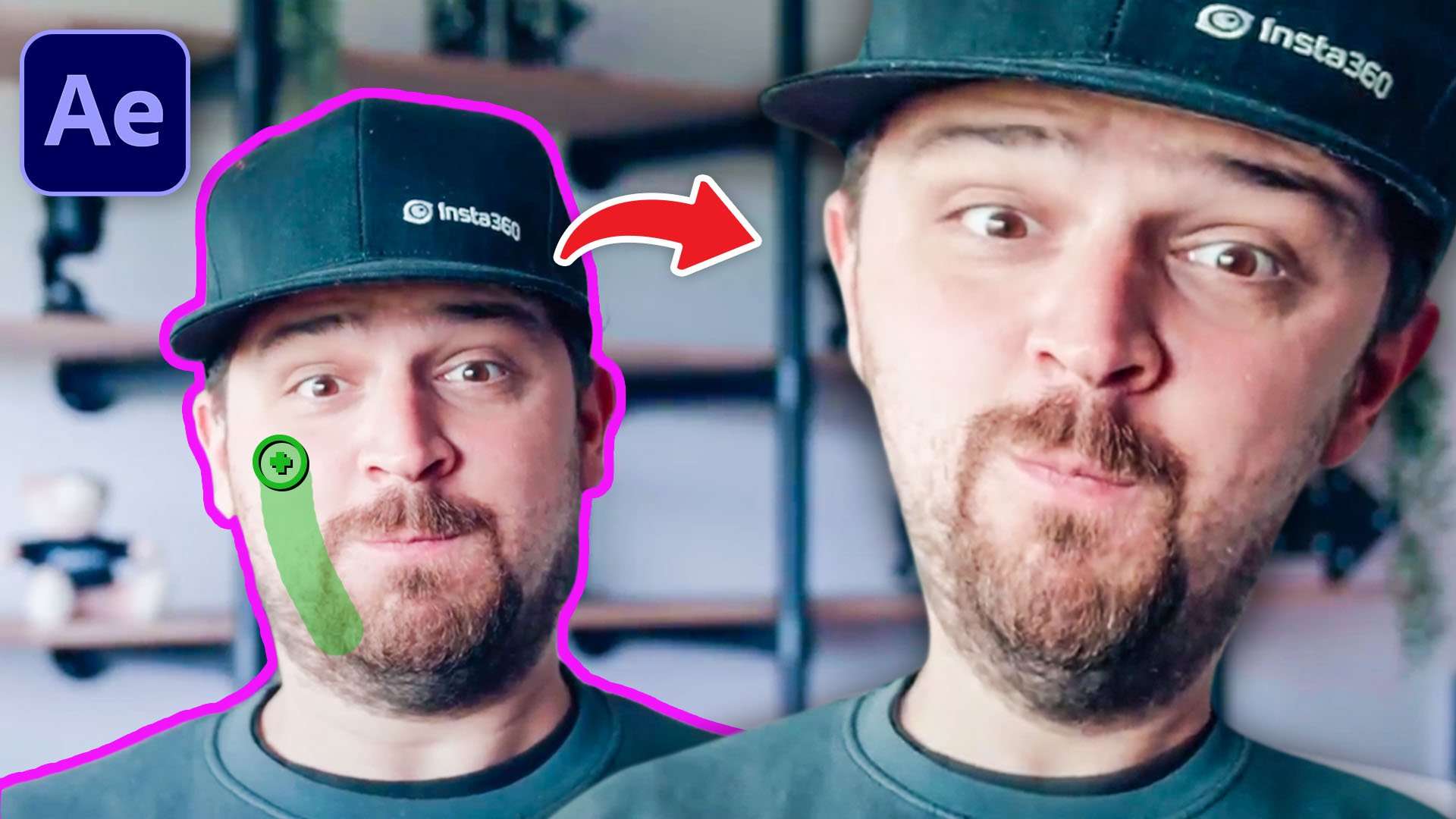
Learn how to use the rotoscope tool in Adobe After Effects and create 5 easy visual effects in this After Effects tutorial video.
Rotoscoping in Adobe After Effects
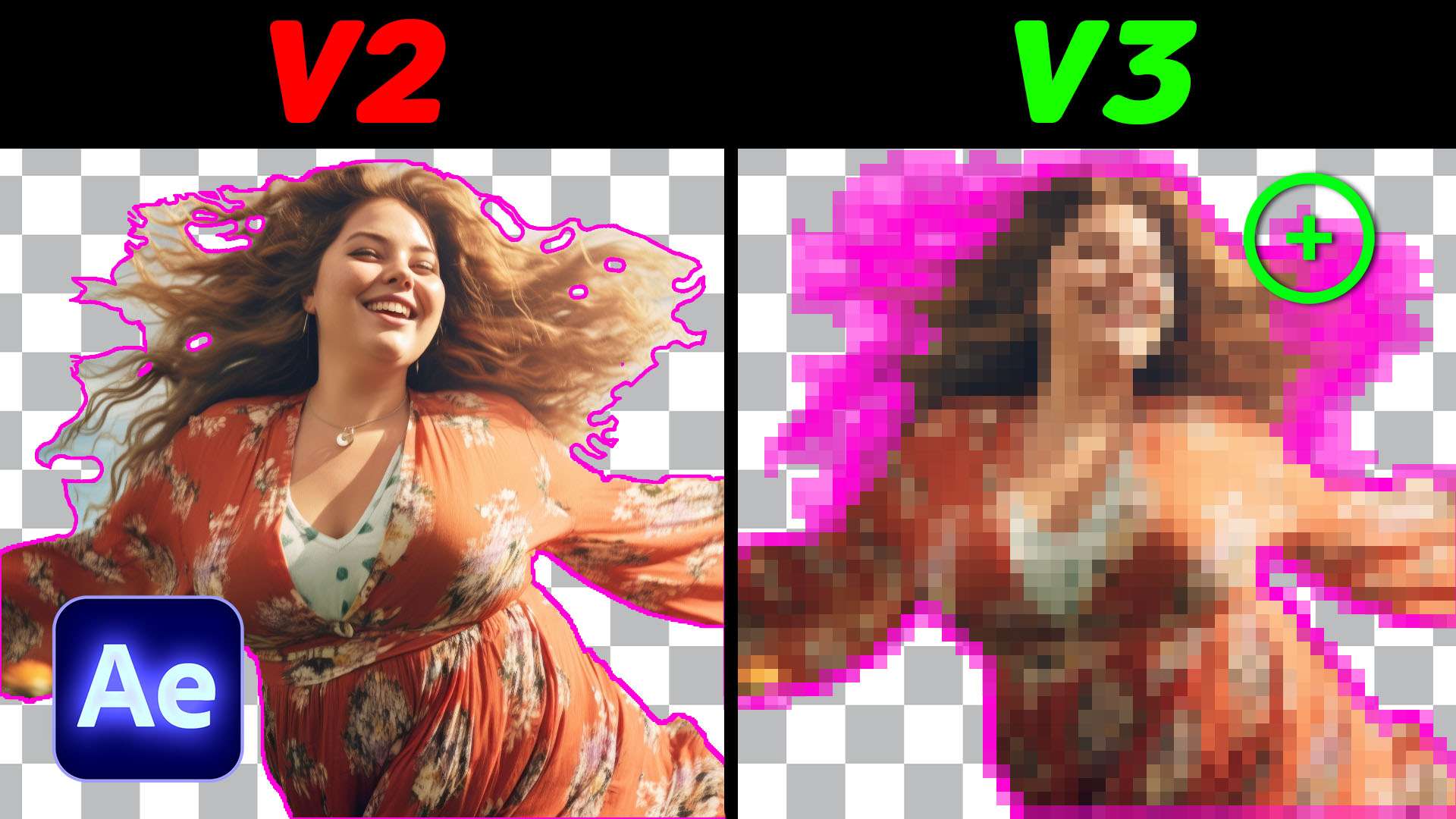
Ever since Adobe released their 2.0 version of the rotoscoping tool in After Effects, it has been our favorite to work with. It's astonishing how well the tracker can follow the subject you're trying to rotoscope.
It's not only very accurate, but it also very fast for its capabilities. This is why we can use more often to create fun visual effects with. And that's why I wanted to brainstorm about 5 things we can do with the rotobrush.

Masking and Tracking
Rotoscoping is nothing more than masking out your subject and tracking its movement. We just get a bunch of more option to finetune the edge instead of only feathering it.
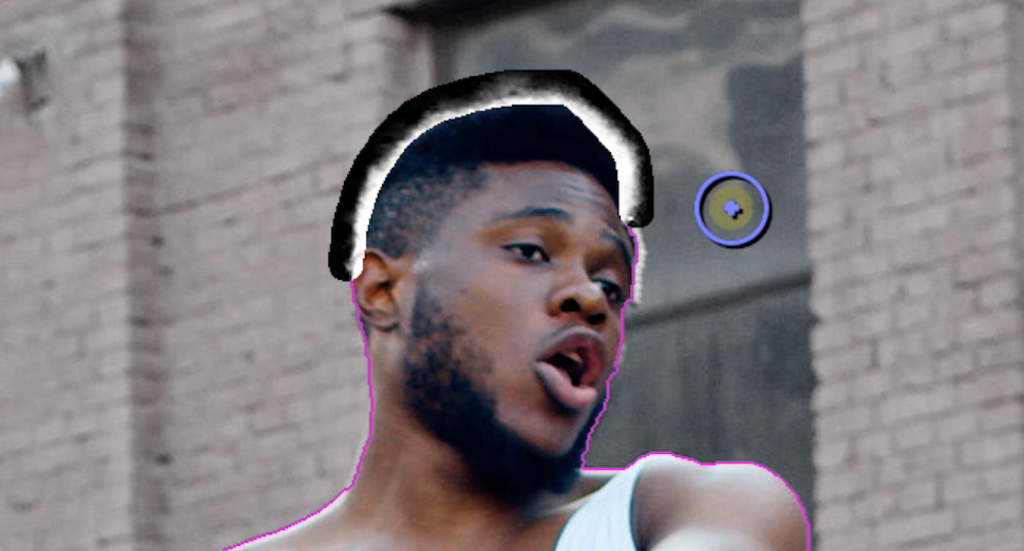
For instance, there's a useful hair tool which will drastically improve keying out thin lines. It could leave some flickering behind, so only use it on hair.
Skillshare
Big thanks to Skillshare for their support on this video. Access tens of thousands of classes with Skillshare Premium and learn a craft from professionals.
The first 1000 students can enjoy 14-day's Skillshare Premium for free!
GET 14-DAYS FREE SKILLSHARE PREMIUM
Jordy Vandeput
Founder of Cinecom · 2.75M+ subscribers on YouTube
Jordy Vandeput is a Belgian filmmaker who has taught practical filmmaking to millions through Cinecom. He breaks professional techniques down into clear, repeatable steps you can use on your very next project.



0 comments