Billie Eilish – Fall through sky effect in After Effects
 Jordy Vandeput
123K views
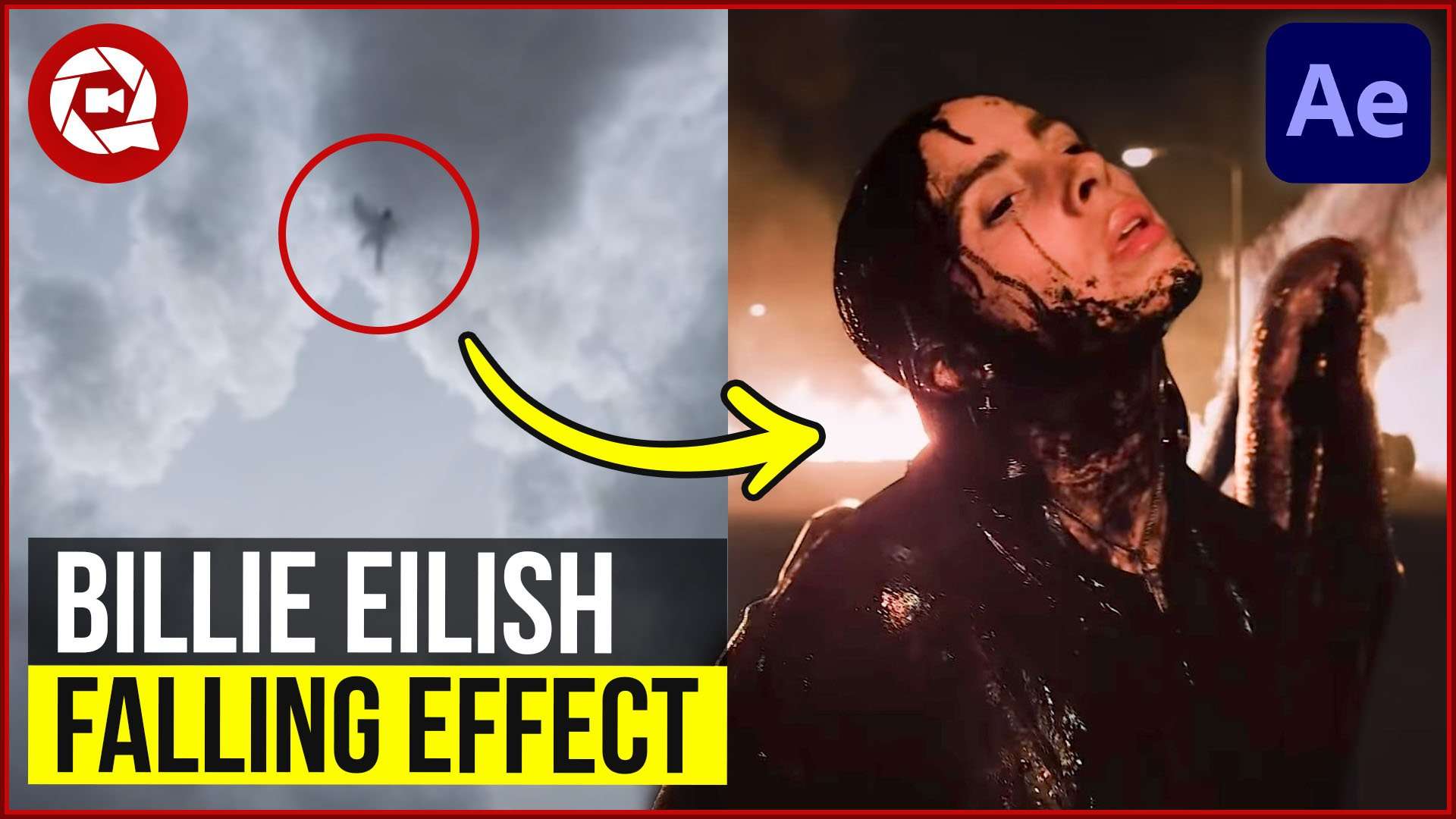
Fall through the sky like Billie Eilish in "All the good girls go to hell" music video. Learn how to create a 3D scene in this Adobe After Effects tutorial.
Billie Eilish Music Videos
As you know we are big fans of Billie Eilish and not really for her music. Now I'm not saying that her music is bad, but we really like her music videos as they always have great meaning behind them. And of course they most of the time have a cool effect that we can recreate.
Just like the effect we are recreating today, the falling through the sky effect inspired by 'All the good girls go to hell' music video. Now if you are a long time follower you know that we already made such an effect a few years back. But in the older version of the effect we created it in Premiere Pro and this time we used After Effects. But which one is better?
Premiere Pro Vs After Effects
The first time we made the effect we used some simple stacking method inside premiere Pro. We then animated every cloud element to fly by and of course we also gave our falling actor a small animation giving him a natural falling motion. And this looked good. But it was also a lot of work for something you can really easily create in After Effects.
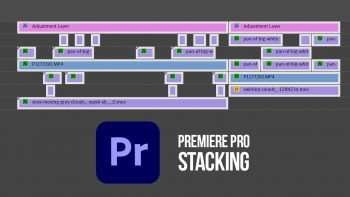
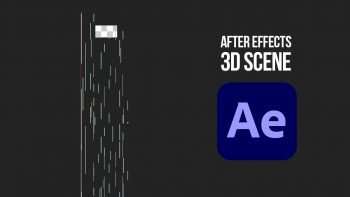
And that's why After Effects is better for this effect. It has the possibility to work with a 3D space. Placing Objects closer and further away from the camera. With this technique you can easily create a cloud scene placing clouds in the distance but also really close to the camera. And the benefit of this is that you are creating depth in your scene. Making it more realistic.
Storyblocks Video
This video was sponsored by Storyblocks. It’s an enormous online library full of high quality HD and 4K stock clips, After Effects templates, collections and much more. We use the library on a weekly base to download overlay effects, like smoke, dust particles, flares,… You can download an unlimited amount of clips for only one price per year so it’s super useful to have.
Jordy Vandeput
Founder of Cinecom · 2.75M+ subscribers on YouTube
Jordy Vandeput is a Belgian filmmaker who has taught practical filmmaking to millions through Cinecom. He breaks professional techniques down into clear, repeatable steps you can use on your very next project.






0 comments