Create a Stunning Ink Drop Video with After Effects
 Jordy Vandeput
85K views
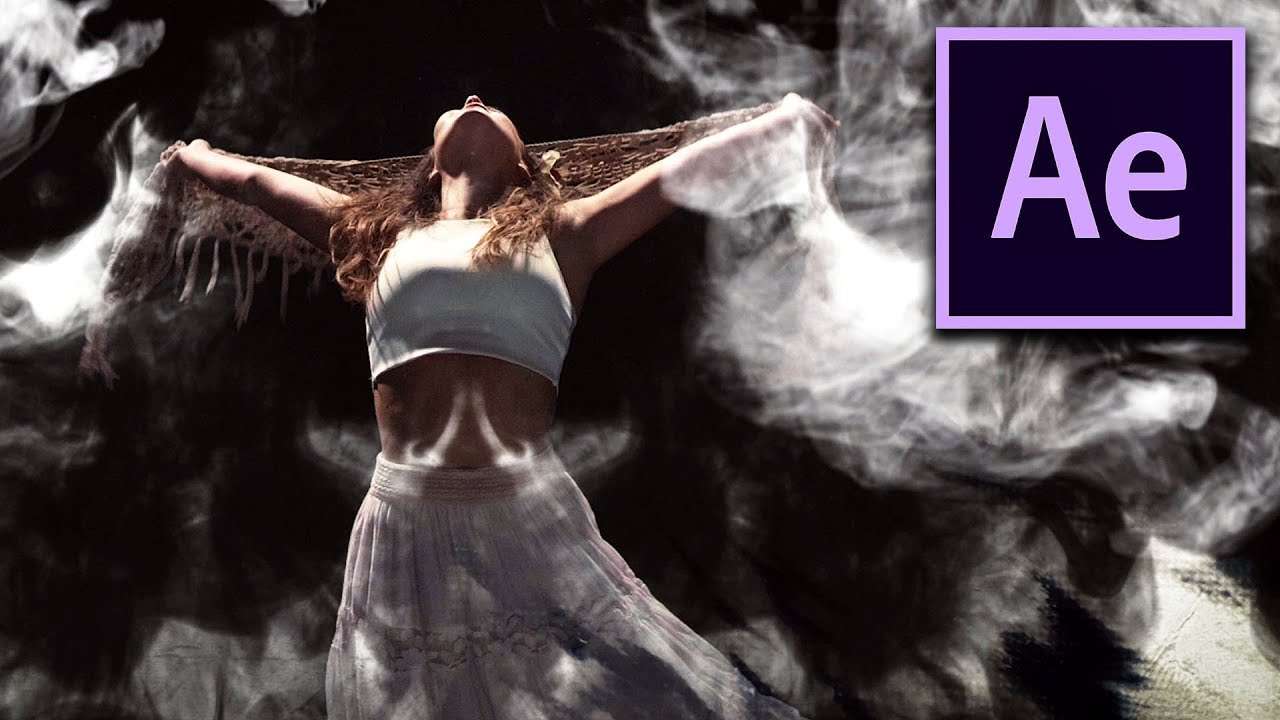
Learn how to blend your clips with the ink drops from Rocketstock Sumi to create a stunning video inside Adobe After Effects.
Blending
There're two types of blending inside After Effects. You have the track matte blending, which will use a different layer as a template for its blending. Or you can blend a layer with its background (bottom layers). From the modes drop-down you'll see many different blending techniques. one will blend more on the darker areas whereas the others on the brighter parts.
Mask
Blending or using a matte is not new. It even goes back all the way to 1900, just a couple of years after film was invented. Some famous films where The Great Train Robbery (1903) and A Trip to the Moon (1902).
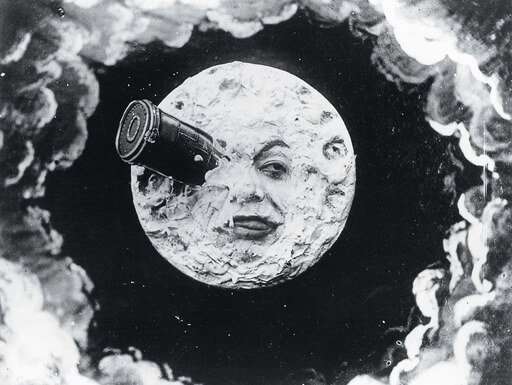
Of course, Adobe After Effects wasn't invented at that time yet. So they came up with a clever way to actually place two films on top of each other with an actual physical mask. Good god we don't have to do that with the Ink drops :-)
Rocketstock Sumi
Rocketstock's Ink drops and splatter elements are a great way to give your videos a stylish and unique look. The elements are simple video clips in black and white. Most packs, no matter where you get them, are designed that way.
Through the track matte feature inside After Effects we can use these black and white channels as shown in the tutorial. Everyone can follow along by downloading the free samples from the button on top.
Jordy Vandeput
Founder of Cinecom · 2.75M+ subscribers on YouTube
Jordy Vandeput is a Belgian filmmaker who has taught practical filmmaking to millions through Cinecom. He breaks professional techniques down into clear, repeatable steps you can use on your very next project.







1 comment
I like this after effect its wounderful