Introduction to After Effects: Tutorial for Beginners
 Jordy Vandeput
1.4M views
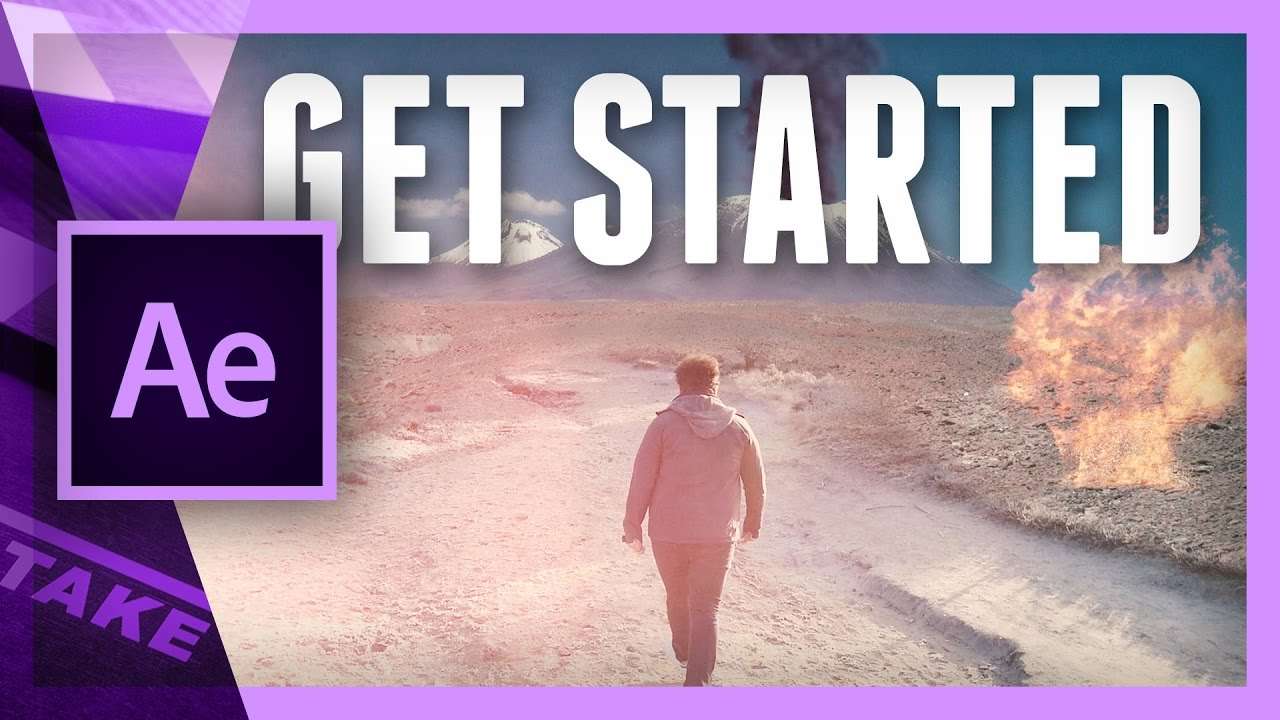
Learn the basics of Adobe After Effects in this introduction tutorial video. Get started as a beginner to learn the essentials of the program.
Adobe After Effects
We are huge fans of Adobe Premiere Pro and all the abilities it has. Some of our more popular tutorials cover 3D effects, glitches, compositing and more. But most of these tasks are long winded in Premiere Pro. Their success is probably because of the step to Adobe After Effects: a new application, so many buttons and windows.
After Effects is Adobe's compositing program to create animation, special effects and more. But with the endless possibilities and tools to create these effects, it's harder to get started with it if you are just a beginner. In this tutorial video we will explain the basics of the compositing program en the most used tools needed to create an immediate result.
Describe After Effects as the Photoshop for video, because it handles the same principals. For example: the end result is mostly made out of layers on top of each other, blending and merging into a whole new video. But the obvious difference is that Adobe After Effects also works with time and moving objects, which can make it more complicated and chaotic. Like Photoshop it also has a lot of tools and endless possibilities to achieve effects with these options. That's why it takes years to understand After Effects as there is always something new to learn.
Rocketstock
This video was supported by Rocketstock’s Radium, an easy to use transition pack for any editing software. We’re happy to share several samples for free. Just follow this download link: Rocketstock Radium – Free Samples
Jordy Vandeput
Founder of Cinecom · 2.75M+ subscribers on YouTube
Jordy Vandeput is a Belgian filmmaker who has taught practical filmmaking to millions through Cinecom. He breaks professional techniques down into clear, repeatable steps you can use on your very next project.


11 comments
Need the video files
Great AE tutorial. But I'll love the footage, effects and photo used in the tutorial, so i can follow along.
Hi
I would also love to get the raw footage but it's sounding like they won't give it up.
Is there somewhere to find the video files so that we can practice along with the video?
Thank you so much for this post.
i wants to use your video files in after effects for practice ,to follow the steps of this video , can you send the link to these videos
Awesome website! Loving the tutorials - will be using them with my film studies class. One question - are the source files available for this tutorial or do we have to find our own? Thanks so much!
Great AE tutorial thanks.
Finally we have an intro to AE. I have been waiting for this for almost a year. all i can say is thanks so much. let the class begin!
Is there a way that I can get these video files. They are not on the youtube file description. You said they were in the description in the comments but I cannot find them. I would like to use your files for a computer class that I am teaching. Thx Cris