Star wars title Animation in premiere pro tutorial
 Jordy Vandeput
28K views
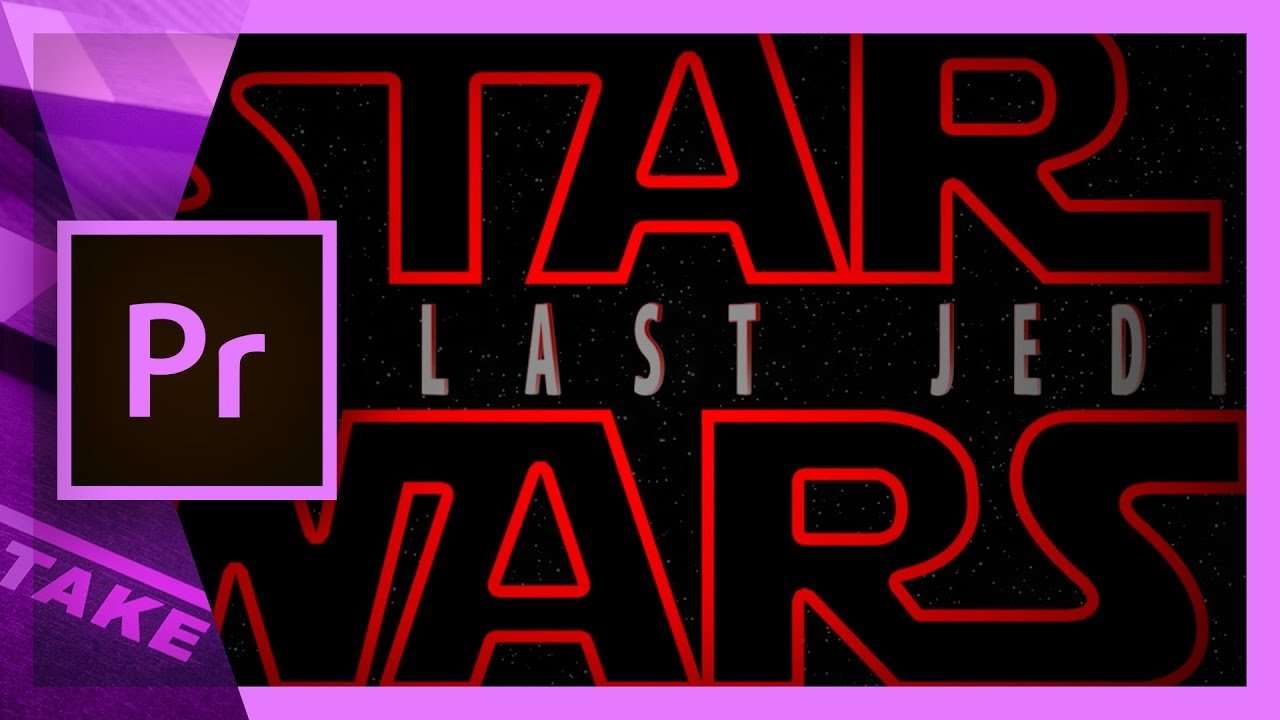
Create the 3D Title Animation from the latest Star Wars movies in Adobe Premiere Pro and become The Last Jedi yourself!
With the release of the new Star Wars trailer "The last Jedi" our inner nerd got excited again. So of course we had to do something original, no lightsaber effects, with the star wars theme. And what's cooler then the always awesome intro from the movies? In the new trailer is an end title with the logo of Star Wars and 3D text spinning around while fading in. For this tutorial we explain how you can animate your text in 3D to create the same effect as the end title.
Everything is 3D these days, from 3D, movies to printing to virtual reality. You can't think of a life without it. But what is 3D exact? It stands for 3 dimensions, width, height and depth (X, Y and Z). The term is generally applied when something that is traditionally flat (2D), such as a movie, has depth added. This depth is an illusion created by adding perspective. In movies they create 3D by filming the subject from two different perspectives, special projection hardware and 3D eyewear.
With some creativity, we create the illusion that our text is extruded and lays in a 3D space. Because Premiere Pro does not have a 3D engine, but this doesn't stop us from creating an awesome 3D title. We create this illusion with the "drop shadow" effect to extrude your text. Next we'll animate out title with the "Basic 3D" plugin to make it spin around in a 3D space.
Combine this with some lighting effects and the fonts from star wars and you have an awesome title right out of the new Star Wars movie. You can of course create this a lot easier inside Adobe After Effects, but we are Premiere Pro Jedis and the force is strong in us!
VideoBlocks
This video was supported by Videoblocks, an easy to use site full of stock footage, vector images, stock photos, music, sound effects and more.
Jordy Vandeput
Founder of Cinecom · 2.75M+ subscribers on YouTube
Jordy Vandeput is a Belgian filmmaker who has taught practical filmmaking to millions through Cinecom. He breaks professional techniques down into clear, repeatable steps you can use on your very next project.








2 comments
I like you tutoriar is too good for I like it
I downloaded your package and I got an error stating that the file might be damaged. Is there a work around for this for CS6? I was planning on using the effects for my Intro with a different title across the middle for each video release, starting with my 15th release. My channel name separated by the video title, would really look cool.