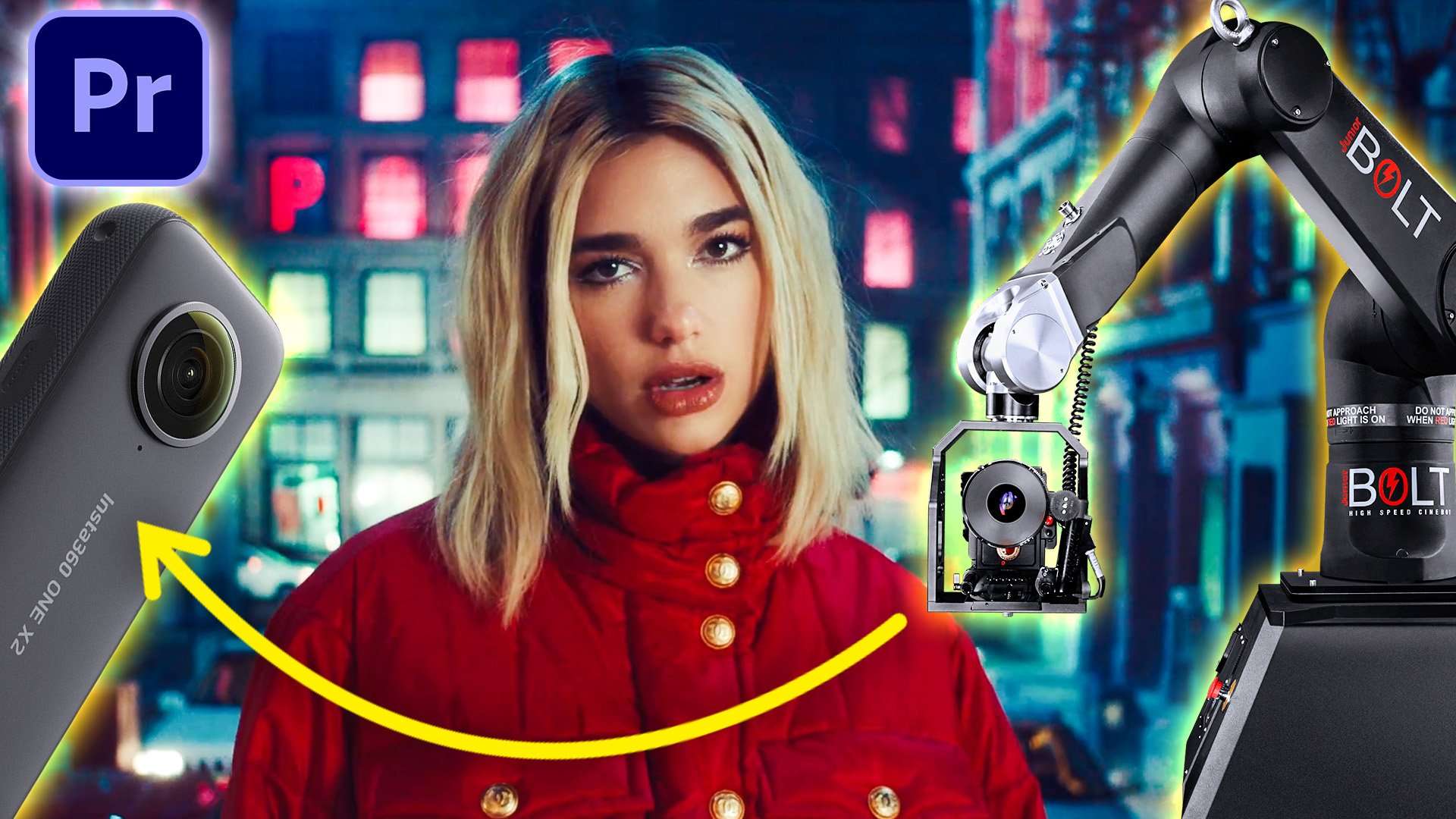
5 Creative MUSIC VIDEO Effects with a 360 Camera & Premiere Pro
 Jordy Vandeput
Learn how to make creative camera movements and transitions like in music videos such as Dua Lipa, STORMZY, The Weeknd, Doja Cat and more in Adobe Premiere Pro
360 Cameras in Music Videos
360 cameras are starting to become more and more common these days. If you don't own one I know for sure you know someone who does! We for example have the Insta360 ONE X2 which is a very affordable 360 camera. These little pocket sized cameras open the doors to a whole new wave of creative filmmaking. Like in this video for example! Instead of using expensive gear and setups we show you how to recreate 5 music video effects with only a 360 camera.
Get the Best footage possible
Although this little camera comes with a 5.7k resolution you will notice it doesn't compare to the footage of a 5k video camera. Which is understandable since you spread the 5.7k resolution over a 360 image. But luckily I got some tips and tricks for you to get the best possible footage out of your camera.
Lots of light
These 360 cameras have small sensors which means you'll need a lot of light to get the best looking image. Otherwise you'll have some noticeable noise.
Light position
Lens flares can give a cinematic look to your footage but it does glare all over your image making it more flat/hard to work with. So It's something we want to avoid. Having 2 big lenses that you can't cover for obvious reasons does make it harder to avoid then with a standard camera lens. So the best is to aim the biggest light source to the side of the camera. This will minimize the change of having (big) lens flares.
Not too much detail
A super important tip if not THE most important one is to pay attention to your scene. And this might sound weird at first but the quality difference of the image in a forest vs an empty room is HUGE! Whenever we record something each frame needs to be compressed. So that means the more data or fine detail your environment has the more it needs to get rid of to fit the set bitrate.
For the forest shot you'll see a lot of artifacts/pixels showing up because it simply cant fit all the small different leaves and colors. The empty room will look perfect since the background is one color and the only thing that changes is the talent in the shot, which won't have such a big impact on the quality.
A good video to learn more about this topic is the one of Tom Scott where he goes more in depth and shows you different scenarios.
Insta360 One X2
So that brings us back to the Insta360 ONE X2. For a very affordable price, you can start shooting 360 video from your pocket. Being so compact and giving you all of its post-production features on your phone, it’s pretty awesome! For cinematographer/3D artists It’s a handy tool so definitely check it out!
Jordy Vandeput
Founder of Cinecom · 2.75M+ subscribers on YouTube
Jordy Vandeput is a Belgian filmmaker who has taught practical filmmaking to millions through Cinecom. He breaks professional techniques down into clear, repeatable steps you can use on your very next project.








1 comment
love this