5 Fast & Easy Effects in Adobe Premiere Pro
 Jordy Vandeput
97K views
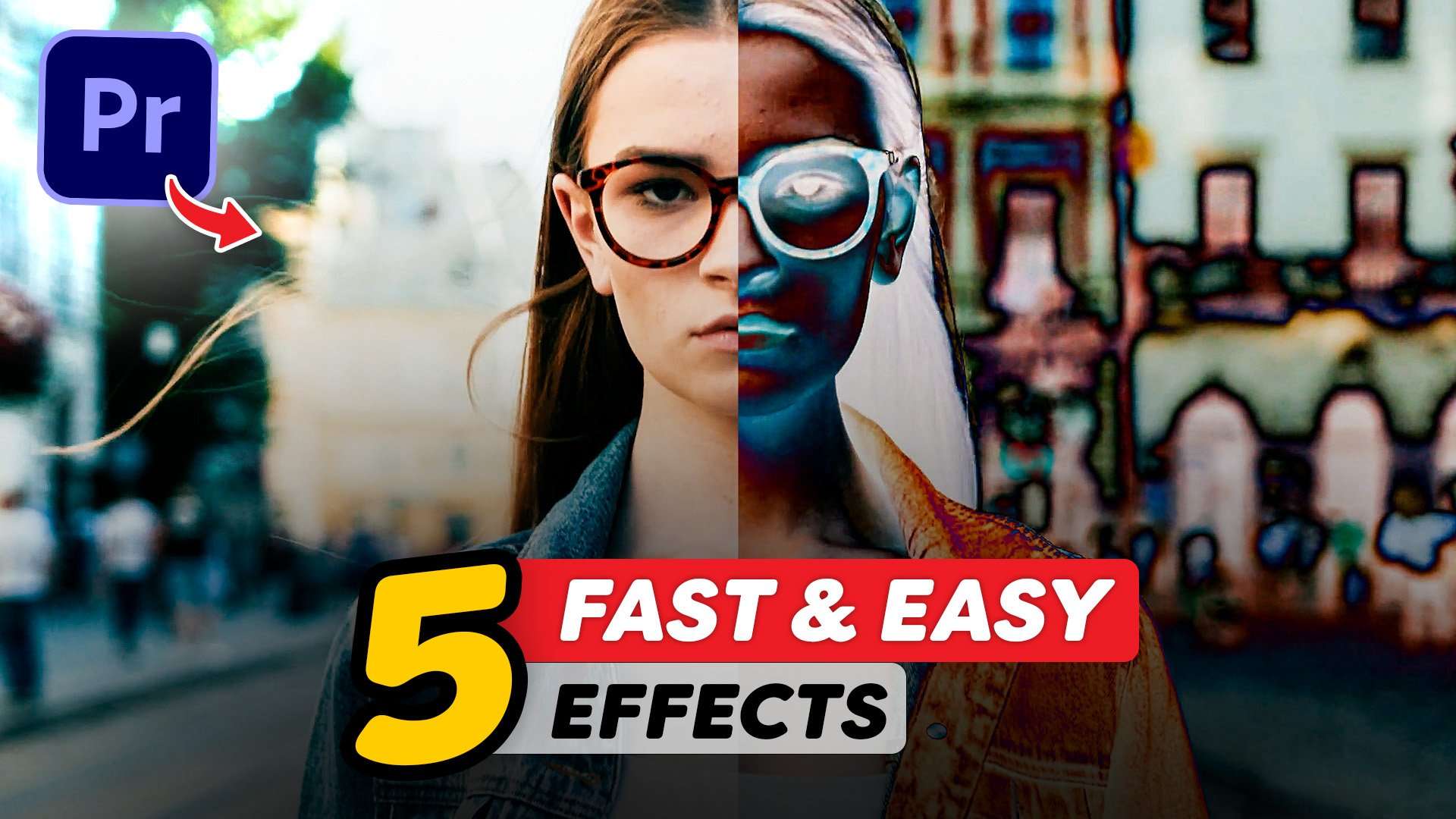
Create easy and fast effects in this Adobe Premiere Pro tutorial. Create glitches, music video effects and creative blending looks.
Effects in Adobe Premiere Pro
It's been a while since we uploaded one of these tutorials, but you guys seem to love them so much! Working with effects in Adobe Premiere Pro is not the ideal way as you should be using Adobe After Effects. However, it's a great way to learn more about Premiere Pro and it's capabilities.
Since Adobe has been releasing more and more effects which are GPU accelerated, we can create some really nice things without needing to render. Effects don't need to be complicated. Creating a specific look can be made with a few effects. So often times it's actually a time saver to stay within Premiere Pro

Blending Modes
One of my favorite things in Adobe Premiere Pro are blending modes. There's almost an infinite amount of looks and effects that you can create.
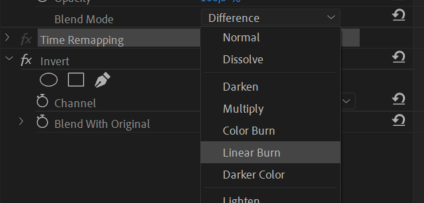
Take for instance the invert effect. Place that on a duplication of your clip and blend it with the original. Now choose which blending mode you like and which invert mode you like. So many options and so many great looks!
MSI Creator Z16
Big thanks to MSI for sponsoring this tutorial video! They have provided us with the brand new Creator Z16 which is a beautiful CNC designed laptop with great performance inside. More info here.
Jordy Vandeput
Founder of Cinecom · 2.75M+ subscribers on YouTube
Jordy Vandeput is a Belgian filmmaker who has taught practical filmmaking to millions through Cinecom. He breaks professional techniques down into clear, repeatable steps you can use on your very next project.








3 comments
You guys are the best!
Forever!
Thanks 😊.......Cinecom.net