Camera Rotation Transition (Atlanta Series) – Premiere Pro
 Jordy Vandeput
1.5M views
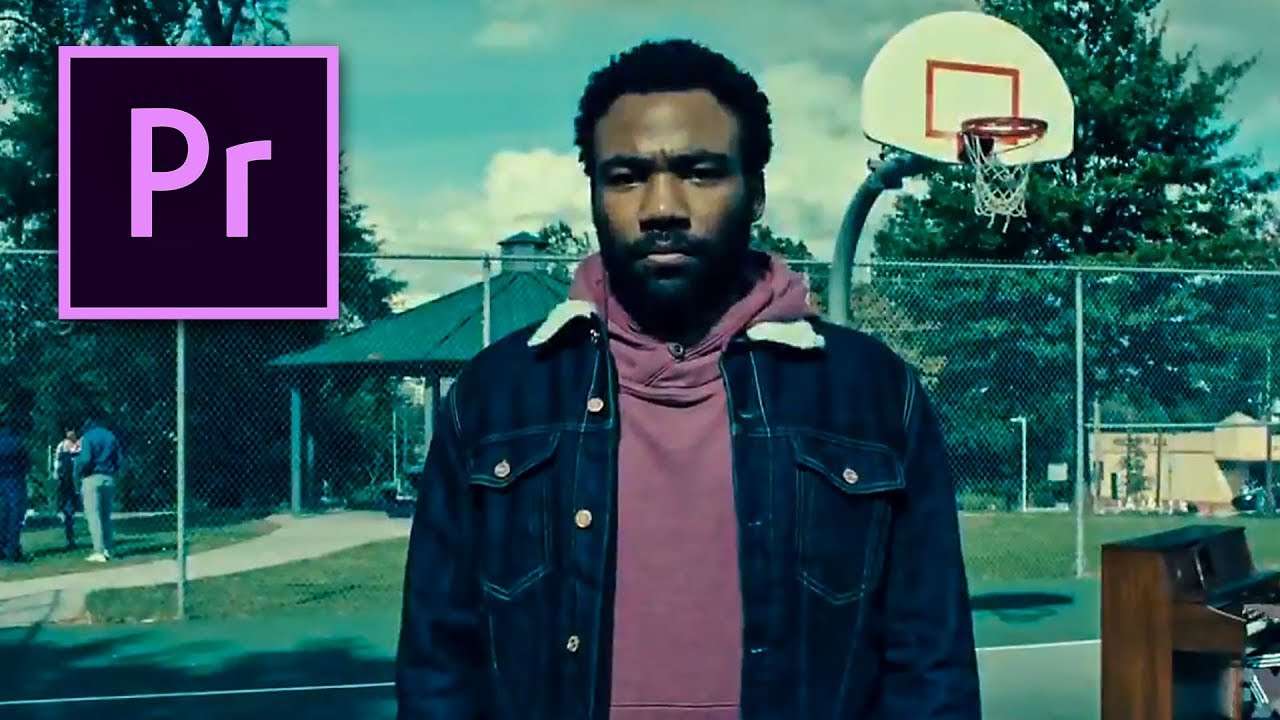
Learn how to recreate the camera rotation transition from the Atlanta Season 2 Trailer. This transition is created in Adobe Premiere Pro and a fun green-screen setup.
Are you as eager as me when you are starting a new video project? Do you feel the creativity flowing through your body? Well you are in luck, because it's Copy Cat Friday! The day where creative film making is king! And today we are doing something different then the usual music video or viral trend. After popular demand of you viewers, we decided that we are tackling the awesome heavy rotation effect from the new Atlanta 2 promo trailer. Here you can see the Actor (Donald Glover) rise from the ground and fall in one smooth movement, while the camera moves with him.
This all is simply done with a green screen, gook acting and a camera movement. You film your subject for a green screen and put them in front of the background with the camera movement. Your subject acts like he rises from the ground and that he falls. Combine the good acting and the moving background and you have a smooth heavy rotation effect. But figuring that out wasn't the hard part, getting the lighting to be realistic however was! You're lights have to be mobile so they can move in the same way as your background and thus creating the feeling of rising and falling.
Also something worth mentioning is the director of the series Atlanta, Donald Glover. He isn't only staring in the series as an actor, he is also the writer, the director, the creator and producer of the series. And besides that he's also an singer under the name Childish Gambino, which is one of my favorite artists. So you can say that he is an multi talented man with some prestige awards in the film business.
Premium Beat
Special thank to Premium Beat who's supporting this episode. They have a super broad library that always has something for a great and uplifting edit. The song you're hearing in the video also comes from a special playlist!
Jordy Vandeput
Founder of Cinecom · 2.75M+ subscribers on YouTube
Jordy Vandeput is a Belgian filmmaker who has taught practical filmmaking to millions through Cinecom. He breaks professional techniques down into clear, repeatable steps you can use on your very next project.








3 comments
Great info, thanks for the share!
Inspiring !!!!!
If your green screen is portable, much like the one used in the tutorial, you could take it on location with you and shoot the subject on location and your lighting will match and not need to be recreated in a studio.