Catch a Knife in Premiere Pro (5 Editing Tricks)
 Jordy Vandeput
1.1M views
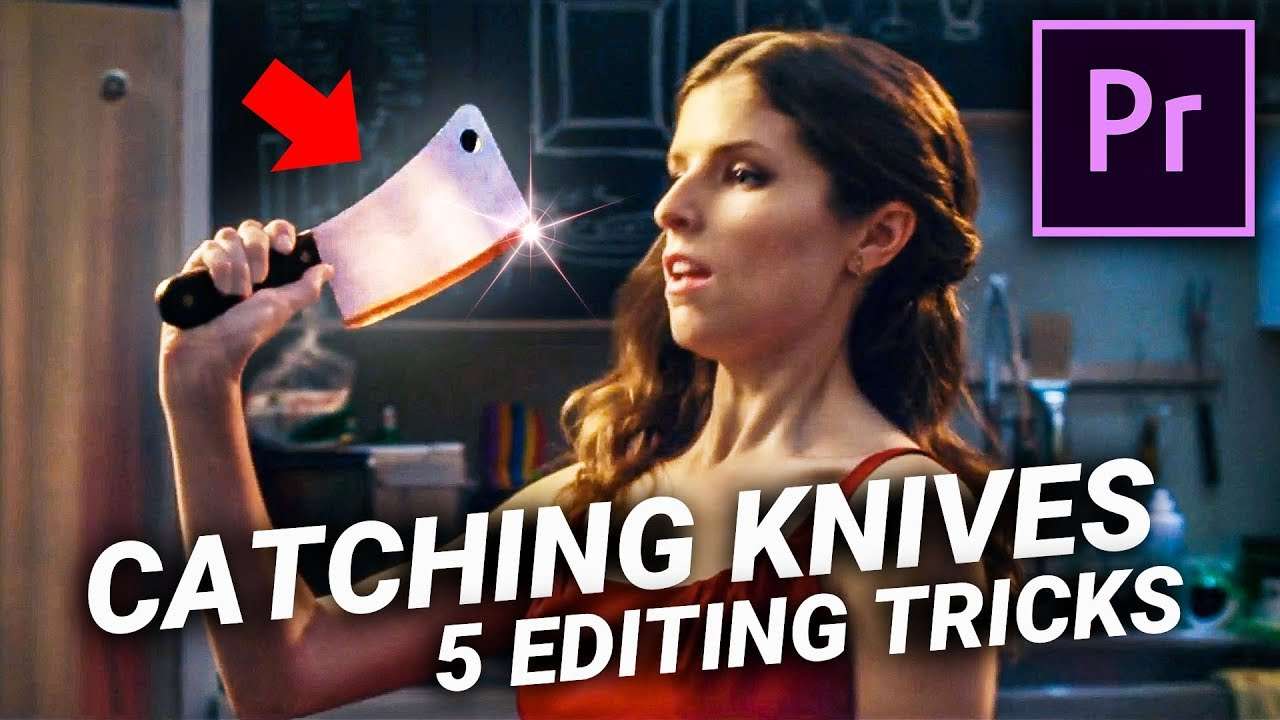
Learn how to catch a knife with 4 simple editing tricks in Adobe Premiere Pro. In this tutorial you will learn how to create an action scene like Mr. Right the Hollywood film.
Video editing can make you a super hero! That's what I love so much about this art. From flying to shooting fire, anything is possible. So when it comes down to flying knifes, Adobe Premiere Pro is there to help us again.
Catching a knife, an arrow or anything else is actually super easy to do. It's one of the oldest tricks in the editing book. Back when film was just invented, filmmakers from that time could already pull off an a knife catching editing trick. And that was almost 100 years before Premiere Pro was invented.
The cool thing about many special effects is that it usually only takes a simple cut or a camera swipe. Of course, showing you guys how to make a simple cut won't be so exciting, that's why we've got 4 different techniques in the video above. Where one is a simple cut, the other requires some more effort in Adobe Premiere Pro.

StoryBlocks Video
This video was supported by Storyblocks Video, an easy to use site full of stock footage, After Effects templates, backgrounds, motion Graphics and much more.
Jordy Vandeput
Founder of Cinecom · 2.75M+ subscribers on YouTube
Jordy Vandeput is a Belgian filmmaker who has taught practical filmmaking to millions through Cinecom. He breaks professional techniques down into clear, repeatable steps you can use on your very next project.








2 comments
please add your video footage so we can learn
Awesome! Could you let us know what Song was used at the begging of the video or where we could find it? Thanks!