faking plunger tricks in premiere pro (dude perfect)
 Jordy Vandeput
144K views
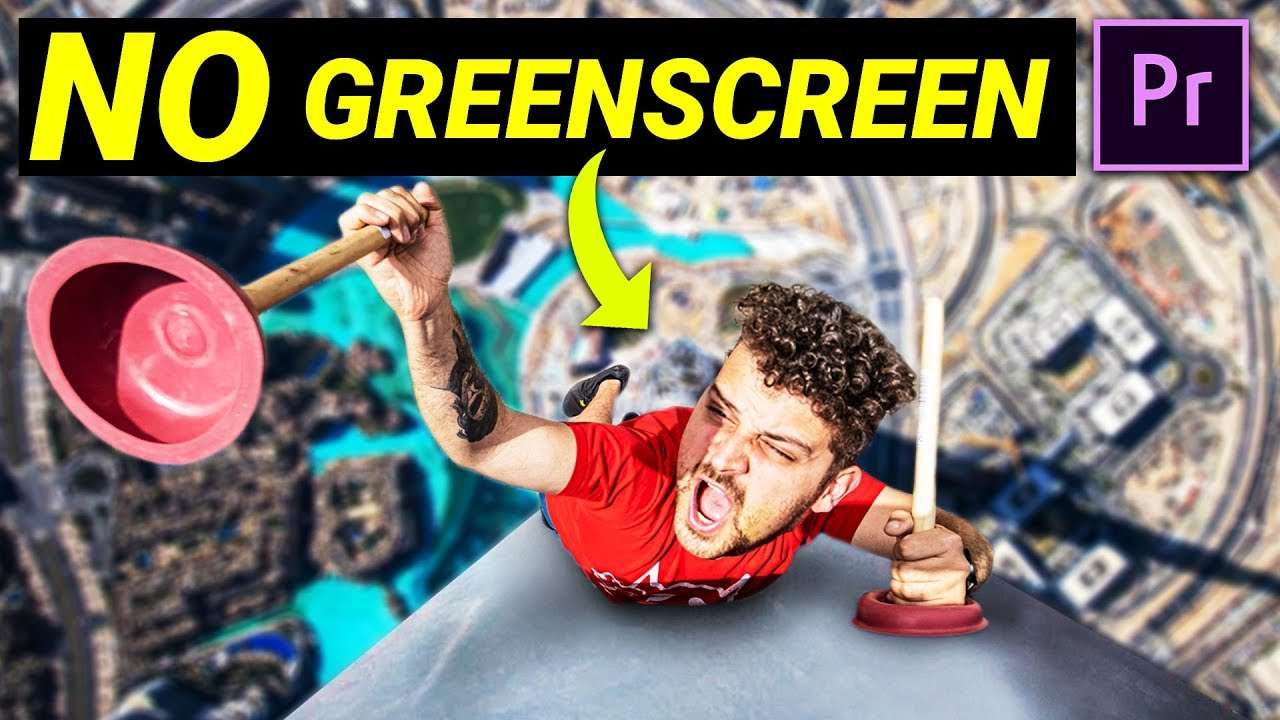
Inspired by the trick shots of Dude Perfect, learn how to climb walls using plungers in this Adobe Premiere Pro Tutorial without using a greenscreen.
Welcome boys and girls to the wondrous world of visual effects in this Copy Cat Friday. A place that keeps you amazed and let's you doubt what's real and what's fake. A place that baffles your mind. Okay sorry guys for the cheesy intro, I couldn't help myself. But yes it's again time for another Copy Cat Friday and today we have a special effect planned. For this effect we aren't going going to use a green screen which is quite special as you normally would. But you knows, we aren't that normal. Instead we are going to use some forced perspective and some clever blending. And this all in a Premiere Pro tutorial combined with some Dude Perfect awesomeness.
Like I already said, we are going to use forced perspective. A clever trick that has a lot of possibilities. For our fake climbing trick is just simply matching the two perspectives of the shots. First you take the empty wall shot so that you have reference points for the climbing shot. Then when you subject in laying on the floor you can match the perspective due to the reference points. In post production you done just have to blend it all and voila a super easy and awesome effect.
But if you want to take the forced perspective to the next level, then you have to watch this video of the behind the scenes of Lord of the Rings. Here they used forced perspective to make one actor large (Gandalf) and one actor small like a hobbit (Frodo). They are both sitting in then same room, but in such a way that one seems smaller then the other. They even combined it with a camera movement and a cool rig where they used two motorized dollies. One for the camera and it's movement and one for the set, which was needed for the effect. But again watch the video for the complete explanation.
StoryBlocks Video
This video was supported by Storyblocks Video, an easy to use site full of stock footage, After Effects templates, backgrounds, motion Graphics and much more.
Jordy Vandeput
Founder of Cinecom · 2.75M+ subscribers on YouTube
Jordy Vandeput is a Belgian filmmaker who has taught practical filmmaking to millions through Cinecom. He breaks professional techniques down into clear, repeatable steps you can use on your very next project.








3 comments
Nice work 😊👍
I love it
Hello Guys, I love your channel,Please For Creative Tuesday Can you make Five Effects To Make With An Android Device PLEASE!?