Color Selection (Secondary) in Premiere Pro
 Jordy Vandeput
154K views
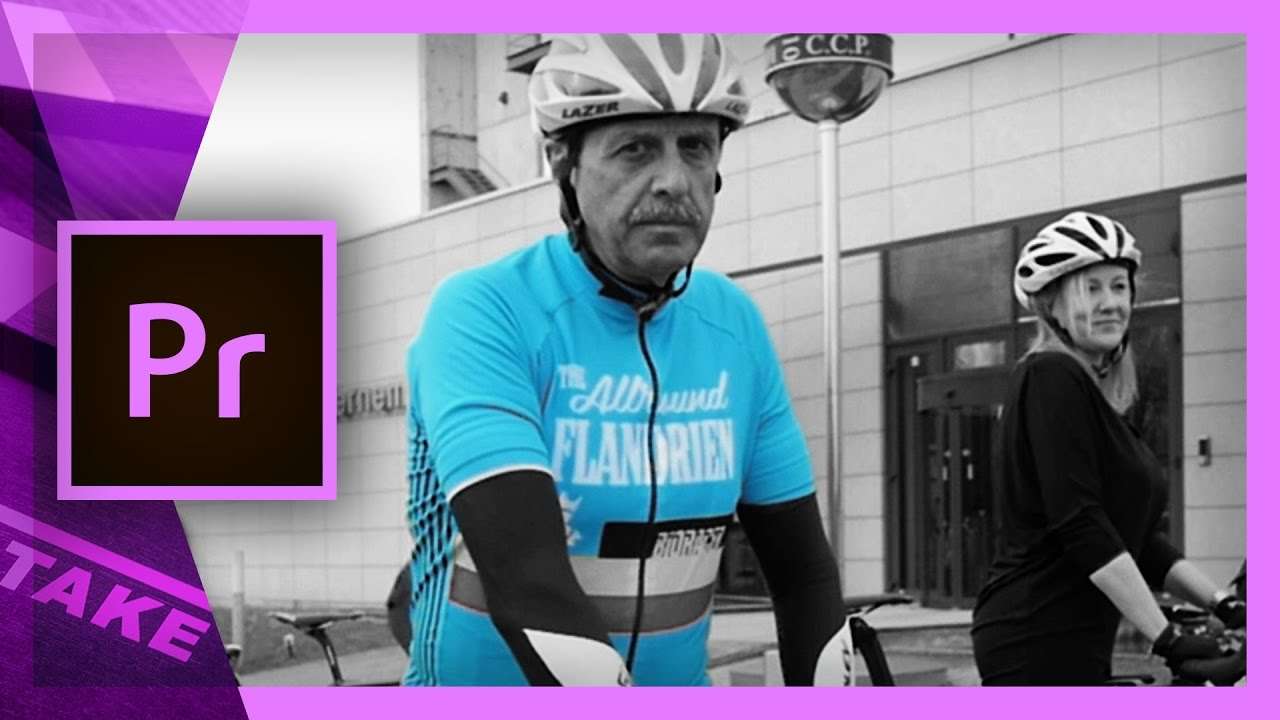
Select a specific color with Lumetri secondary color correction in Premiere Pro. This tutorial shows a new feature of Adobe Premiere Pro CC2015.3
This month (June 2016), Adobe released a new update for their creative applications. Premiere Pro also got tons of new features in its CC 2015.3 version. In this tutorial video we'll be looking at one of those features which is called a "secondary color correction". This new option in the Lumetri tools allows you to select one specific color and manipulate that.
It works in three steps. You first need to define your color (set the key), then you can refine your mask and the final step is the adjustment. We can change the color, play with the levels, sharpness and saturation.
The secondary color corrector is something that was also used in the popular film "Sin City". There they would create a black and white image and only show the color red. To do this, they've inverted their mask so that we can change the color of anything but the selected color. We can decrease the saturation after doing that.
But this tutorial wouldn't be from Cinecom if it didn't had some creative tricks! We'll also take a look to combine an low and an aggressive color mask to have better results on your object and make sure no other object are selected in the background.
Jordy Vandeput
Founder of Cinecom · 2.75M+ subscribers on YouTube
Jordy Vandeput is a Belgian filmmaker who has taught practical filmmaking to millions through Cinecom. He breaks professional techniques down into clear, repeatable steps you can use on your very next project.








4 comments
In this type of color correction is it just for a picture file, or is it able to maintain the color correction throughout a video clip.
This is for video, so it'll maintain through the entire clip. Of course if the colors change too much, then it might be that the secondary selection won't hold that well.
Cheers, Jordy! As always great tips and hints. Will by trying this out with my students in the very near future.
Thanks Steve! Great to hear you'll be sharing my tips :-)