Floating Text like The Chainsmokers – Closer (Premiere Pro)
 Jordy Vandeput
465K views
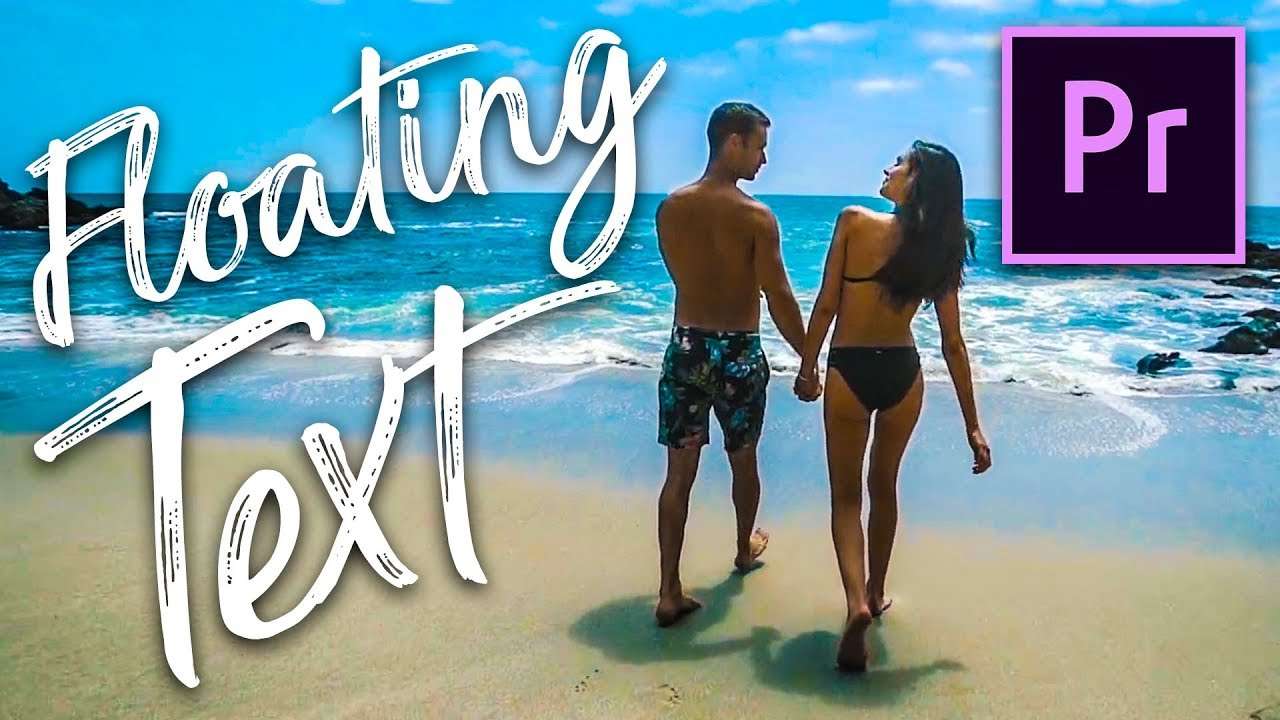
Create a flying / floating text in Adobe Premiere Pro. A simple video editing trick inspired by The Chainsmokers - Closer. Learn how to move your camera over a brush style text.
You guessed it, it's that time again, it's Copy Cat friday! And today we have something pretty cool for you, though I say it myself. We recreated the flying text effect from the music video from the Chainsmokers - Closer. And it's surprisingly easier then you think, with almost no post production work. It's a perfect example of a practical special effect.
These effects are often used in movies and you would be surprised which ones are practicals and not CGI. A famous example for such a practical effect is the hallway scene from Inception. Here the hallway spins while the actors are trying to walk through it. They did this effect by building a massive centrifuge set which rotates while the camera remained fixed on a mount. This makes the effect feel realistic because the actors really fell and stumbled to remain on their feet. Stanley Kubrick also did this effect in 1968, with his famous movies 2001: A Space Odyssey. Here you have a scene were the actor does a gravity defying jog, which is also created by the same principle as the Inception Hallway. So as you can see, you don't need fancy CGI to create stunning Special Effects. You just need some creativity.

The last thing I want to talk about is inspiration. For this video we had a little creative block, we couldn't find a good idea that we thought was good enough for Copy Cat Friday. So what we did was a brainstorm session, where we revisited the values of Copy Cat Friday. You can say we started from scratch to get a clear perspective of what we wanted to achieve with the video. So what I'm trying to say is when you're stuck in a creative process, don't panic! Just clear your mind and go back to the basics of what you want to achieve. Sit down with other like minded and brainstorm together. Go out and find inspiration in everything around you.
PremiumBeat
Premiumbeat is a curated library of royalty-free music that gives you the polished feel of the big production houses. All the tracks are exclusive and copyright clear.
Today's Song: Make it on my own
Jordy Vandeput
Founder of Cinecom · 2.75M+ subscribers on YouTube
Jordy Vandeput is a Belgian filmmaker who has taught practical filmmaking to millions through Cinecom. He breaks professional techniques down into clear, repeatable steps you can use on your very next project.








4 comments
You guys are amazing !
I love your videos. Please next time make one like in the video All Night by the Vamps
Cinecom is the website for videographers and filmakes. Tutorials are awesome and great. A one stop site for film enthusiast.
I have watched a good few of your videos they are well done and informative......Never made a comment before but after this post I must...I laughed out load, thank you and keep up the good work.....