Taylor Swift ‘ME!’ – Flying Effects (Premiere Pro Tutorial)
 Jordy Vandeput
184K views
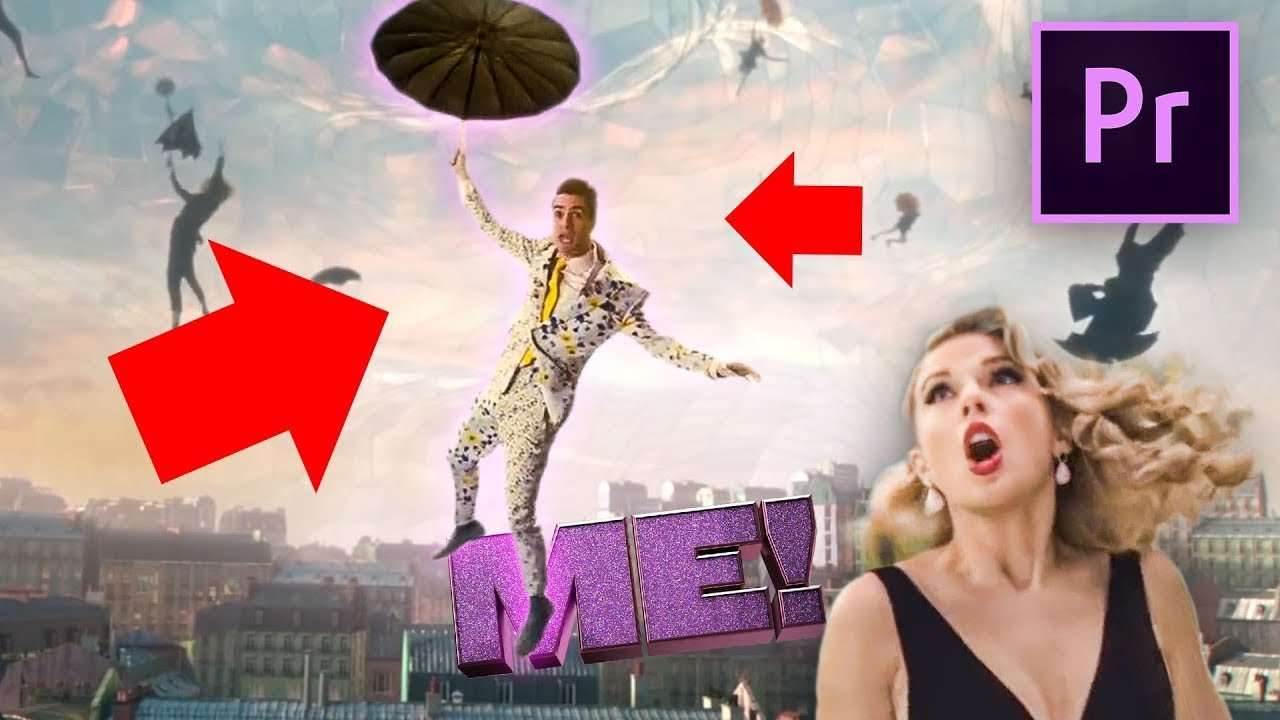
Make yourself fly effect like Brendon Urie from the music video ME! by Taylor Swift. An Adobe Premiere Pro tutorial video to glide through the air with your umbrella like Mary Poppins.
It's finally here! And no I am not talking about the new season of Game of Thrones, which is awesome by the way. What I mean is the new music video from Taylor Swift - Me! And that video is really blowing up and going viral. But who expected less from Taylor Swift? She didn't release something new in over a year and when she makes something, it always blows up. And that's why as real Copy Cat re-creators, we had to do something with this music video.
For the effect that we choose to recreate, we needed a large green screen. As we are trying to fly with an umbrella through the sky, you'll need some room to move in. And that's why we build the biggest green screen in Cinecom history. We had to go really, as high as the ceiling, so that we could jump of an altitude. And with doing this we also needed to go very wide with the green screen, as Lorenzo swings due to the jump. And of course we want to make it ourselves easier by keeping him entirely inside the green screen, preventing us to mask out Lorenzo.
Sadly our green screen is nothing compared to the ones they use in Hollywood. It absolutely amazes me how big they build them for some movies. But what really baffles me is the mixture of green they use for these green screen walls. I can tell you that keying green screens with a slight difference in light or color is very hard. And when seeing some mixture of green screens they use in Hollywood, it really makes me respect the visual effect artists even more.
StoryBlocks Video
This video was supported by Storyblocks Video, an easy to use site full of stock footage, After Effects templates, backgrounds, motion Graphics and much more.
Jordy Vandeput
Founder of Cinecom · 2.75M+ subscribers on YouTube
Jordy Vandeput is a Belgian filmmaker who has taught practical filmmaking to millions through Cinecom. He breaks professional techniques down into clear, repeatable steps you can use on your very next project.








0 comments