Greenscreen Tricks without using a Greenscreen
 Jordy Vandeput
1.3M views
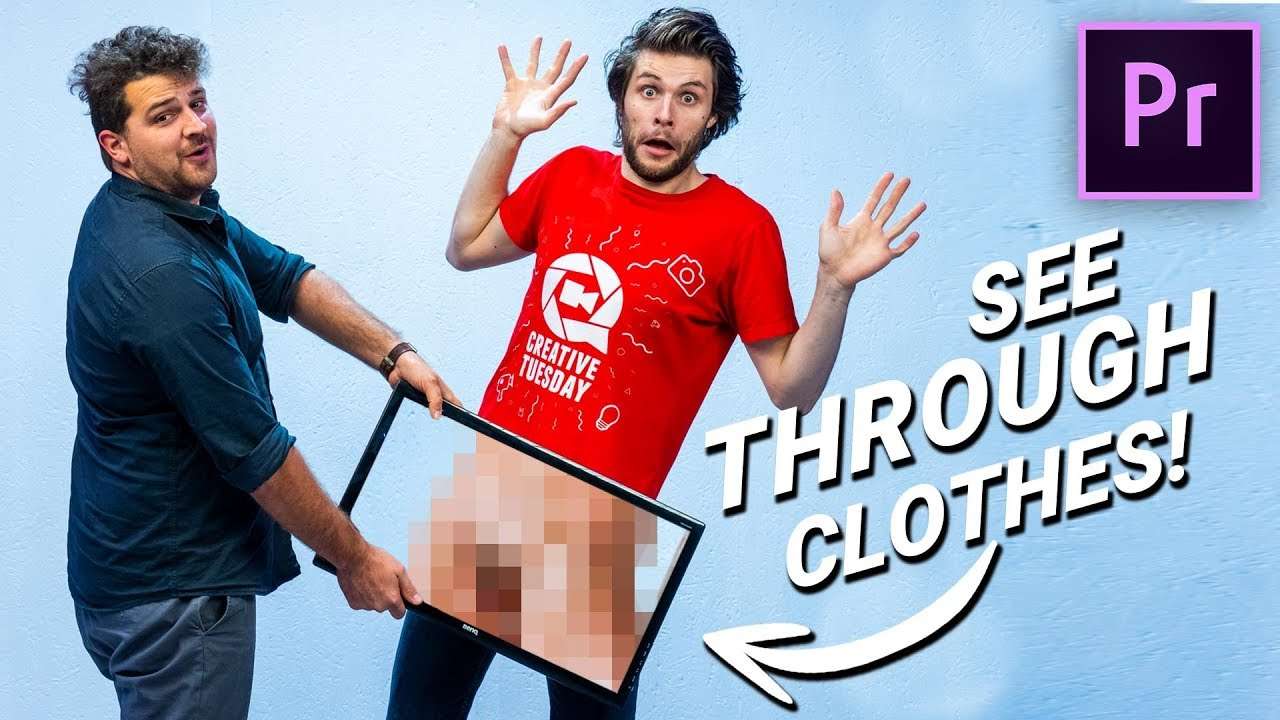
4 Simple Greenkey tricks in Adobe Premiere Pro without using an actual greenscreen. Learn how to create fun editing illusions by chroma keying smaller objects.
Yup, it's possible. You don't need a green-screen or chromakey fabric to pull off a key. There're many fun effects we can create by using smaller greenscreens such as demonstrated in the video above.
The art of keying goes back since the beginning of film. Of course during the black & white ages they didn't used green screens, but instead they worked with mattes. This is a technique where you would use a matte to only expose a specific region on your film. Doing so will 'key' your subject, allowing it to be double-exposed with another clip. Rocketstock has written a very good article about these techniques if you like to learn more.
Zach King
What took days of work back then, now only requires a few clicks inside Adobe Premiere Pro. Video editing software has become to accessible to anyone, that many smaller creators have become popular with their creative work. The biggest example might be Zach King, also know as Final Cut King.
Zach get his popularity from video sharing tool 'Vine' in which he created small videos that showed a fun illusion. These illusions where often created using green-screens or clever compositing of clips. Zach King was and still is a big influence to many sole creators as he showed that you don't need much to create amazing edited videos.
In our Copy Cat Friday series we've also covered Zach King's creators more often, which where always super fun to recreate :-)
Storyblocks
Big thanks to our lovely sponsor Storyblocks, which is an online library filled with studio quality stock videos, overlays, transitions, video effects and so much more.
Jordy Vandeput
Founder of Cinecom · 2.75M+ subscribers on YouTube
Jordy Vandeput is a Belgian filmmaker who has taught practical filmmaking to millions through Cinecom. He breaks professional techniques down into clear, repeatable steps you can use on your very next project.








5 comments
Can you tell me one of the tricks!
That cool good job
that's cool bravo good job!!!!!
nice tricks about Greenscreen.
make me high after seen this tutorial