Be a Rap God like Eminem (Premiere Pro Tutorial)
 Jordy Vandeput
125K views
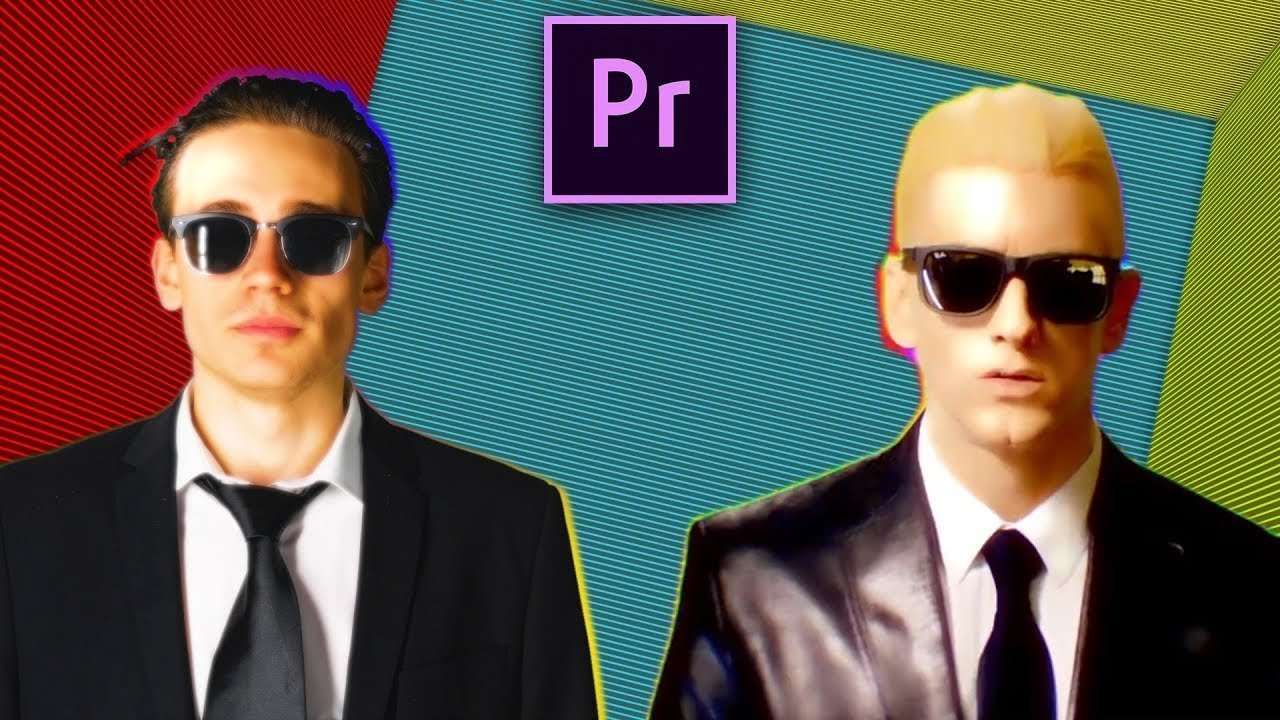
Learn how to recreate the Intro from the Rap God music video by Eminem in Adobe Premiere Pro. Use simple editing techniques, blending and Color Grading in Lumetri for a cool rap music video effect.
Lorenzo is ascending to a higher level this week. And no, he's not turning into a super Saiyan (which would be really cool). This week he is turning into a Rap God aka Slim Lorenzo. As you probably already guessed, in our new Copy Cat Friday tutorial we are recreating Eminem's old music video 'Rap God'. Recently Eminem dropped a new album, which no one was expecting. So now he's somewhat trending on YouTube, definitely now that he had a feud with Machine Gun Kelly. They did a few dis tracks about each other, which went trending really fast. But we didn't dare to do a diss track tutorial, after our massive fail from last time.

This week we are combining After Effects and Premiere Pro. As you can see in the real clip, they have a moving cube background. This quite easy to recreate in after effects, because of the 3D layer function. In Premiere Pro it is near impossible to get it perfect. That's why we choose to quickly make it in After Effects, do some animations and then export it so we can use it in Premiere Pro. Of course if you aren't that good in After Effects, you can always use your download talents and download the background file at the end of this post.
For the other part of the tutorial, we will use Premiere Pro. We could of course stay in After Effects, but the Lumetri Panel in Premiere Pro is much easier to use. And we love Premiere Pro so we have to use it. Then it was fairly easy, just take some duplicates, do some blending and color grading. Add a 4 Color gradient and BAM, you got a cool Rap God effect.
VideoBlocks
This video was supported by Videoblocks, an easy to use site full of stock footage, vector images, stock photos, music, sound effects and more.
Jordy Vandeput
Founder of Cinecom · 2.75M+ subscribers on YouTube
Jordy Vandeput is a Belgian filmmaker who has taught practical filmmaking to millions through Cinecom. He breaks professional techniques down into clear, repeatable steps you can use on your very next project.








6 comments
How to Download The Cube Effect?
Your videos help me being a better editor! Thank you!! - From Thailand
Your videos have helped me alot thanks from Nigeria
Hi, make a VEDIO by collaborating with caption desolution....... ........love from INDIA........
your videos always inspire me...thanks for helping me being more creative
I love your vids! Love from Italy!