How to Create an Endless Door Loop (Premiere Pro Tutorial)
 Jordy Vandeput
27K views
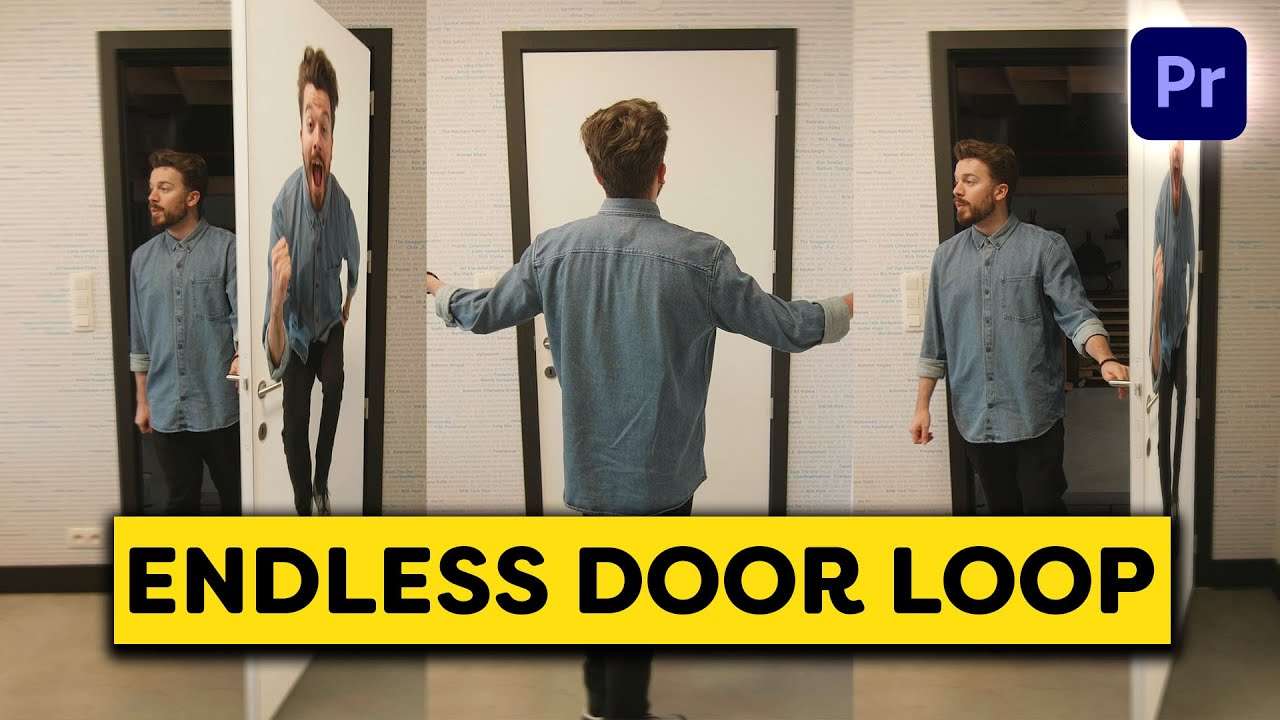
Learn how to create an endless door loop using the corner pin effect in this basic beginner tutorial in Adobe Premiere Pro.
How to create an endless door loop in adobe premiere pro?
It's actually a very simple technique to create an endless loop with a door, but it requires a bit of 'cheating'. Let me explain! First we need a shot with someone opening a door and doing a movement in front of it, like for instance a jump.
Then we are going to mask around the corners of the door and nest the layer. Once nested, use the motion properties to stretch the image by deselecting the uniform scale, once done nest again. Then we're going to use the corner pin effect to pin the corner of the stretched image to the corners of our screen. And we're going to nest again.
Then comes the part that takes the most time and effort which is once again applying the corner pin but animating the corners to the movement of the opening (or closing) door. Do this frame by frame to create the best animation.
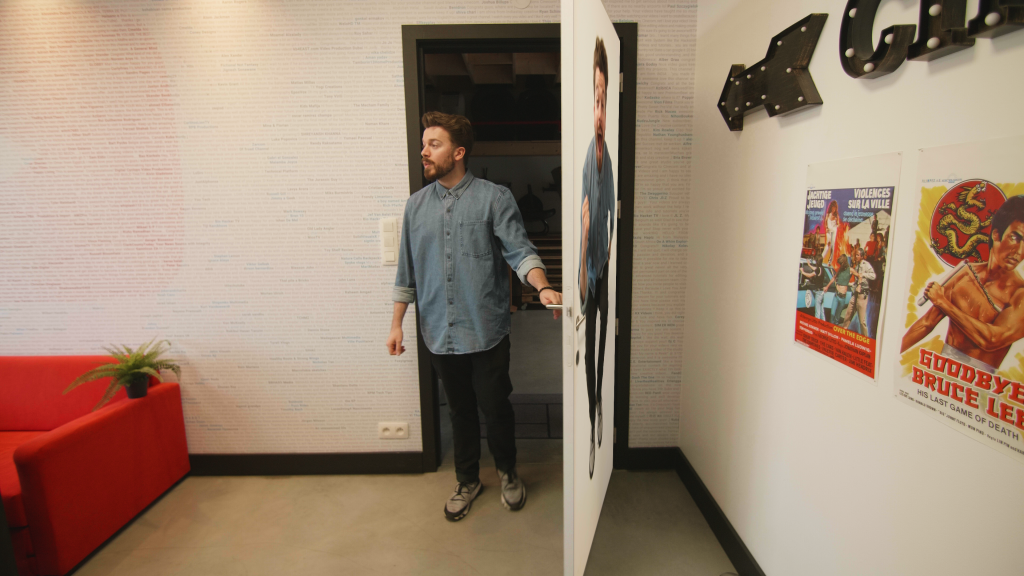
To make this an endless loop, line up the ending of the clip with a duplicate of the beginning and keep on repeating that as much as you want. The more duplicates, the longer your loop.
Drag and Drop presets
The effect for the endless door loop is in fact quite easy, but what's even easier? Well, drag and drop presets and transitions! Or assets like muzzle flashes or particles. And we have them all available for you on our website. Besides that we also have a whole bunch of highly rated editing classes.
Jordy Vandeput
Founder of Cinecom · 2.75M+ subscribers on YouTube
Jordy Vandeput is a Belgian filmmaker who has taught practical filmmaking to millions through Cinecom. He breaks professional techniques down into clear, repeatable steps you can use on your very next project.








0 comments