How to get an Insane Video Edit (Premiere Pro Tutorial)
 Jordy Vandeput
19K views
Learn how to enhance your video edit with transitions, LUTs and overlays in this beginner Adobe Premiere Pro tutorial.
How to get an amazing edit
There are so many ways to get an amazing edit, but of course there are some ways that are more important then others! Shooting great footage is important and is definitely a great start but it's not the key ingredient. I've seen people who created insanely good edits with crappy footage and vice versa.
So before you start your edit, think about the process. Think about what you will be creating and how you can enhance the footage that you've shot.
Start with a basic edit
Start of with the basics. A simple edit where you simply cut your footage and drag it to your timeline in the right order. Cut it to the beat of the music and make sure that everything is in the right order. That is step number one in the editing process.
Now don't be happy once that's done. Watch it again and again and look for tiny details or flaws that can be altered. Maybe replace some shots or short/lenghten certain parts of it.
Enhancing your edit
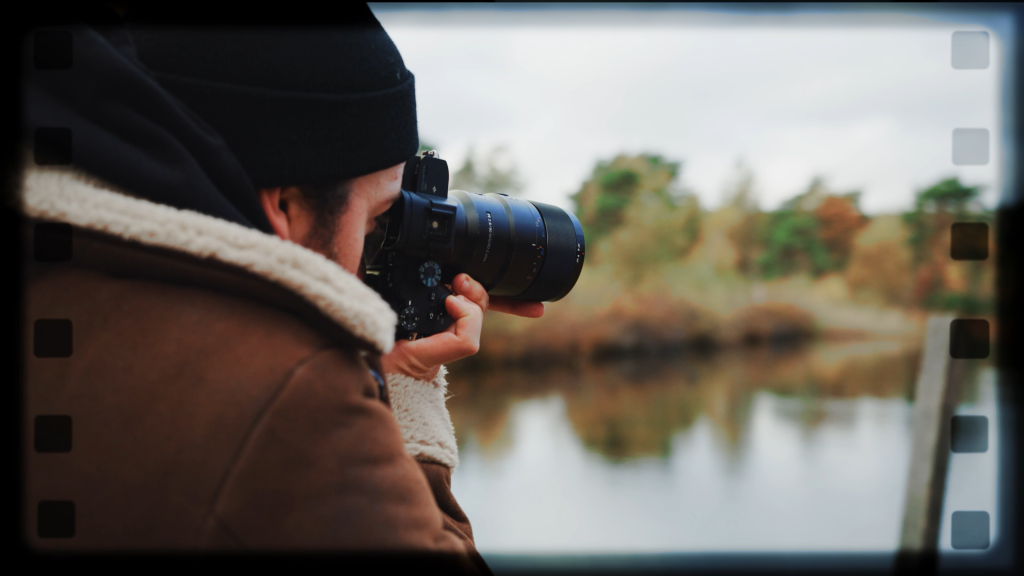
The next step is enhancing your edit to get the amazing video result you want to show the world (or your client). A first step in this process is analyzing what kind of video result you want to have and what kind of shots you have. Can you make certain transitions to enhance the power of two shots? Or can you place a specific effect or LUT on a clip so it pops more?
Of course all of this depends on the edit and the footage that you have. So I can't decide what you should or shouldn't do. But in my opinion having some dynamic transitions in your video keeps the viewers attention. It's a fun and unique way to get from one shot to another and that keeps the viewer engaged. You can also use overlays, either to enhance a shot or to make a transition. (Anamorphic) flares, dust, flame particles and so much more overlays are available all across the internet or you can simply make them yourself. Believe me when I say that using this enhances your edit a lot!
As mentioned before you can also use LUTs. Either to create a certain mood in your video/shot. Or simply because you don't like the colors that are coming straight out of camera.
All in one Video Bundle
For this video we had the chance to work with the insane CinePunch bundle from Phantazma. This bundle includes over 9999 assets. Yeah you've read that right! It includes over 1500 transitions that you can easily drag and drop into your timeline. So it's not a plugin. It also includes a whole bunch of LUTs, Motion Graphics, Overlays and so much more. To be honest, I've never seen a bundle this big and I'm really mesmorized by the amount of work the creator put into this. So if you're interested, it's an easy way to simply drag and drop assets to enhance your edit.
Jordy Vandeput
Founder of Cinecom · 2.75M+ subscribers on YouTube
Jordy Vandeput is a Belgian filmmaker who has taught practical filmmaking to millions through Cinecom. He breaks professional techniques down into clear, repeatable steps you can use on your very next project.








1 comment
thank you so much sir you provided to lesson of premiere & After Effect . i Am learn Lot. thank you