How to crop and scale in Premiere Pro?
 Jordy Vandeput
72K views
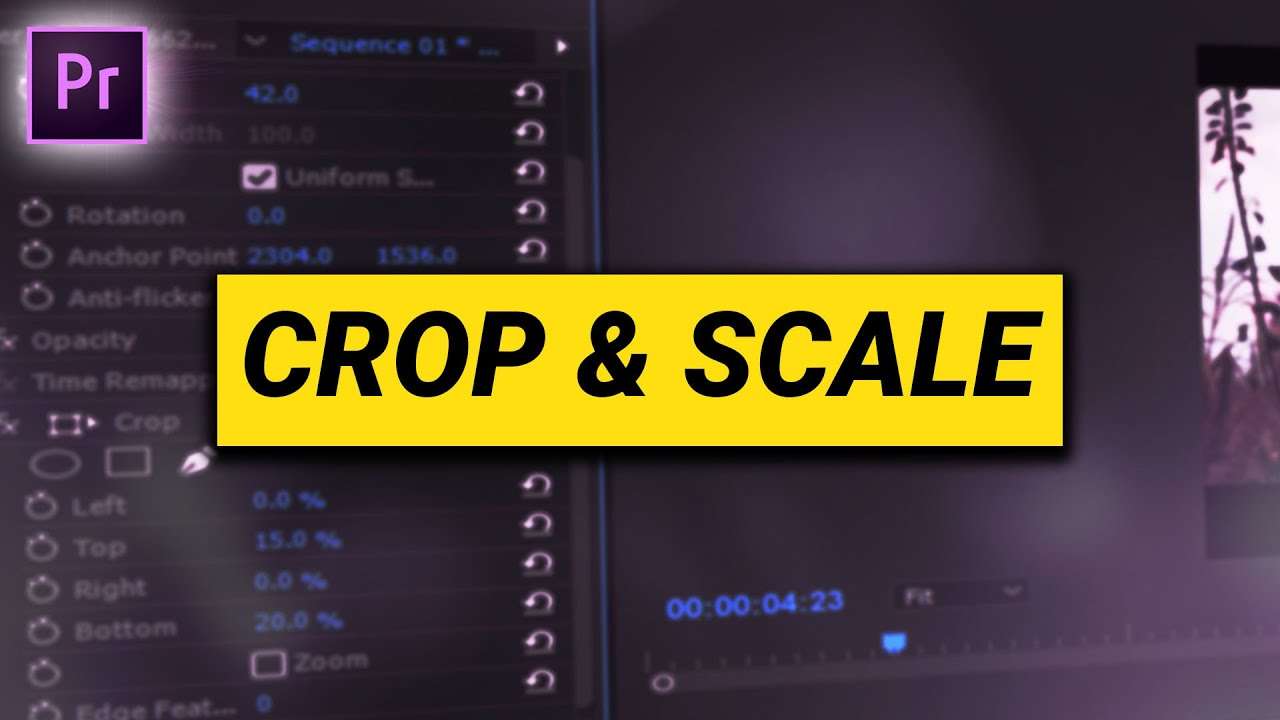
Learn how to scale your clips and crop them in Adobe Premiere Pro in this beginner tutorial and get the best composition out of your shot.
Crop and scale in Premiere Pro
When shooting you always try to make your shot as good as possible, but sometimes certain conditions require you to shoot your video a bit wider than it should be and that's why it's handy to scale and crop your footage.
The easiest way to scale your footage is by adjusting the scale property in the Effect Controls panel of course. You can even animate the scaling but adding some keyframes to it. You can also use the transform effect like we've explained you in this video.
To crop your video, simply use the crop effect. It's super simple, altering the percentages of either the top, bottom, left or right property will immediately crop that part of you footage. It's the ideal way of creating cinemascopes (black bars). And just like with the scaling you can animate this by adding some keyframes. If you want cinemascopes over your entire video I would recommend adding the crop effect to an adjustment layer and placing that on top of all your clips. You can also feather the harshness of the edge of the crop effect.
skillshare courses
If you want to learn even more about Premiere Pro or want to get in depth into animating keyframes, I would recommend watching our courses on Skillshare. The first two months are completely for free so make sure to create your account now.
Jordy Vandeput
Founder of Cinecom · 2.75M+ subscribers on YouTube
Jordy Vandeput is a Belgian filmmaker who has taught practical filmmaking to millions through Cinecom. He breaks professional techniques down into clear, repeatable steps you can use on your very next project.








0 comments