How to Edit a MOTION GRAPHICS COMMERCIAL (Premiere Pro Tutorial)
 Jordy Vandeput
194K views
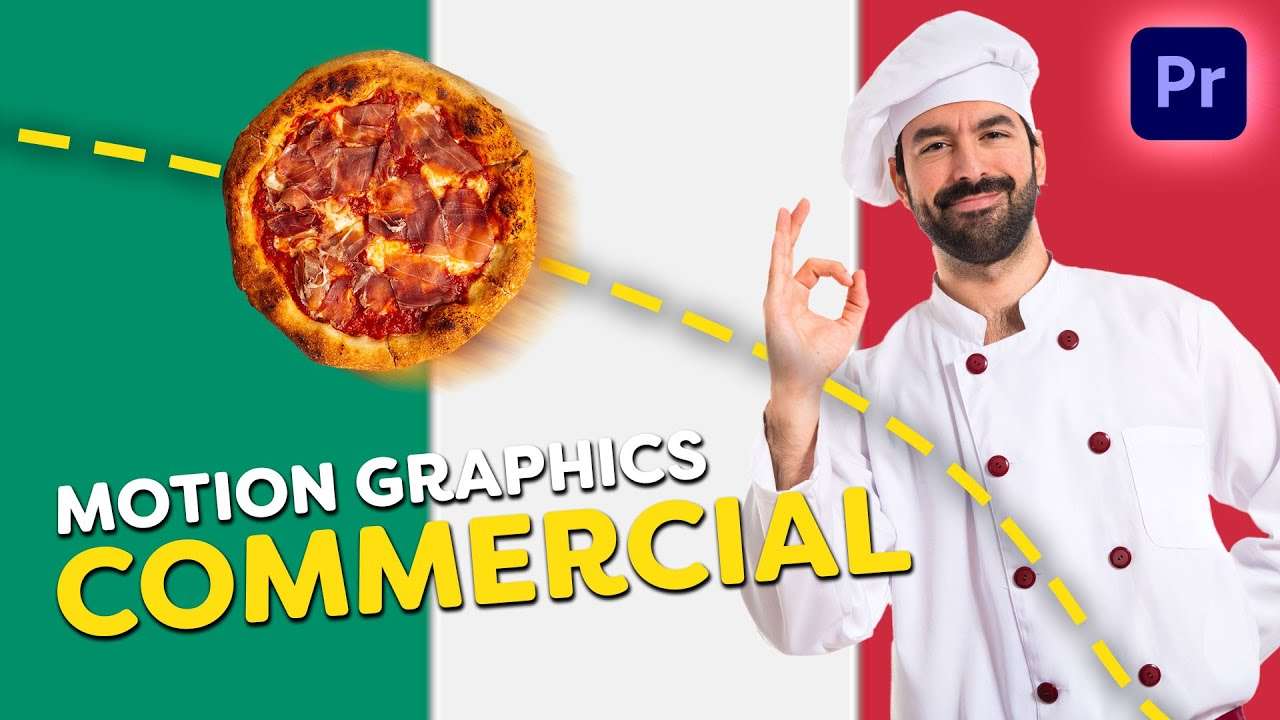
Learn how to make a social media motion graphics commercial in this beginner tutorial in Adobe Premiere Pro.
How to edit a motion graphics commercial in adobe premiere pro?
Motion graphics are used a lot for commercials, especially social media commercials. But how can you create these in Premiere Pro? Well there are a lot of different styles and therefor a lot of different ways to create motion graphics. Normally I would recommend to use Adobe After Effects since that is more advanced and delivers better results.
But since we only focus on Premiere Pro I'll give you some tips and tricks to get started with editing motion graphics in Premiere.
Motion blur is the key
Motion graphics are all about animations. To make animations look real or believable they need motion blur. The best way to create the animations AND motion blur is by using the transform effect in Premiere Pro.
This allows you to animate the scaling, positioning, rotation and opacity of a clip or asset. If you get a bit creative you can easily create fun animations. If you have a look at our video we used it to create a swipe effect, a bounce effect and even animate wheels of a car.
Give your clients the full advertisement experience
When a client approaches you to create a commercial it's always nice to provide them with as much assets as possible. That includes videos, photos and even a website. With Zyro you can easily create a website in no time. It's super simple, just drag and drop, add videos or photos and even your Instagram grid. So it's ideal to showcase your video and provide your client with a new website.
Jordy Vandeput
Founder of Cinecom · 2.75M+ subscribers on YouTube
Jordy Vandeput is a Belgian filmmaker who has taught practical filmmaking to millions through Cinecom. He breaks professional techniques down into clear, repeatable steps you can use on your very next project.








1 comment
This is realy good