Zoom Through Mouth Transition (Premiere Pro Tutorial)
 Jordy Vandeput
18K views
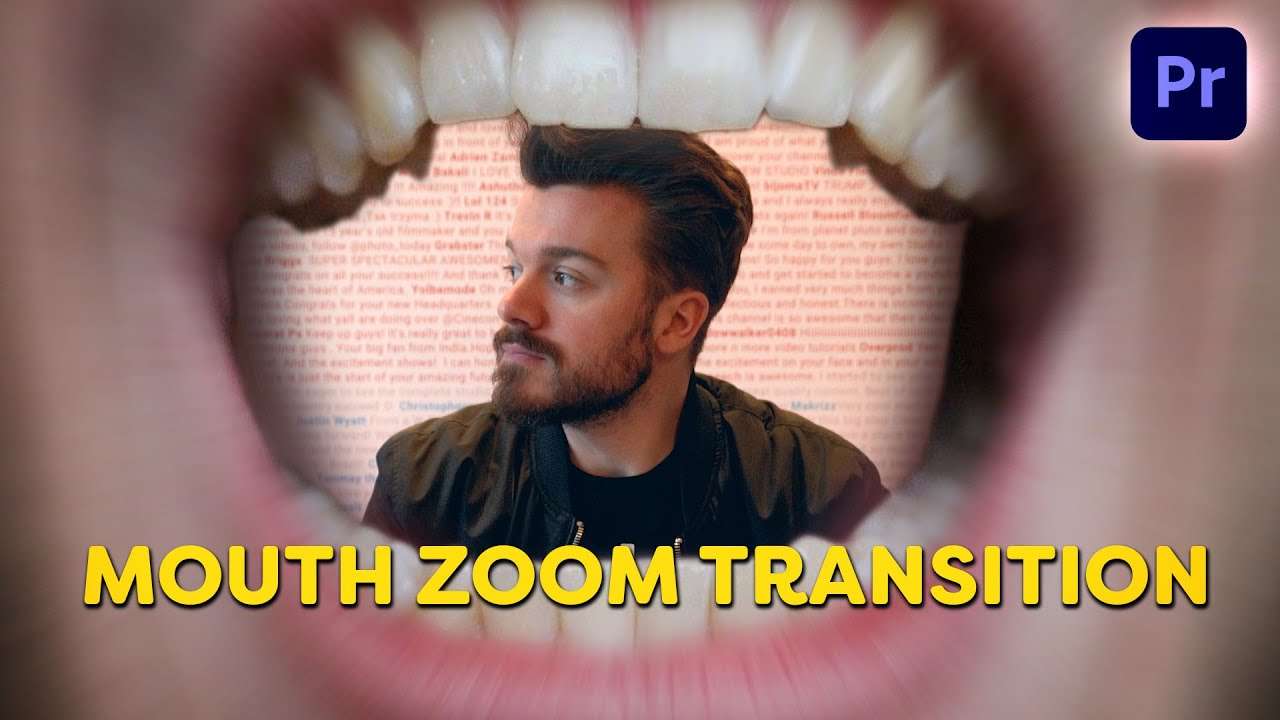
Learn how to create a simple yet awesome zoom through mouth transition in this beginner tutorial in Adobe Premiere Pro.
How to create a zoom through mouth transition?
It's actually a really simple and cool transition/effect. I made it during one of our livestreams and I recently discovered that they also used this effect in the Dr Strange movie from 2016.
What you need is a shot where someone opens his or her mouth quite wide without moving the head too much. The second shot to transition to can be anything you want.
Making the effect in Premiere Pro
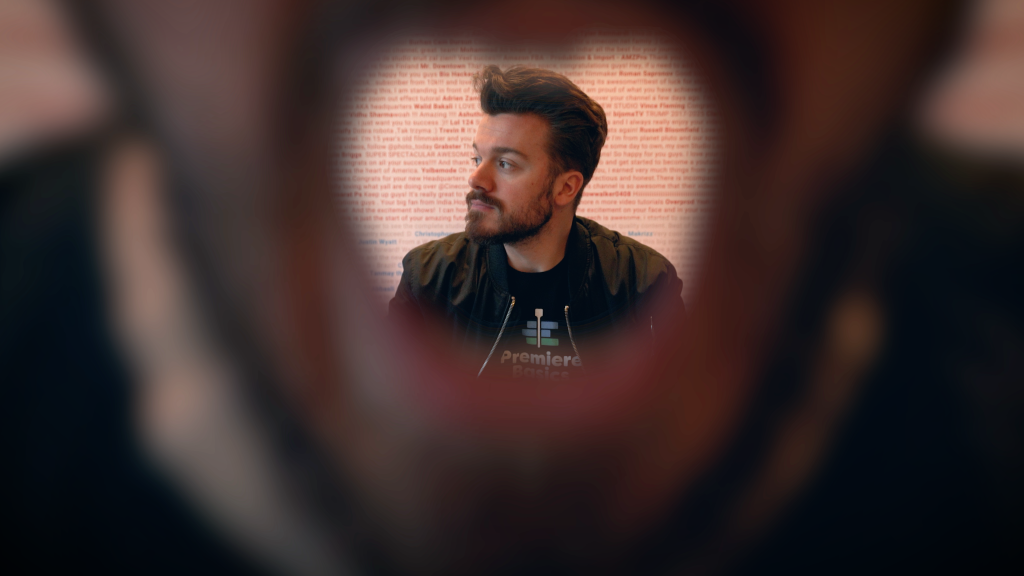
Bring your video to Adobe Premiere Pro and duplicate it, then make a mask inside the mouth. Invert the mask and track it forward. Then nest that layer and use the transform effect to zoom into the mouth. Position it properly to the middle of the screen.
QUICK TIP: Don't go beyond 300% scaling in the transform effect, Premiere will get super slow and will probably bug!
So if you need to zoom even more, use the scaling property from the clip itself. Then ease all the keyframes and use the levers to play around with the speed of the scaling so that it looks realistic. Then to finish it apply a gaussian blur effect and animate the blurriness overtime so that the mouth becomes more blurry the closer it gets to the camera. And of course finish it by placing your second clip underneath this layer.
want more transitions?
If you want more transitions, presets (like glitches,...), particles or other assets then have a look at our VideoPacks. Or if you want to learn more about editing in Premiere Pro, color grading or After Effects, check out our classes!
Jordy Vandeput
Founder of Cinecom · 2.75M+ subscribers on YouTube
Jordy Vandeput is a Belgian filmmaker who has taught practical filmmaking to millions through Cinecom. He breaks professional techniques down into clear, repeatable steps you can use on your very next project.
Related tutorials
 46K
8:17

4 Premiere Built-In Transitions That Replace Keyframes
Premiere built-in transitions can do the work of a stack of keyframes. I show four builds: a text reveal with Motion Camera, a Spin Motion logo animation, a TV turn on effect with TV Power, and lower thirds made from Fold Motion and Spring Motion.
 25K
6:11
How to Make a Superhero Landing in Premiere Pro
Learn how to make a superhero landing in Premiere Pro without After Effects. Cut yourself out with the Object Mask tool, drop in with the Transform effect, speed up the fall with a speed ramp and hit the ground with an earthquake from the Camera Shake effect.
 32K
4:30

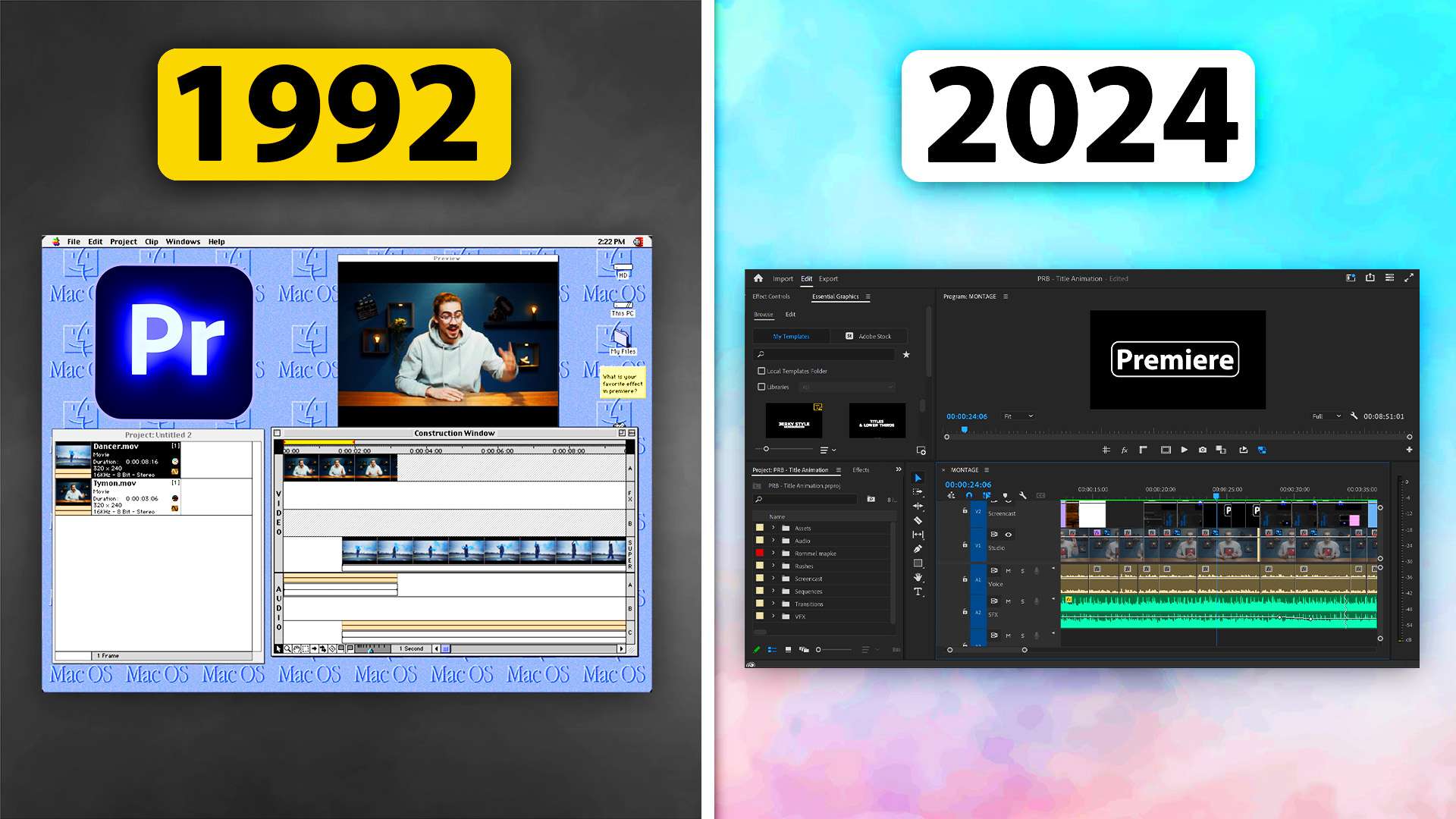
I Tried Editing In The FIRST PREMIERE EVER!
Learn 10 mind-blowing and interesting facts and a little bit of history about Premiere in this Adobe Premiere video!
0 comments