How to RETOUCH Skin in a Video (Premiere Pro Tutorial)
 Jordy Vandeput
264K views
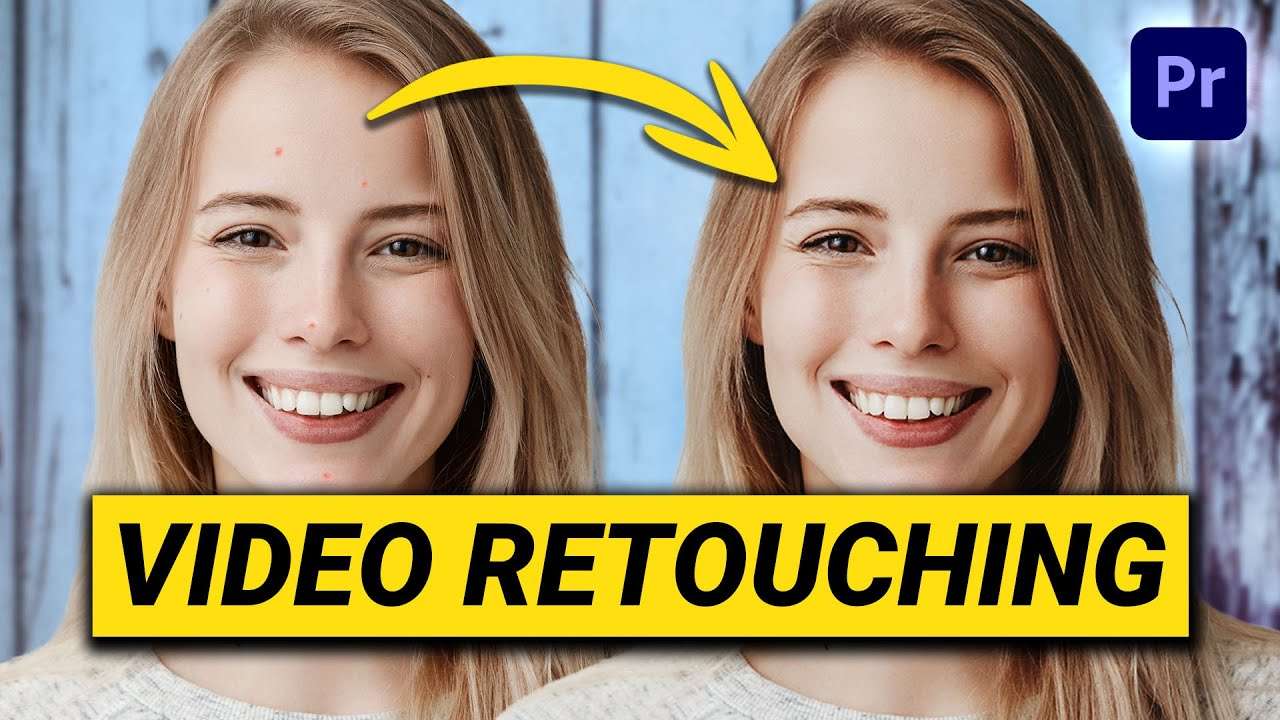
Learn how to retouch a face with simple tools for brightening eyes, smoothening skin and whitening teeth in this Adobe Premiere Pro Tutorial.
Retouching skin
As you may know, I'm not just a filmmaker or video editor, I'm also a photographer. And like most photographers I use Adobe Photoshop to retouch the portraits that I shoot. Smoothening skin, enhancing facial features like beautiful eyes, getting rid of pimples and whitening teeth. This got me wondering if all of this is also possible with a video. And yes it is! I found some very simple ways to do this in Adobe Premiere Pro.
Retouching in Adobe Premiere Pro
With the Lumetri Color effect, which is default in Adobe Premiere Pro, you can easily mask around the mount and select the color of the teeth. Once this is done you can adjust the saturation and brightness and this will make your teeth look way more white.
The same technique can be used for enhancing or brightening eyes. We've already covered this in our scary eyes tutorial which we made on Halloween. Of course try to keep it realistic when you're adjusting the brightness of eyes.
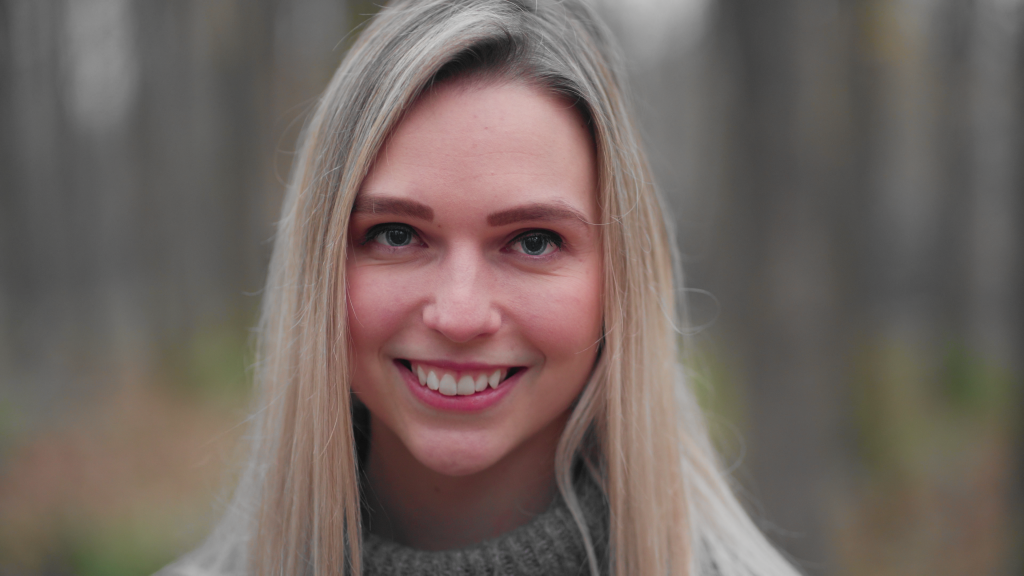
retouching skin in a video
Now comes the tough part, getting rid of pimples and smoothening skin. On a photo that's super simple, because you have a non moving surface, a single frame. When it comes to video we have a moving image with at least 24 frames per second...
But no worries, for every problem there is a solution! Once again we can use the lumetri effect, together with the gaussian blur effect to get rid of pimples, spots and get a clean and smooth skin. This technique uses a blend mode called soft light and because of that it also brings some depth to the shadows and highlights. That's basically a quick way to dodge and burn the skin.
Skillshare
If you're interested in video editing and film making I highly recommend Skillshare. We have tons of Skillshare courses which will help you learn everything there is to know to become a video creator. The first two weeks are free so that's two weeks of free learning from their library which has thousands of courses.
Jordy Vandeput
Founder of Cinecom · 2.75M+ subscribers on YouTube
Jordy Vandeput is a Belgian filmmaker who has taught practical filmmaking to millions through Cinecom. He breaks professional techniques down into clear, repeatable steps you can use on your very next project.








2 comments
Very good video!
Thanks!