Walk on Water like Bruce Almighty (Premiere Pro Tutorial)
 Jordy Vandeput
351K views
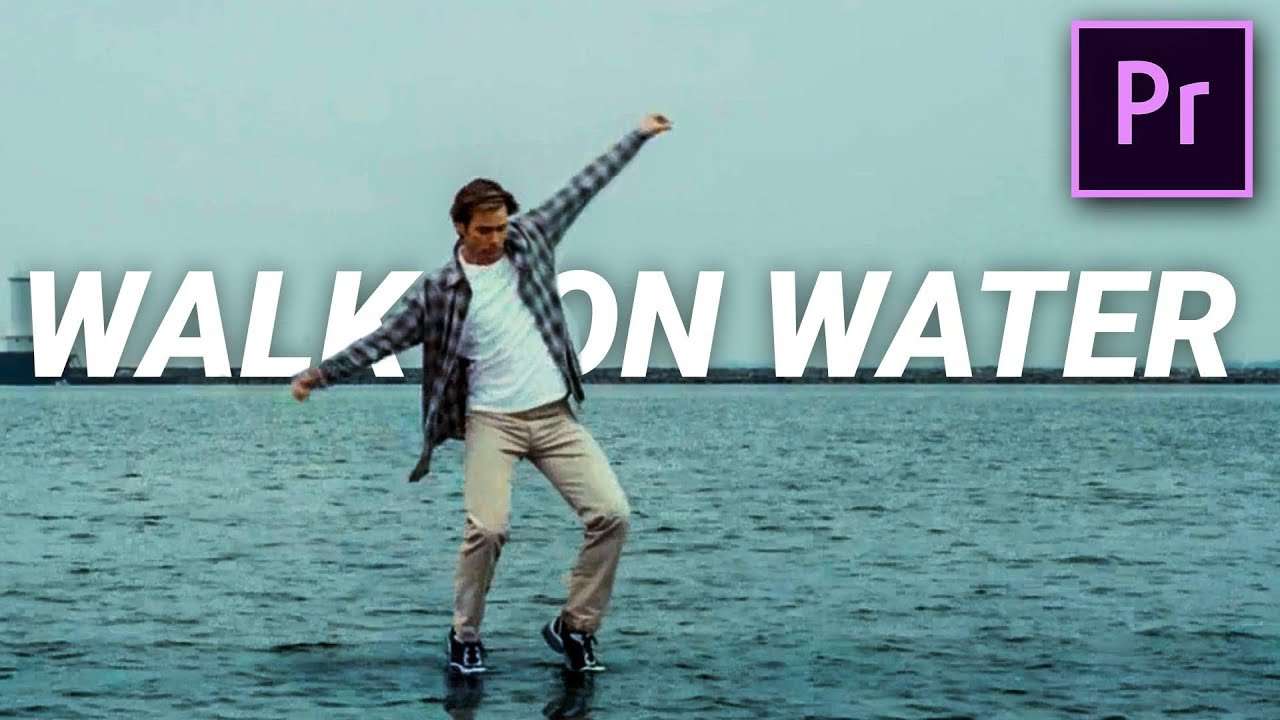
Learn how to walk on water with editing tricks inside Adobe Premiere Pro. Recreate the Bruce Almighty film and walk on water like God in this Premiere Pro tutorial video.
Today is a historical day! We are going to walk on water just like Jesus did more than 2000 years ago. We are going to recreate a biblical scene, something completely different than the usual music video or movie. We also want to say that we respect every religion and everyone who has faith. However we are atheists, so we can't really say for sure if Jesus really did it. But it's still really cool to walk on water and you guys asked for it a lot. So we had no choice other then to do the effect for you.
We started researching for the effect with the idea that we didn't wanted to use a green screen. Lately we often used a green screen in our videos, which is quite normal because many visual effect use them. But still, we want to be renewing and creative. That's why we thought of a way to walk on water without using a huge green screen setup. We went for actually walking on water and build a little construction that we hid under water. Because the water where we filmed wasn't that clear, you can't notice the wooden plank that we use to walk on. To extend the water we simply took another shot with only water and then used some clever masking to blend it all together.
The Red Gemini
On Wednesday we went to Brussels and visited a camera store. We went there to receive a demo about the Red Gemini. This was of course a dream come true for all of us. And boy did we drool all over the camera while shortly filming with it. We did the demo because Jordy is thinking about buying one for Cinecom. Now you are probably thinking "why do you need a red?". Well we want to give you the best quality videos as possible and it will also help with the workflow while making effects. Because we need to create so much different effects, we could really use every help we can get. Even from our own camera. And of course we are going to use it for our Short movie, where we will start on very soon.
Dit bericht bekijken op Instagram
Een bericht gedeeld door Cinecom.net (@cinecom.team) op 26 Sep 2018 om 7:26 (PDT)
VideoBlocks
This video was supported by Videoblocks, an easy to use site full of stock footage, vector images, stock photos, music, sound effects and more.
Learn Masking Course
Check out our Skillshare course on the basics of masking in Premiere Pro
Jordy Vandeput
Founder of Cinecom · 2.75M+ subscribers on YouTube
Jordy Vandeput is a Belgian filmmaker who has taught practical filmmaking to millions through Cinecom. He breaks professional techniques down into clear, repeatable steps you can use on your very next project.








1 comment
Hi. Your group is really great. The stories are very joyful. I am very motivated by your training. You are the best. Good luck.