Coldplay Up&Up – Sea Turtle Compositing in Premiere Pro
 Jordy Vandeput
188K views
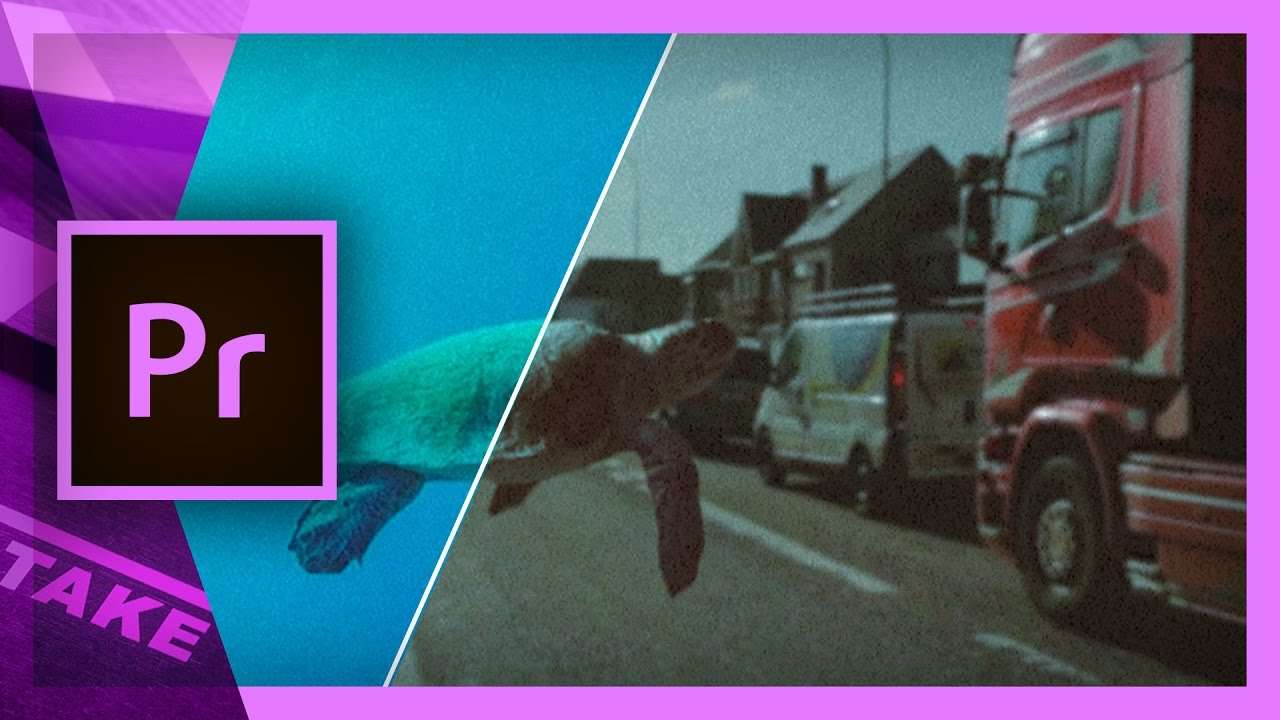
How to create the swimming sea turtle from Coldplay Up&Up in Adobe Premiere Pro. Learn advanced keying, effects combining and compositing.
On our vote page we saw that many of you guys where requesting a tutorial on how to recreate the effects from the Coldplay videoclip Up&Up. In that videoclip we amazing compositing techniques where they play with the scale of objects and sceneries.
Sea Turtle
In their opening shot they've composite a sea turtle swimming mid air in a subway station. The realism is very high due to the motion tracking and color grading. Because the majority of our audience are Premiere Pro users, we've decided to make the tutorial in there. Even though we're facing many limitation, I do believe you'll learn some advanced techniques in the masking and keying area that will strengthen your skills.
Keying and Masking
In Coldplay Up&Up they made much use of old archive videos, in which they didn't have control over the recording. So performing a nice green key is not possible. Most of the stuff was probably rotoscoped. This is a technique in After Effects where an object is masked and automatically tracked. In Premiere Pro we don't have that option, so we'll be using the Ultra Key together with a secondary color correction to achieve a better result.
Premium Beat
This video was supported by Premium Beat, a curated royalty free music website that provides exclusive, high-quality tracks and sound effects. Which can used in new and traditional media projects, including videos, films, apps, games, and television programming.
Jordy Vandeput
Founder of Cinecom · 2.75M+ subscribers on YouTube
Jordy Vandeput is a Belgian filmmaker who has taught practical filmmaking to millions through Cinecom. He breaks professional techniques down into clear, repeatable steps you can use on your very next project.








4 comments
I dont have a pen tool for chroma key
The turtle's neck still keys out in places.
Yeah it's definitely not an easy key. Have you tried looking at the parameters of the Ultra Key from our project file?
Fantastic tutorial! You guys made it so simple. Thank you so much.