How to fly realistically using premiere pro (Harry styles inspired)
 Jordy Vandeput
702K views
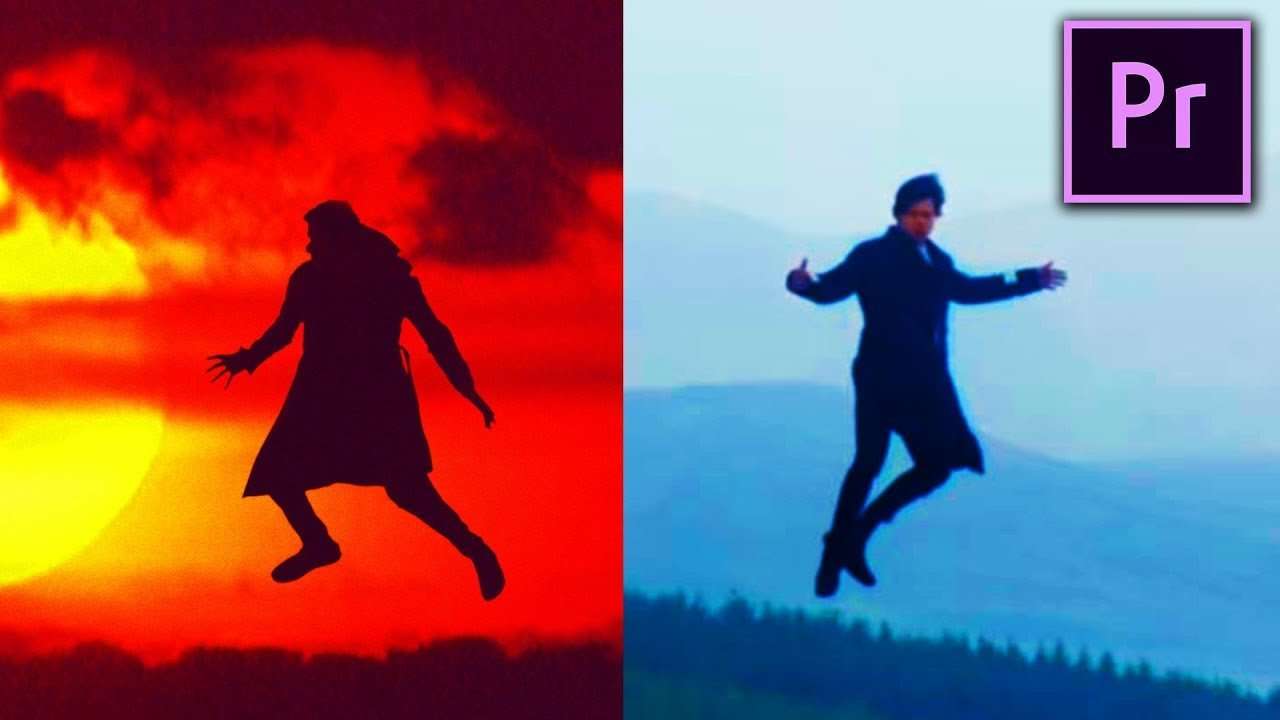
Learn how to fly like Harry Styles in Sign of the Times. Use color grading and keying in Premiere Pro to create a realistic flying effect.
This tutorial had been on our wishlist for quite some time now. Now it's finally time to let Jordy spread his wings and let him fly like harry styles. In the original music video, they didn't use CGI. The whole flying effect was really Harry flying through the air. They used a helicopter and secured Harry with a harness and rope to it. This of course provided the very realistic flying effect. Fun fact, the long shots high in the air weren't of Harry. They used a doll when going that high. Probably better to be safe! After the shots with the helicopter, they used After Effects the get rid of the rope. In this tutorial we will explain how you can create the same effect without a helicopter with only a climbing rope, harness and a greenkey.
The movies of today are fully loaded with CGI and special effects. But practical effects are also very common in the modern film making industry and some will definitely surprise you. A good example of practical effects is Star wars, the old Star Wars to be specific. They used miniatures of the space ships to create the space scenes. They also painted most of the matte painting in the compositing by hand. That is what you call dedication!
Another movie that uses miniatures sets is somewhat more modern. The dark Knight from Christopher Nolan used these practical effects in the tunnel chase, since the shot was impossible to capture in real life. But they didn't just use miniatures for the scene. They also made a real 18-wheeler flip in one of the busiest streets of Chicago. Of course you can create this all with CGI, but using practical effect will give you that something more. Give it that realistic look.
VideoBlocks
This video was supported by Videoblocks, an easy to use site full of stock footage, vector images, stock photos, music, sound effects and more.
Jordy Vandeput
Founder of Cinecom · 2.75M+ subscribers on YouTube
Jordy Vandeput is a Belgian filmmaker who has taught practical filmmaking to millions through Cinecom. He breaks professional techniques down into clear, repeatable steps you can use on your very next project.








2 comments
Hey increíble hermano sigue así adelante
Hey Guys! Thanks for all of the great video and lessons you give us! I look forward to each and every one! One problem I am having is installing your 5 Ink Transitions and Jumpy Logo apps into Premiere Pro. I followed the instructions that you gave with them and for some reason, I can't get them to load. Any advice you can give would be most appreciated. Stay Creative!