Freeze Frame Clone Trail from Ariana Grande (Premiere Pro)
 Jordy Vandeput
582K views
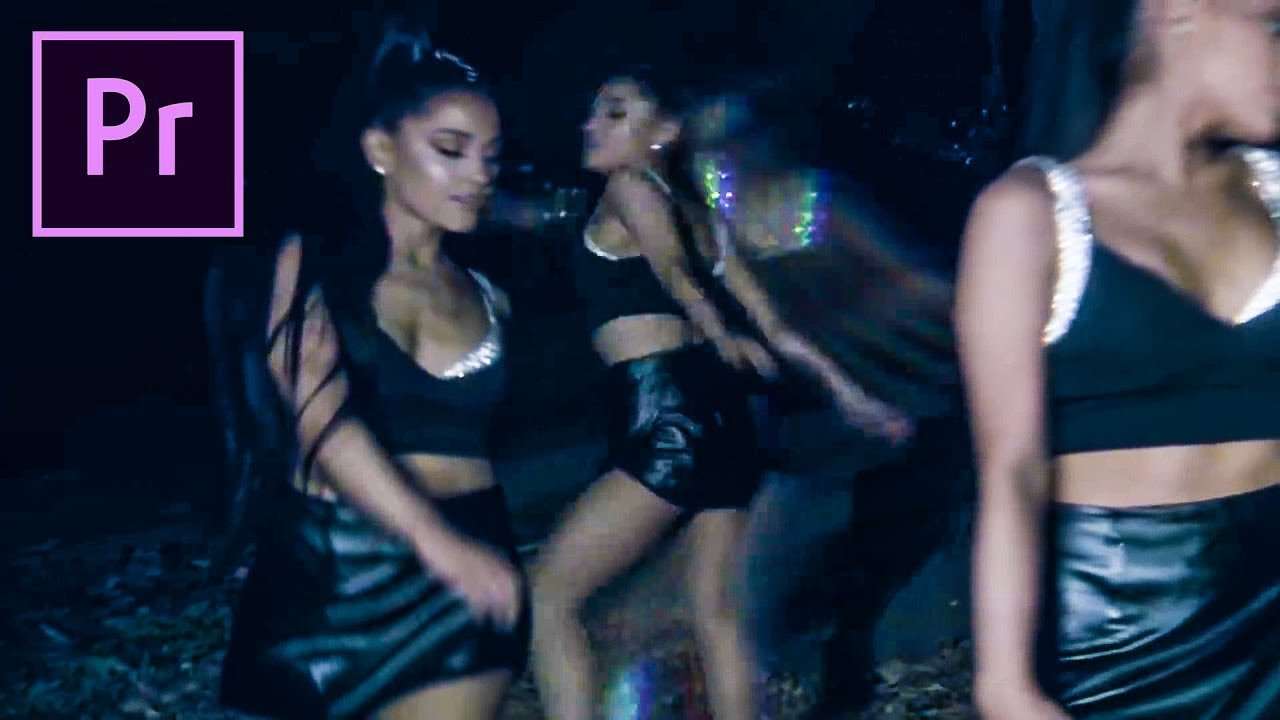
Recreate the freeze frame clone effect from Ariana Grande's music video, 'The Light is Coming'. Jump into your own body with masking and simple editing tricks in this Adobe Premiere Pro tutorial.
Guys it's again time to get out your creative recreating pants. Today we are really jumping into it and I mean this literally. In the newest clip from Ariana Grande, she's walking in the forest. On a sudden point in the film you see a couple of clones of her standing still in the frame. But the real Ariana is still walking around and jumps in her own freezed clones. You can say the merge togheter, like a fusion. Well in this Premiere Pro tutorial we are showing how you can easily recreate this effect. And guys it's pretty simple, but will take some time.
The reason why it's so time consuming is due to all the masking you have to do. But with what effect don't you need to mask. I'm pretty certain masking is one of the most used effects in modern filmmaking. It's used on Color Grading, green keying and so much more. You even have a job in the film industry where you only have to rotoscope. This is a form of masking they use in Hollywood. But when you already made your own short movie or special effect, you'll probably know the struggle of masking. And this struggle is extra hard in Premiere Pro. Out of my own experience, I can say that if you want to mask something in high detail you need to go for After Effects. Now you're probably thinking, then why all the Premiere Pro tutorials? Well we love Premiere Pro and love a challenge!
VideoBlocks
This video was supported by Videoblocks, an easy to use site full of stock footage, vector images, stock photos, music, sound effects and more.
Learn Masking Course
Check out our Skillshare course on the basics of masking in Premiere Pro
Spiffy Light: Spekular
Spekular is a light that reshapes itself to your needs. Want a glamorous ring light look? Check! An edgy strip light? You got it! An LED panel for interviews? No problem!
Jordy Vandeput
Founder of Cinecom · 2.75M+ subscribers on YouTube
Jordy Vandeput is a Belgian filmmaker who has taught practical filmmaking to millions through Cinecom. He breaks professional techniques down into clear, repeatable steps you can use on your very next project.








0 comments