Sick Camera Rotation transition by ‘A$AP Forever’
 Jordy Vandeput
687K views
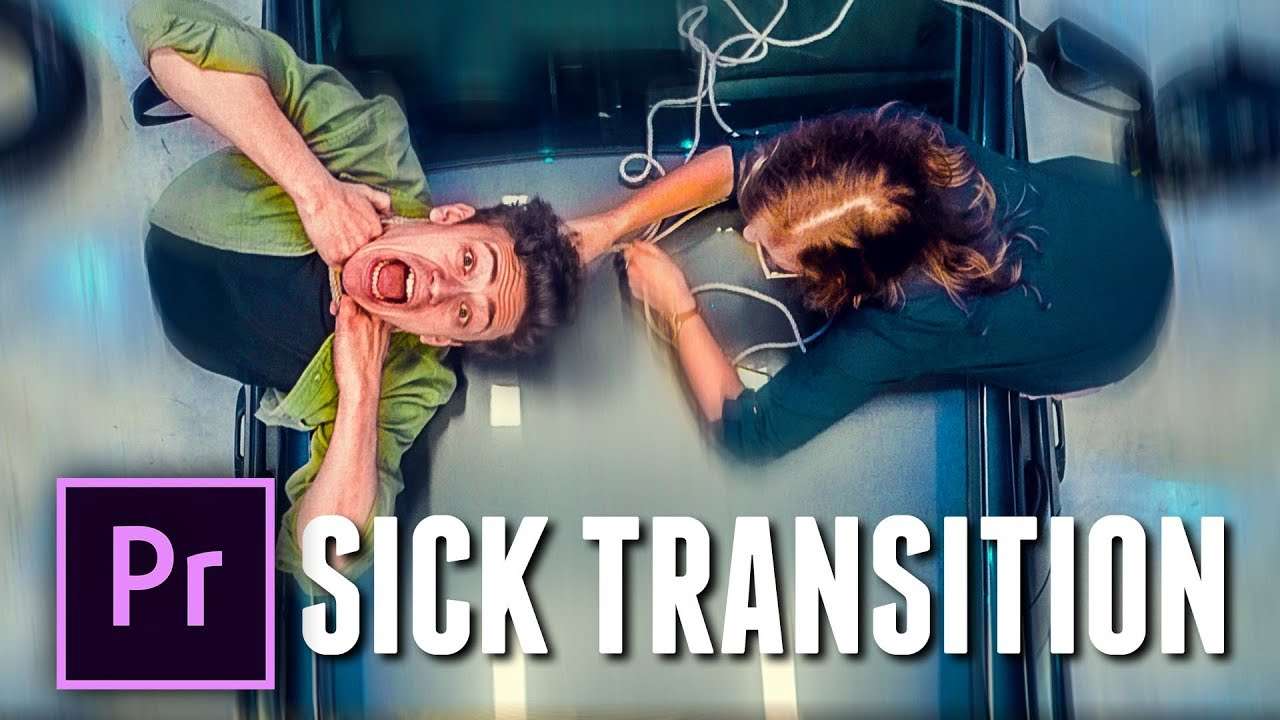
Learn how to recreate the camera arch rotation transition from the new A$AP Rocky music video, A$AP Forever. Create a DIY custom rig to create a stunning transition in Premiere Pro that rotates from scene to scene.
Hello fellow filmmakers, we welcome you again for a brand new Copy Cat Friday. After popular demand we decided to answer your calls and recreate the arc rotation effect from A$AP Rocky's new video. Apparently using heavy rotation is very popular in music and promo video these days. So it's only obvious we go along with the trend.
In this video we did something different then we usually do. Normally we would keep it simple and without much extra equipment. But this rotation effect isn't the normal everyday effect you just do with only your camera. They created the original effect with a custom made rig or with a Bolt Camera Crane. So that's why we also wanted to build a rig, but don't worry we kept it cheap and still easy!
In a previous video, where we explained the heavy rotation effect from Atlanta season 2 promo, we made a mistake. We thought it was made we a green screen and then some editing tricks. But they actually created a custom rig like the one you can see below. Donald Glover was strapped in and the camera mounted before him. That's how they created the perfect rotation, with realistic light changes.
Rocketstock: Tidal Transition Pack
Inspired by the movement of waves and water, Tidal’s 100 fun transitions will give your video project a super-fresh, energetic kick. Easy to customize, Tidal’s 4K elements are a great way to enhance both live action footage or motion graphics and titles. With these stand-out transitions your video will grab viewers’ attention and keep it.
The song from the video came from Premiumbeat and is called Crazy Clownz
Jordy Vandeput
Founder of Cinecom · 2.75M+ subscribers on YouTube
Jordy Vandeput is a Belgian filmmaker who has taught practical filmmaking to millions through Cinecom. He breaks professional techniques down into clear, repeatable steps you can use on your very next project.








1 comment
What lens did you use for those shots