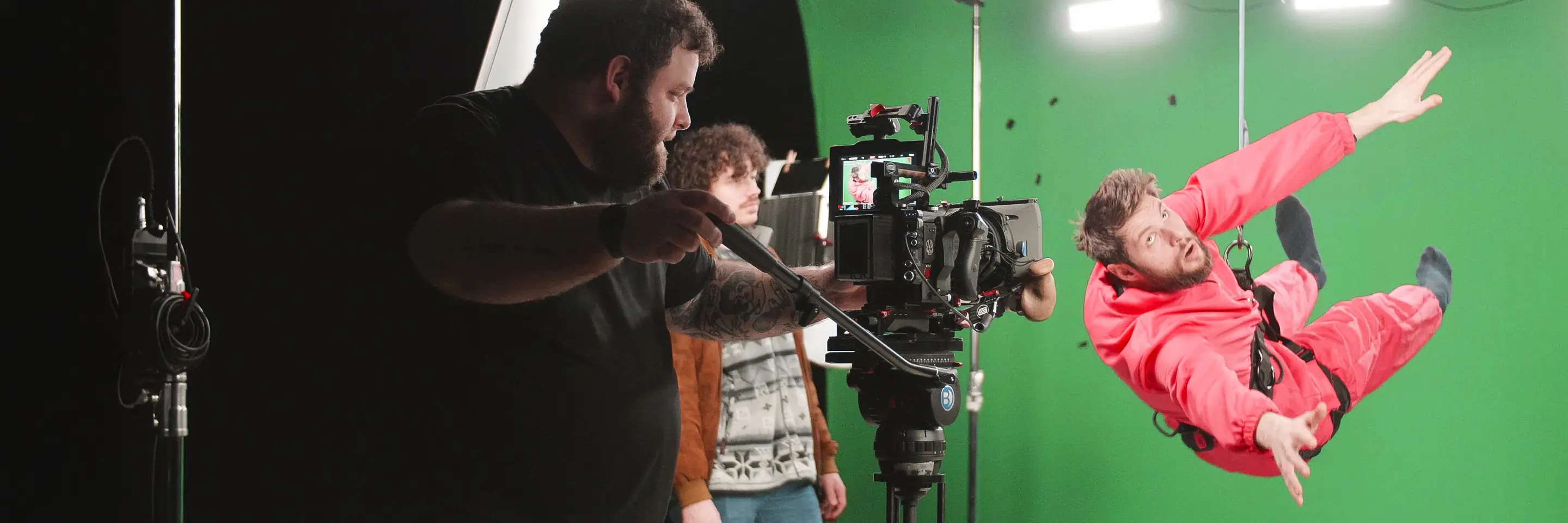
lumetri panel
Find a tutorial
4 tutorials
 44K
5:25
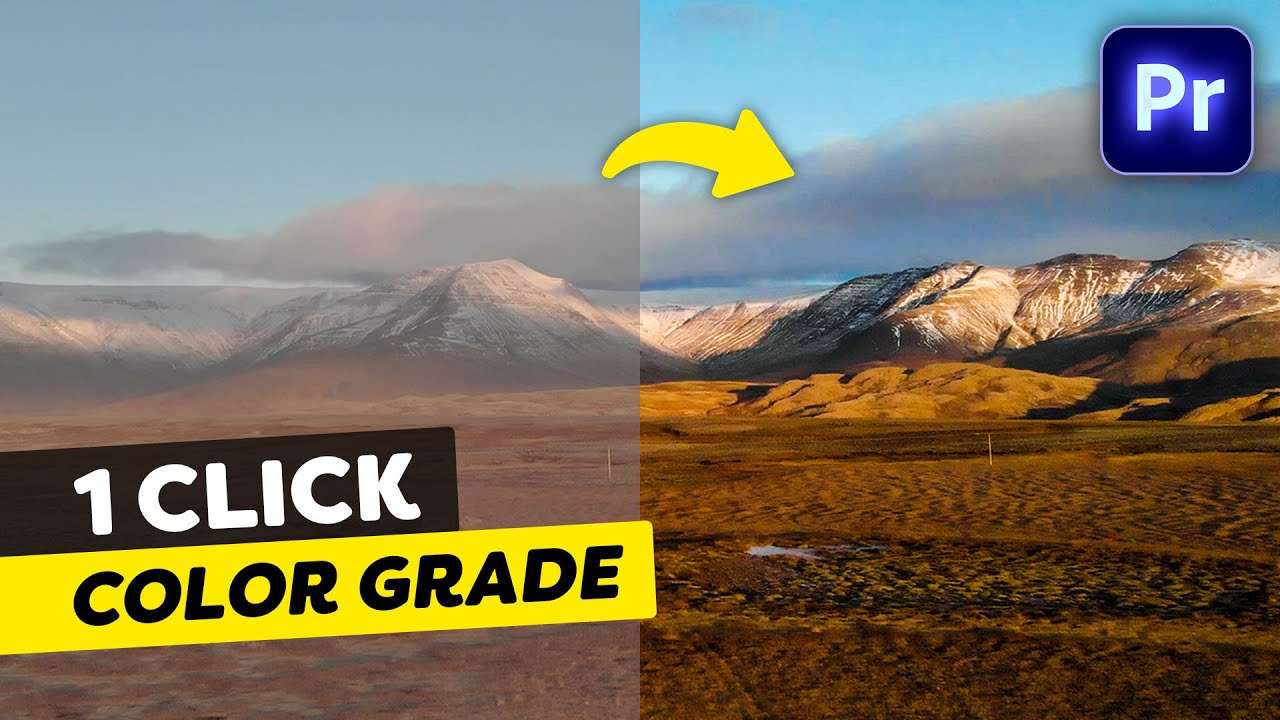
New 1 Click Color Grading Feature (Premiere Pro Tutorial)
Learn how to use the new auto tone feature to color grade your footage with just the click of a button in this beginner tutorial in Adobe Premiere Pro.
Watch
 264K
5:11

How to RETOUCH Skin in a Video (Premiere Pro Tutorial)
Learn how to retouch a face with simple tools for brightening eyes, smoothening skin and whitening teeth in this Adobe Premiere Pro Tutorial.
Watch
 105K
4:16

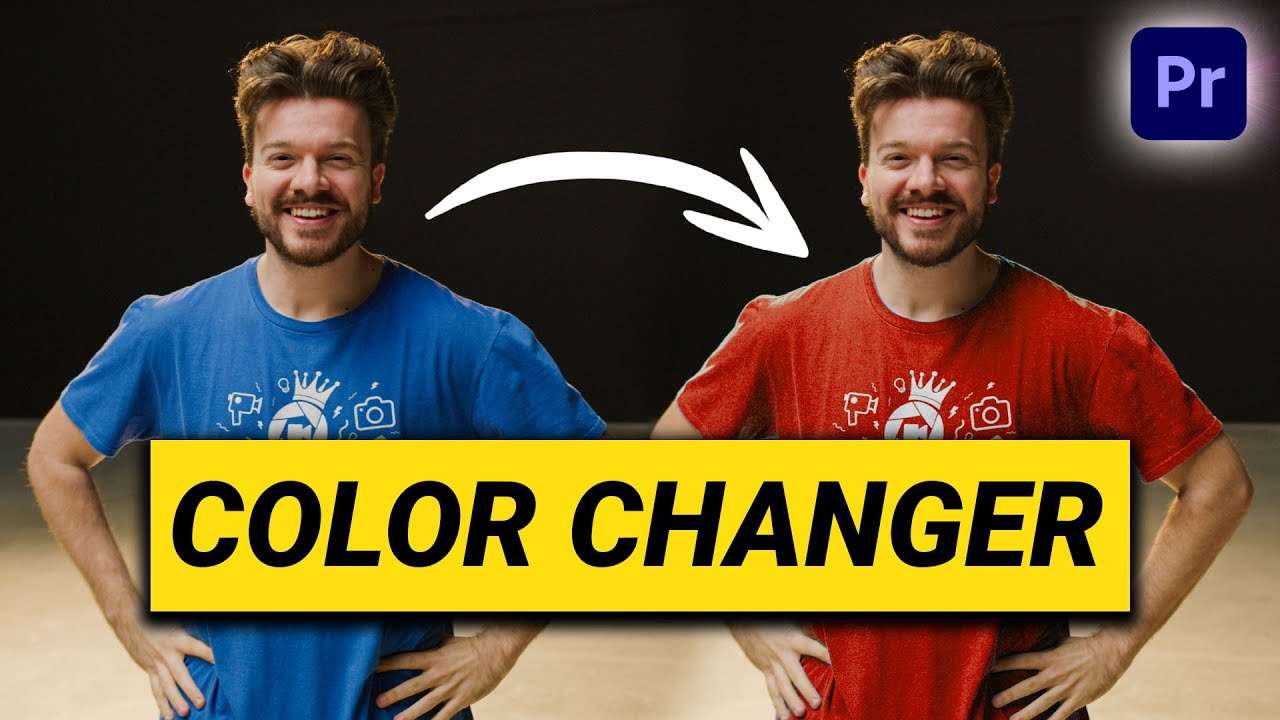
How to Change ANY COLOR (Premiere Pro Tutorial)
Learn how to change the color of any object with the HSL Secondary tool inside the Lumetri color grading panel in Adobe Premiere Pro.
Watch
 27K
4:00

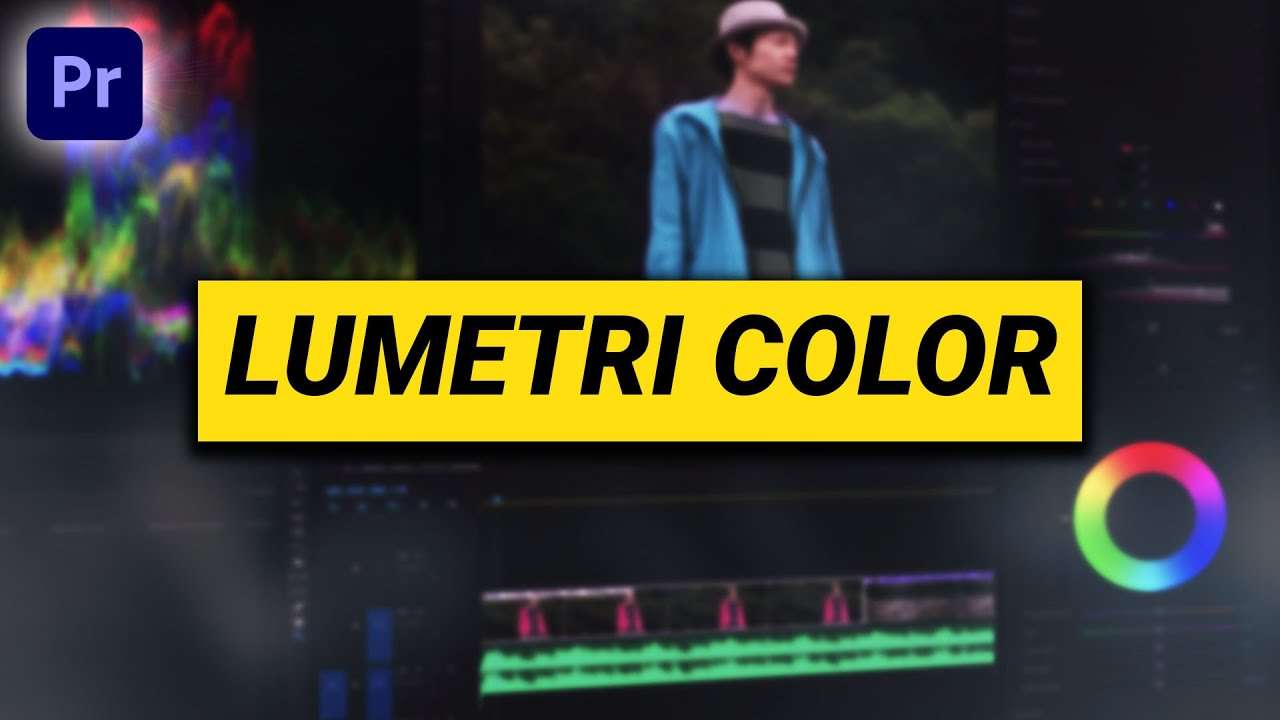
How to color grade in Premiere Pro?
Learn how to color grade your footage with the lumetri color panel in this beginner tutorial in Adobe Premiere Pro.
Watch

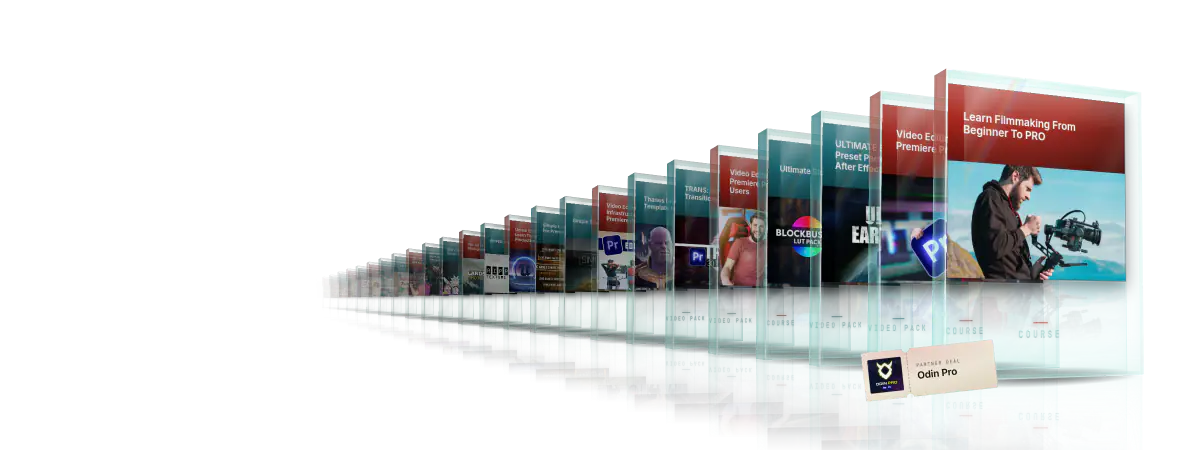
Cinecom Complete Bundle
Every course. Every pack. One price.
- 14 courses
- 24 video packs
- 1 partner deal
- Every future release
$197
Total value: $1,704.70
Save 88%