Lumetri
 25K
5:37
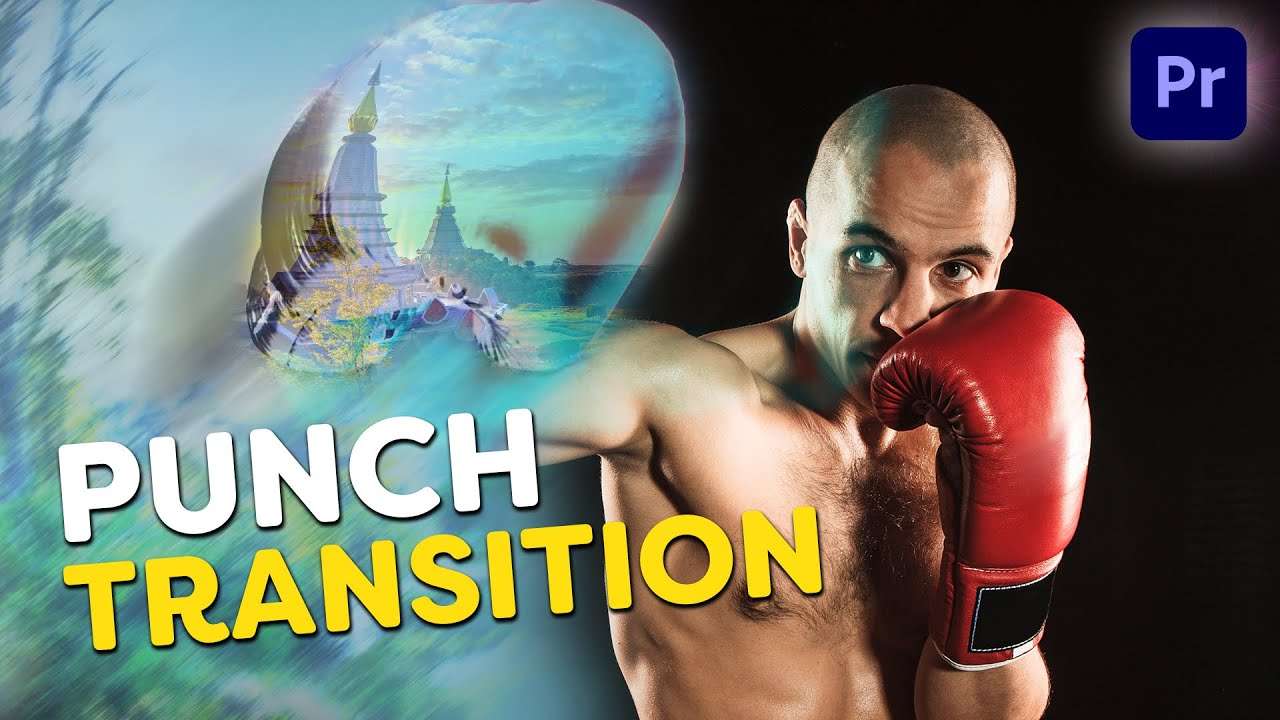
How to Create a Punch Transition (Premiere Pro Tutorial)
Learn how to create a super awesome and simple punch transition in this beginner tutorial in Adobe Premiere Pro.
 27K
4:00
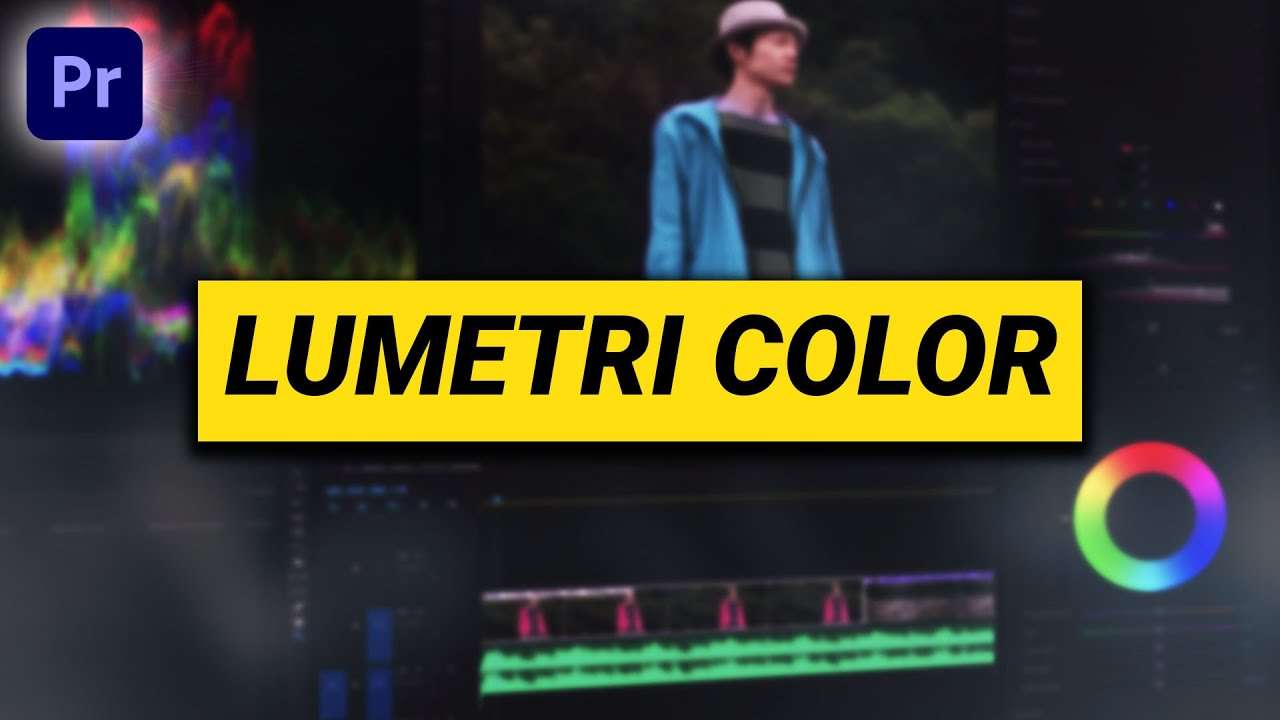
How to color grade in Premiere Pro?
Learn how to color grade your footage with the lumetri color panel in this beginner tutorial in Adobe Premiere Pro.
 155K
4:32

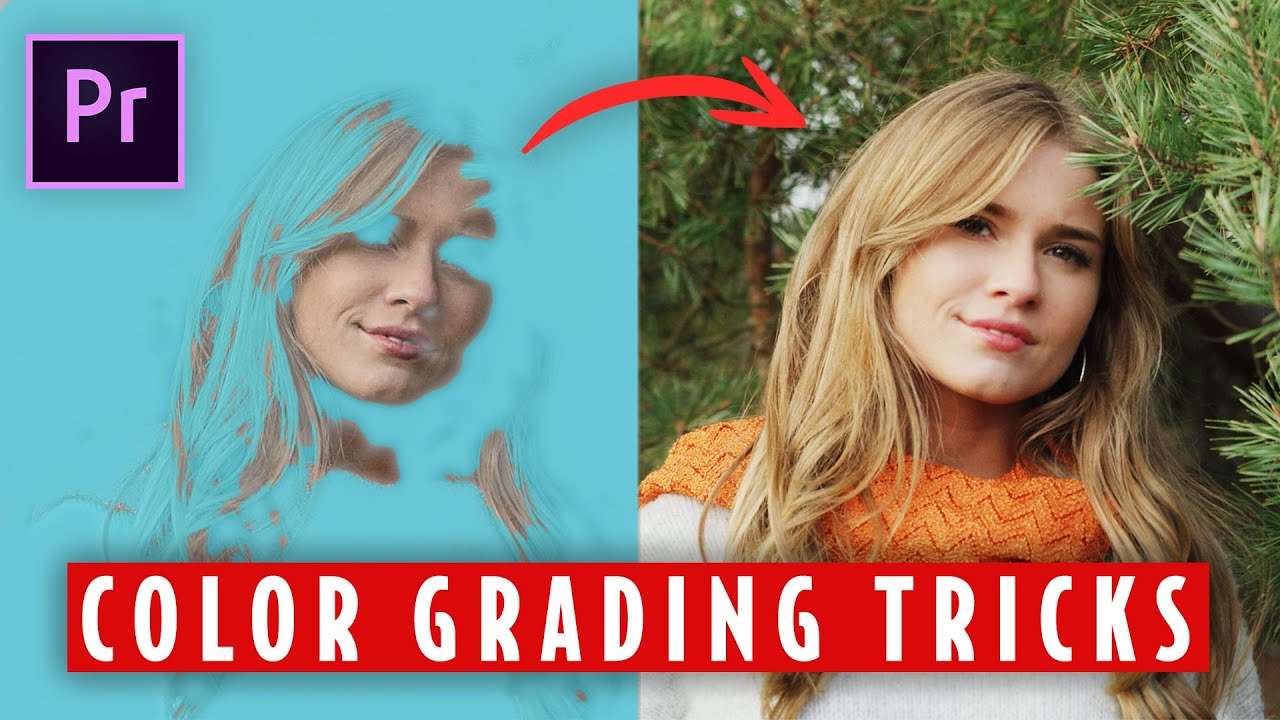
5 Color Grading Tricks Everyone Should Know
These color grading techniques in Adobe Premiere Pro Lumetri are very easy and will improve your color correction skills tremendously.
 219K
6:05

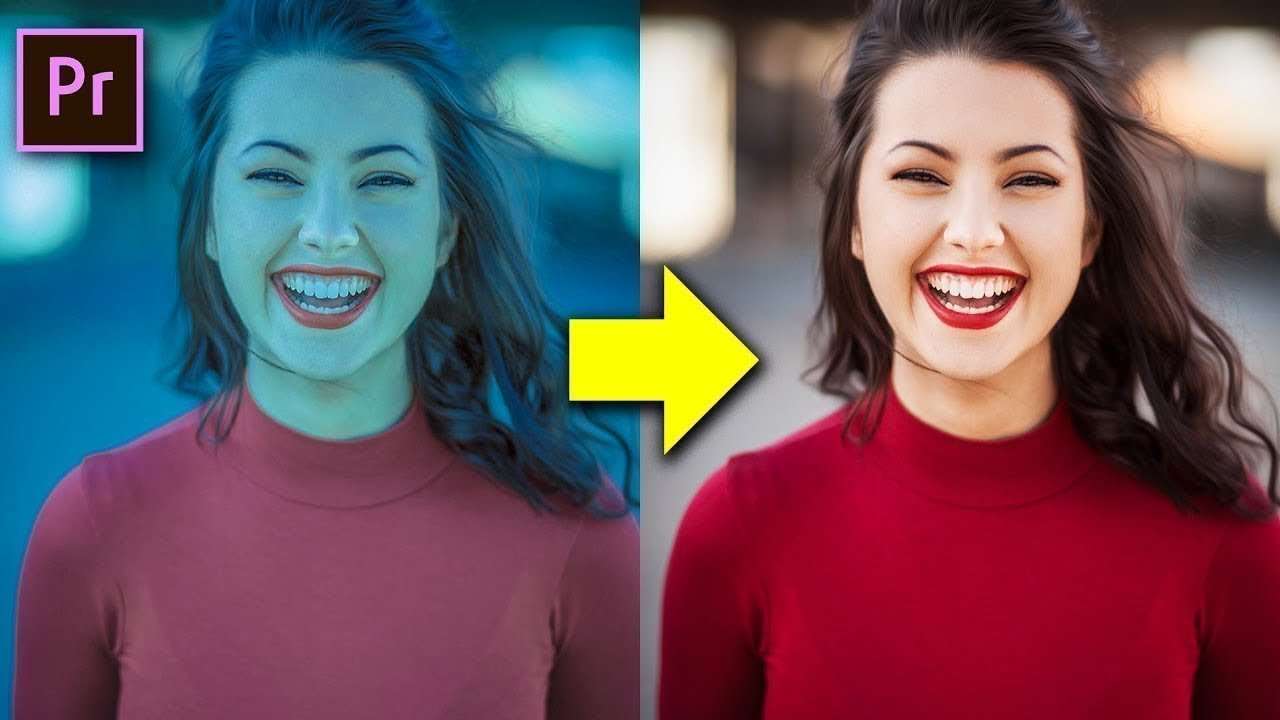
Instant Color Correct your Footage in Premiere Pro
Color Correct your videos with this easy trick inside Adobe Premiere Pro. Learn how to use the Lumetri scopes to correct your footage or the X-Rite Color Checker Video with 3D LUT Creator.
 63K
4:08
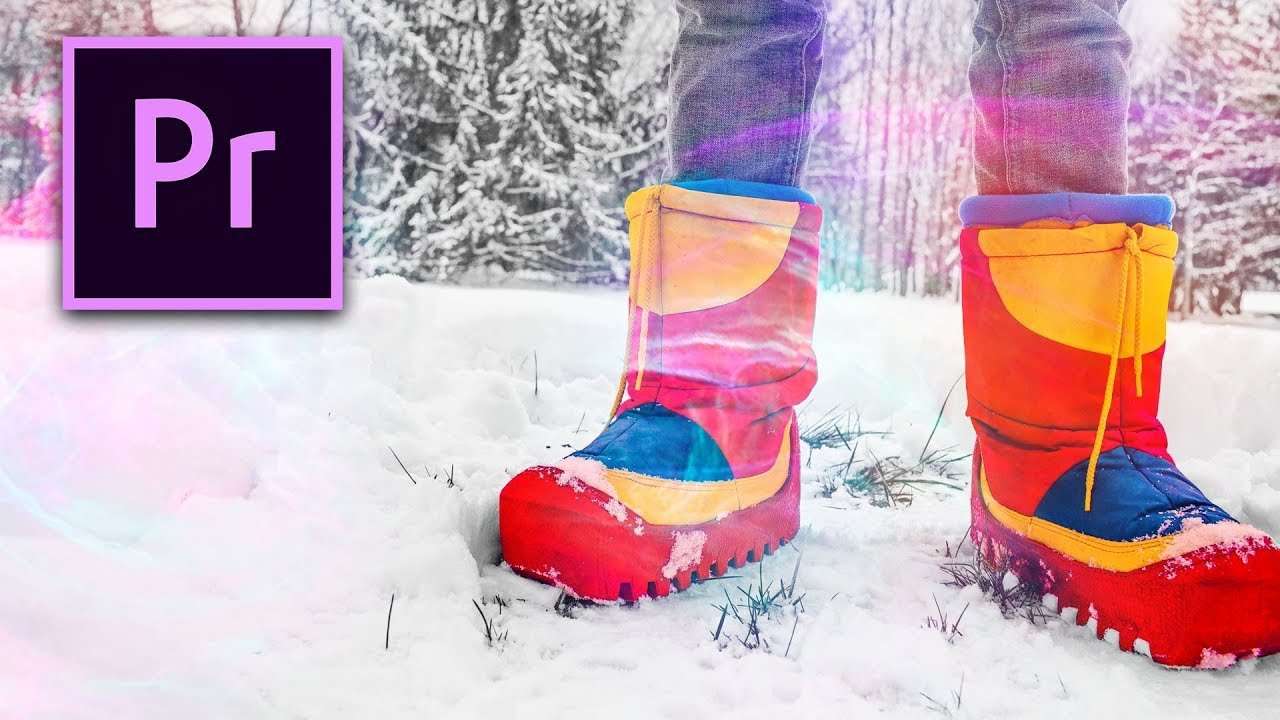
5 Color Grading Hacks You Must Know (Part 2) – Premiere Pro
Learn 5 (more) simple and fast Color Grading Hacks for more cinematic video. Use these easy tips and tricks for a faster color grading workflow.
 50K
14:07
music video color effects in premiere pro (calvin harris)
Learn how to create the color effects and hue changes from music video Feels by Calvin Harris in Adobe Premiere Pro using Lumetri.
 139K
6:39
Luts vs Look: Difference explained in Premiere Pro
Learn the difference between input LUTS and a Look and how to use them in color grading and correcting your footage in Premiere Pro Lumetri.
 80K
9:44
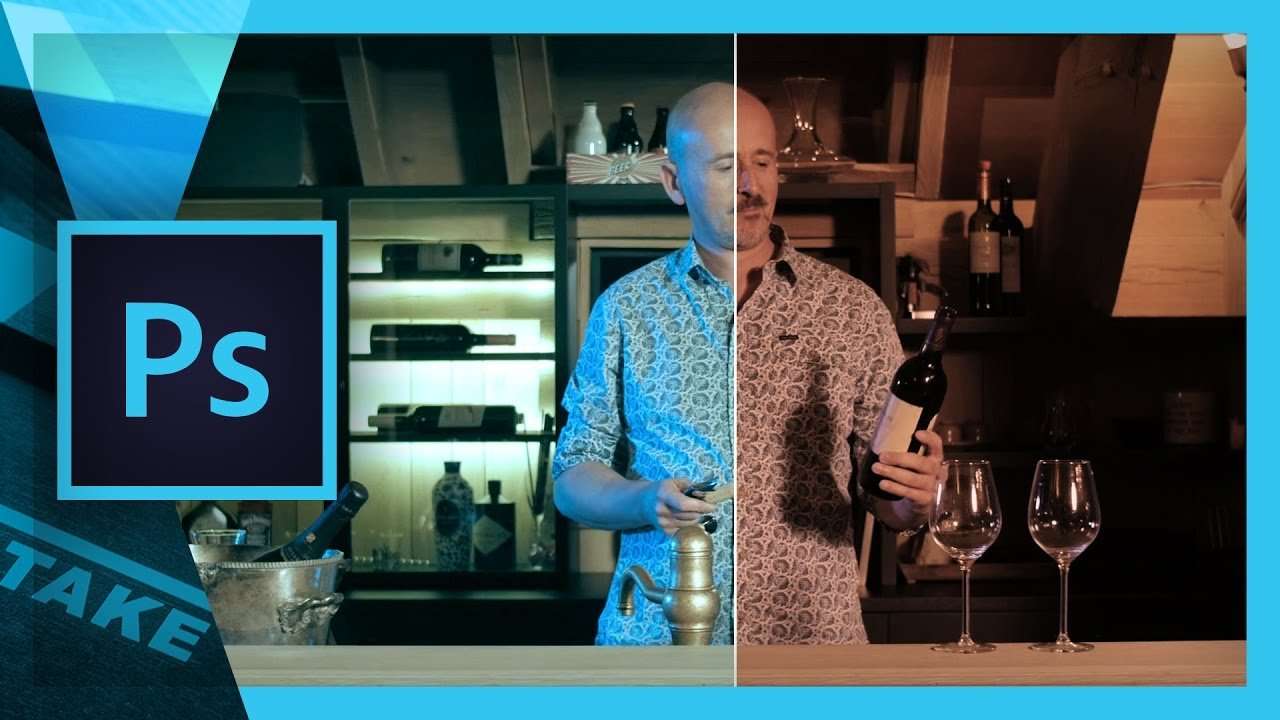
Create a custom LUT with Photoshop for Premiere Pro
Premiere Pro Lumetri allows us to import a custom LUT as a look for our videos. But have you ever wondered how to create your own?
 154K
10:28
Color Selection (Secondary) in Premiere Pro
Select a specific color with Lumetri secondary color correction in Premiere Pro. This tutorial shows a new feature of Adobe Premiere Pro CC2015.3
 272K
7:41
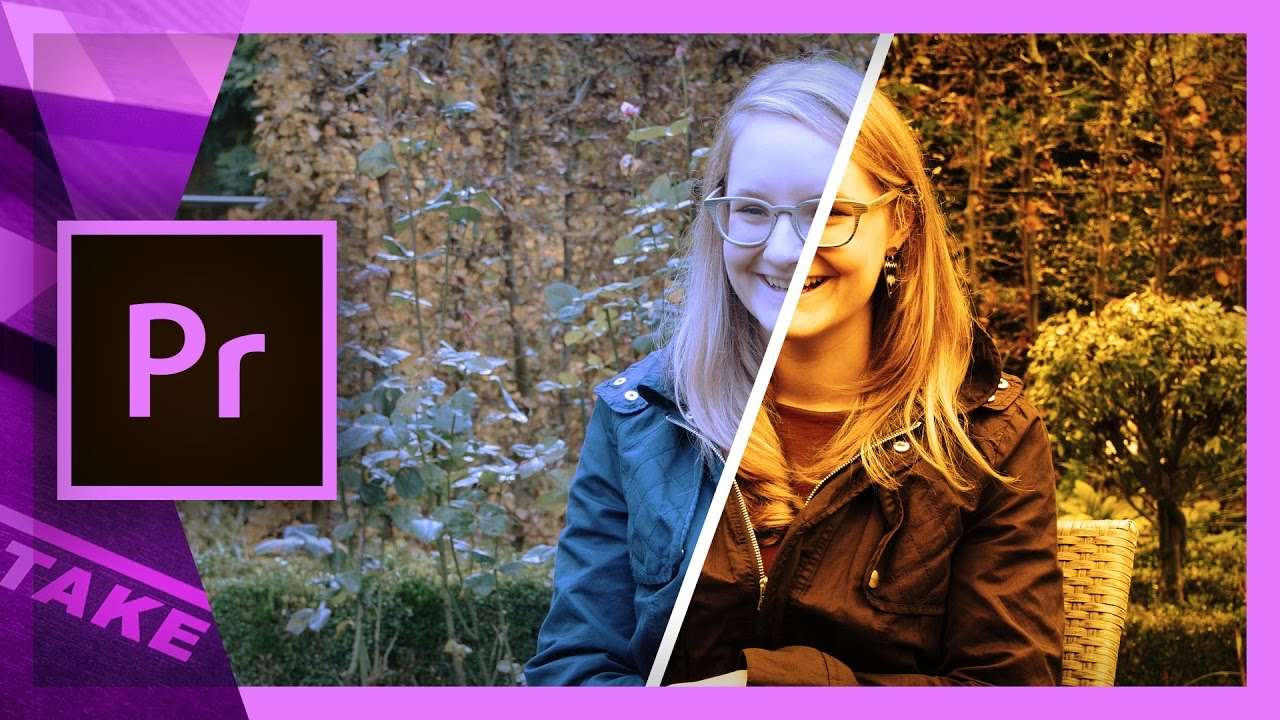
Match the color of two shots in Premiere Pro
When filming with two cameras there's a chance that the colors don't match in the editing. In this tutorial you will learn how to match the color of two shots.
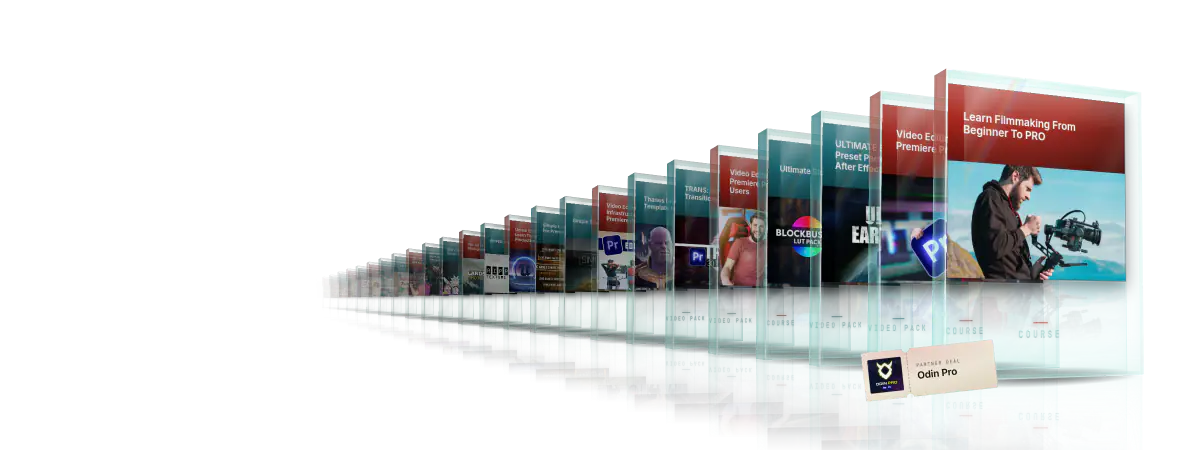
Every course. Every pack. One price.
- 14 courses
- 24 video packs
- 1 partner deal
- Every future release