premiere pro beta
Find a tutorial
3 tutorials
 12K
5:57
How to Remove Objects in Premiere Pro with Generative Remove
Remove objects in Premiere Pro with the new Generative Remove beta: mask the object, track it and click Remove. I tested it on a mic, a phone, a photo studio and two people behind a reporter, so you see what works, what fails and what it costs in credits.
Watch
 44K
5:25
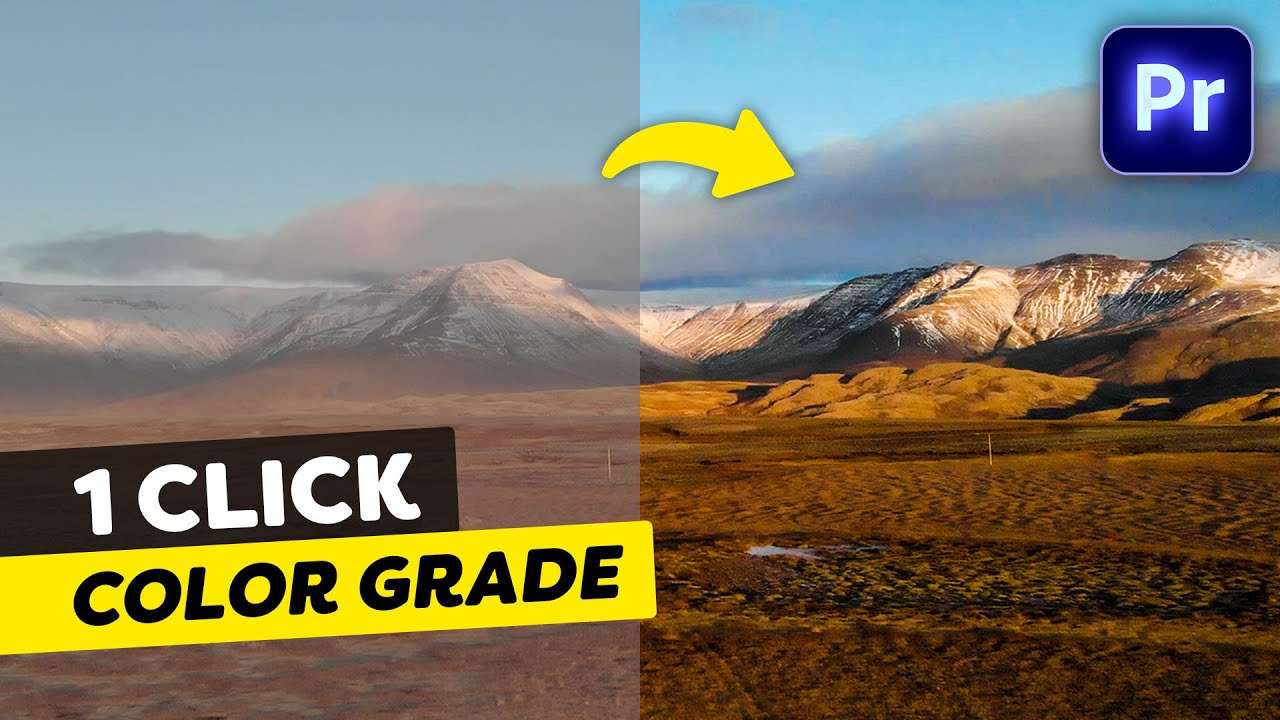
New 1 Click Color Grading Feature (Premiere Pro Tutorial)
Learn how to use the new auto tone feature to color grade your footage with just the click of a button in this beginner tutorial in Adobe Premiere Pro.
Watch
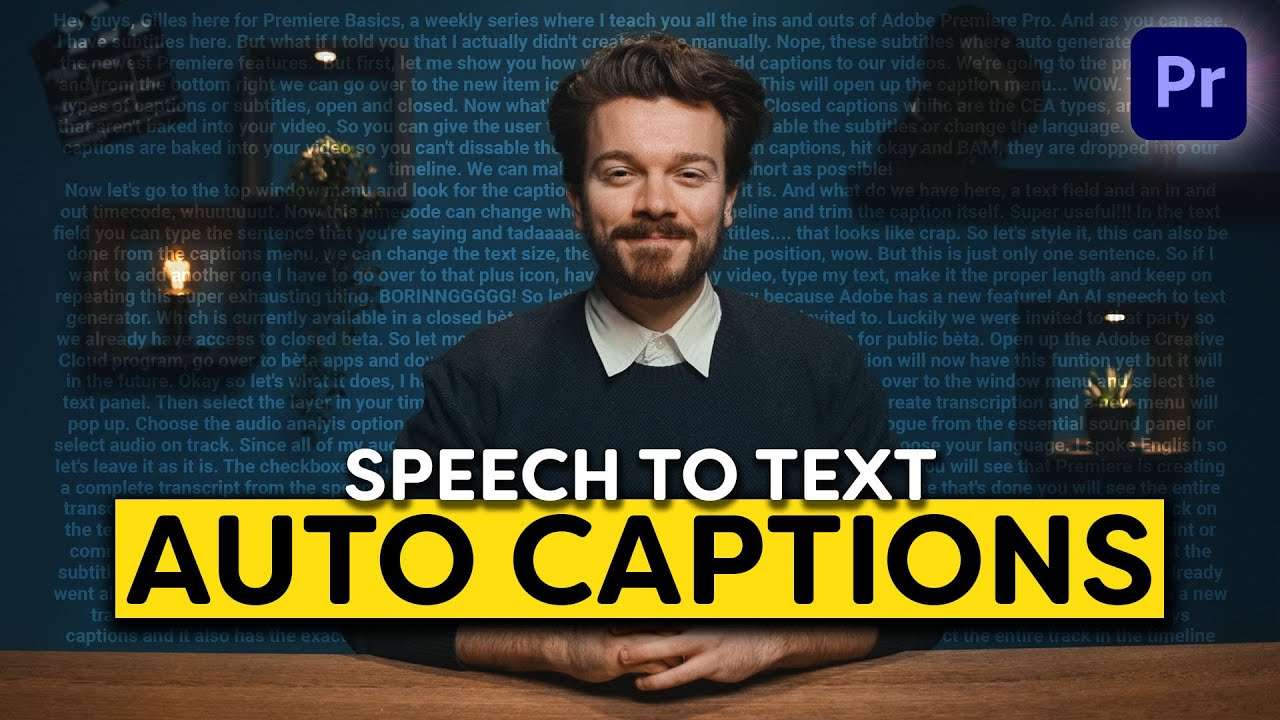 73K
7:20
How to Create Captions and Speech to Text (Premiere Pro Tutorial)
Learn how to create captions and transcribe speech to text with the newest Adobe Premiere Pro feature in this beginner tutorial.
Watch


Cinecom Complete Bundle
Black Friday
Every course. Every pack. One price.
- 15 courses
- 24 video packs
- 1 partner deal
- Every future release
$157.60
Total value: $1,436.70
Save 89%