Make an intro animation video in After Effects
 Jordy Vandeput
35K views
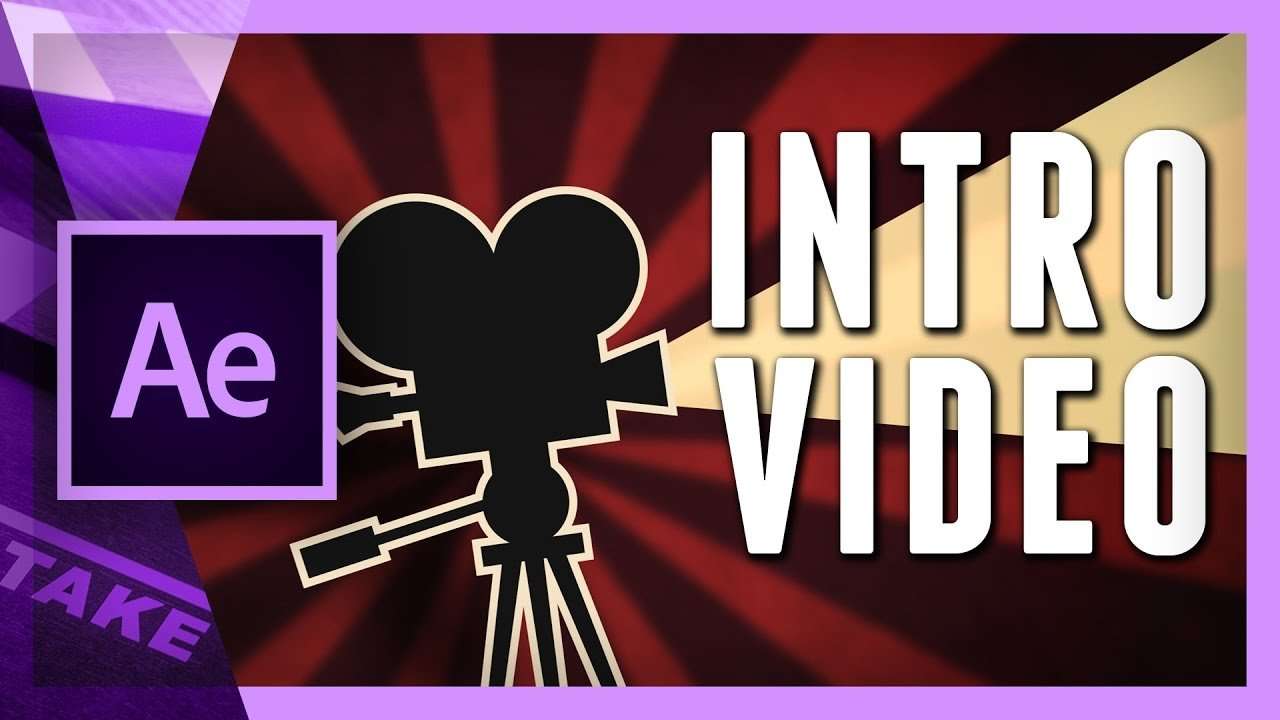
Learn how to re-create our intro video in After Effects. In this lesson you will learn how to work with different image files to animate them.
As a request of many of our viewers we decided to make a tutorial on how we've created our intro video. In the first part we showed how we did all the preparations like thinking of the message and designing a storyboard.
In this second part of the tutorial series we bring all the elements into after effects. Our intro video is based off many images and vector file that we've created in illustrator. Illustrator files are recognized in After Effects and are therefore great to work on. The path of the vector image can be edited in After Effects, which is one benifit. But also, it retains that sharp image quality while scaling the file.
This is one of the great things you'll learn in this tutorial video. Our video has a cartoonish and retro (vintage) style to it. It's important that we show that in our animations. One way to show that style is by making the different elements bounce while they come in or go out.
Another technique you'll learn is a first introduction to using expressions. These are small commands to create bigger actions. In our tutorial, we use the wiggle expression to automate a dynamic movement.
And finally we'll cover a great trick to easily flip different photos with the basic 3D effect.
This video is part of a tutorial series
Jordy Vandeput
Founder of Cinecom · 2.75M+ subscribers on YouTube
Jordy Vandeput is a Belgian filmmaker who has taught practical filmmaking to millions through Cinecom. He breaks professional techniques down into clear, repeatable steps you can use on your very next project.


0 comments