5 Editing Tricks Nobody Tells You (Premiere Pro Tutorial)
 Jordy Vandeput
74K views
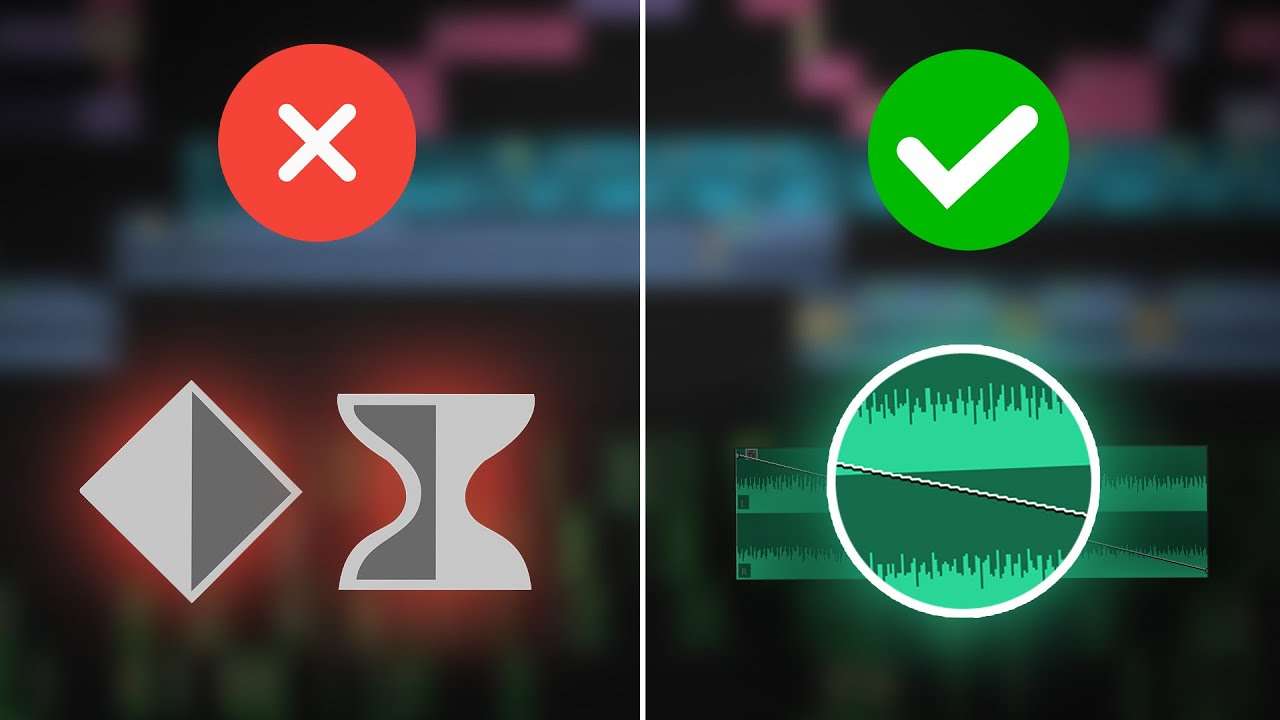
Learn five music editing tricks to enhance the music in your videos with this Adobe Premiere Pro tutorial video.
Mixing Music to the video
If you're mixing music that's supposed to match the video, it's important to get it right. For example when there's a car passing by playing loud music. You can hear a muffled version of the song he's playing because the frame of the car is blocking the high frequencies. Only the low frequencies are coming through.
To fake that effect, put an EQ on the song and cut away the high frequencies. That way you'll achieve the exact same effect like in real life.
To enhance this even further, animate the panning property to match the movement of the vehicle in the video. That way the music and sound effects will sound ultra realistic.

Cutting on beat
Cutting a video on beat is not as difficult as you think. All you need to know is how to place markers. Press M on your keyboard to place a marker on every beat. Then select the clips you want to use in the edit. Next, click the 'automate to sequence' button and set the ordering to 'sort order'. Select unnumbered markers and click ok. That's it!
Of course, you can't hear it in this GIF. Definitely check out the full tutorial above to become a better editor!
Audiio
Thank you Audiio for sponsoring this video! Audiio has an entire music and sound effects library for creators and filmmakers. Check out Audiio!
Jordy Vandeput
Founder of Cinecom · 2.75M+ subscribers on YouTube
Jordy Vandeput is a Belgian filmmaker who has taught practical filmmaking to millions through Cinecom. He breaks professional techniques down into clear, repeatable steps you can use on your very next project.
Related tutorials
 211K
6:08

Vintage Audio Effect in Premiere Pro with Free Plugins
Get a vintage audio effect in Premiere Pro with two free Cymatics plugins: Origin for old tape and radio sound, Memory for a soft analog chorus. Plus three more free plugins worth installing: Smoothify, Premiere Composer and Film Impact.
 75K
6:11

5 Editing Tricks You Should Learn IMMEDIATELY!
Learn 5 audio editing tricks for Premiere Pro: beat-syncing, low-pass EQ, AI music search, Automate to Sequence, and EQ for clear dialogue. Practical steps incl
A Music editing trick they won’t tell you!
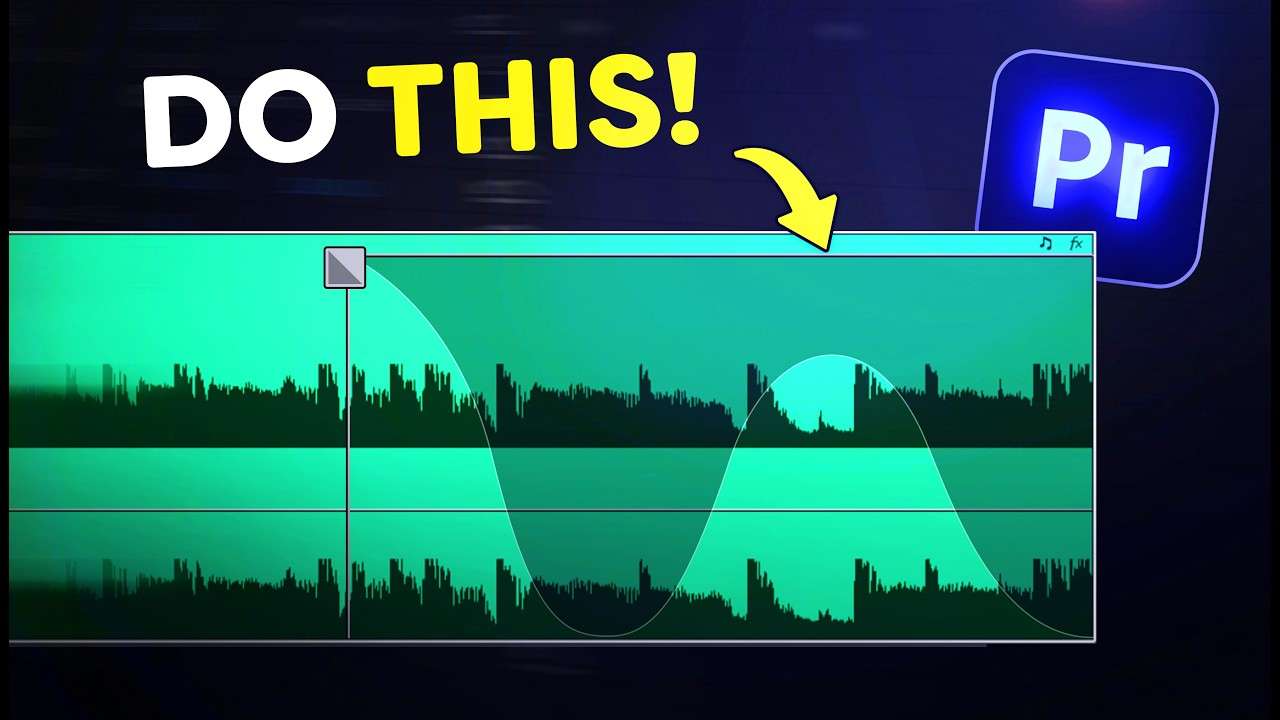
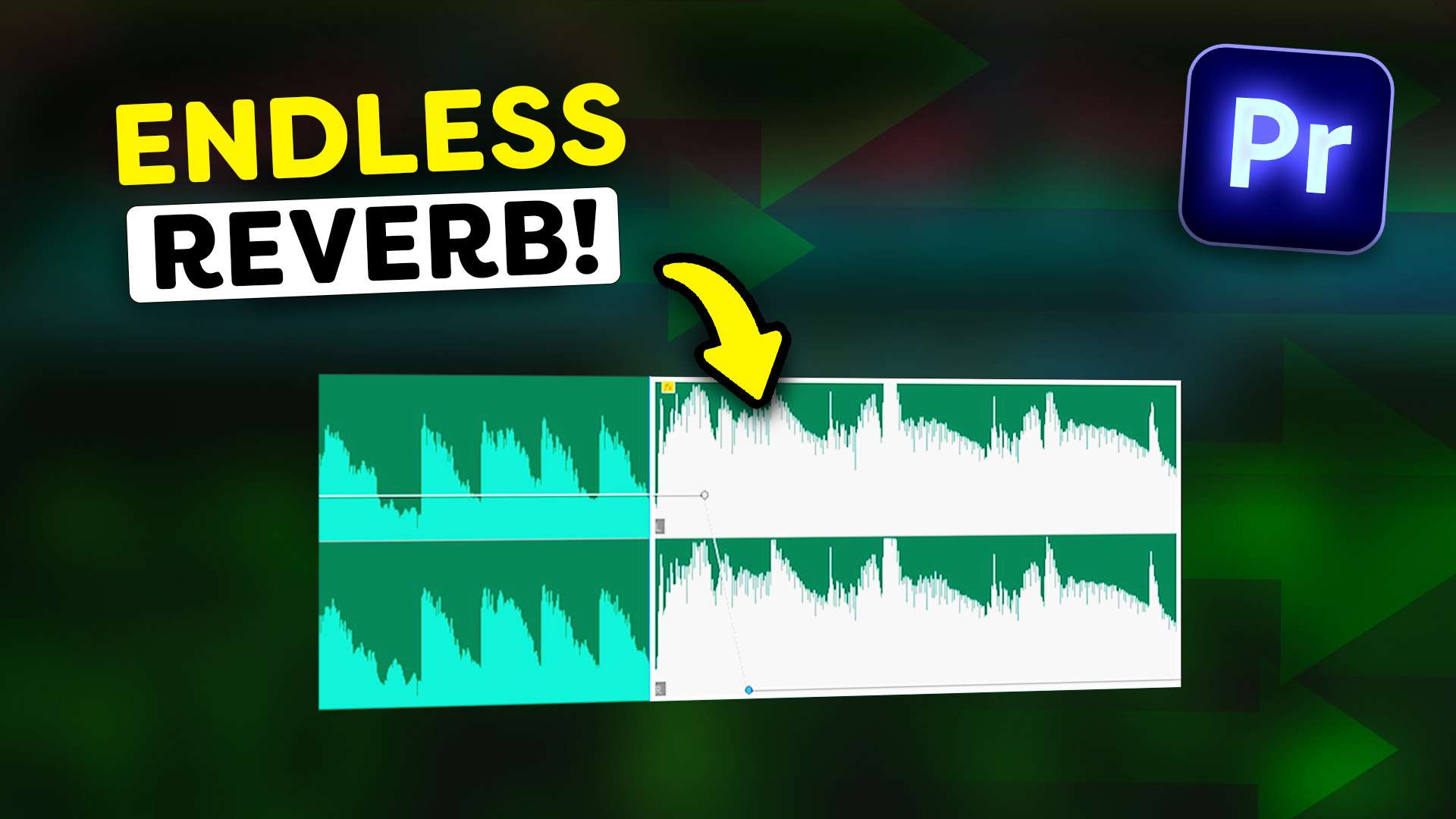
Learn how to extend reverb and let it fade out smoothly on an audio clip in this Adobe Premiere Pro tutorial.

0 comments