Create a 3D Rotation LOGO REVEAL (Premiere Pro Tutorial)
 Jordy Vandeput
198K views
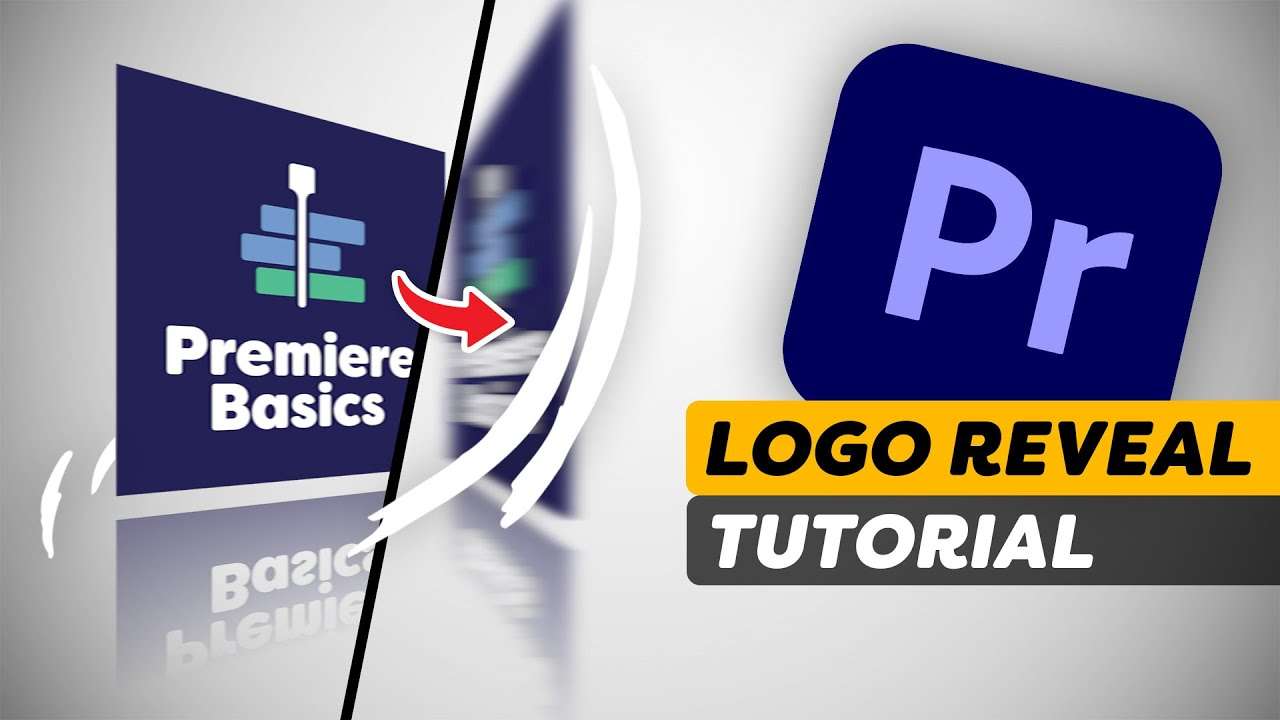
Learn how to animate a logo using a 3D rotation effect with a glass reflection in this Adobe Premiere Pro tutorial video.
Logo Animations
To make your brand or that of your client stand out, a cool logo animation comes a long way. Personally I love to make such motion graphics animations because anything is possible. With some creativity you can create stunning logo reveals.
Although Adobe After Effects is the go-to program to create such logo animations, we can already do a lot with Premiere Pro.
Logo reveals don't need to be complicated. A clean animation with a good idea is much better than tons of bells and whistles.

Animation Effects
The essential graphics offers a way to create graphics and text. Although we're most likely gonna use Photoshop or Illustrator to design a logo.
Once your logo sits inside Premiere Pro, we can start looking for effects and create fun animations. One of such effects is the Basic 3D. All it does it rotate your logo around in a 3D space. I love to work with this effect as it creates a whole new perspective.
One thing we can't enable in Premiere Pro is motion blur, thus we always need to figure out a way to fake it. Since a rotation goes in one direction, we can use the directional blur to fix this issue. We do need to manually animate the blur length to match it with the movement from the Basic 3D.
Learn Adobe Premiere Pro for Beginners
If you're just starting out with Adobe Premiere Pro, it can get overwhelming. But no worries, we are here to help you out! Join over 80,000+ students in my beginner class and learn the basics of Premiere Pro in an exciting and structured way.
Jordy Vandeput
Founder of Cinecom · 2.75M+ subscribers on YouTube
Jordy Vandeput is a Belgian filmmaker who has taught practical filmmaking to millions through Cinecom. He breaks professional techniques down into clear, repeatable steps you can use on your very next project.




0 comments