Interface
 163K
6:50
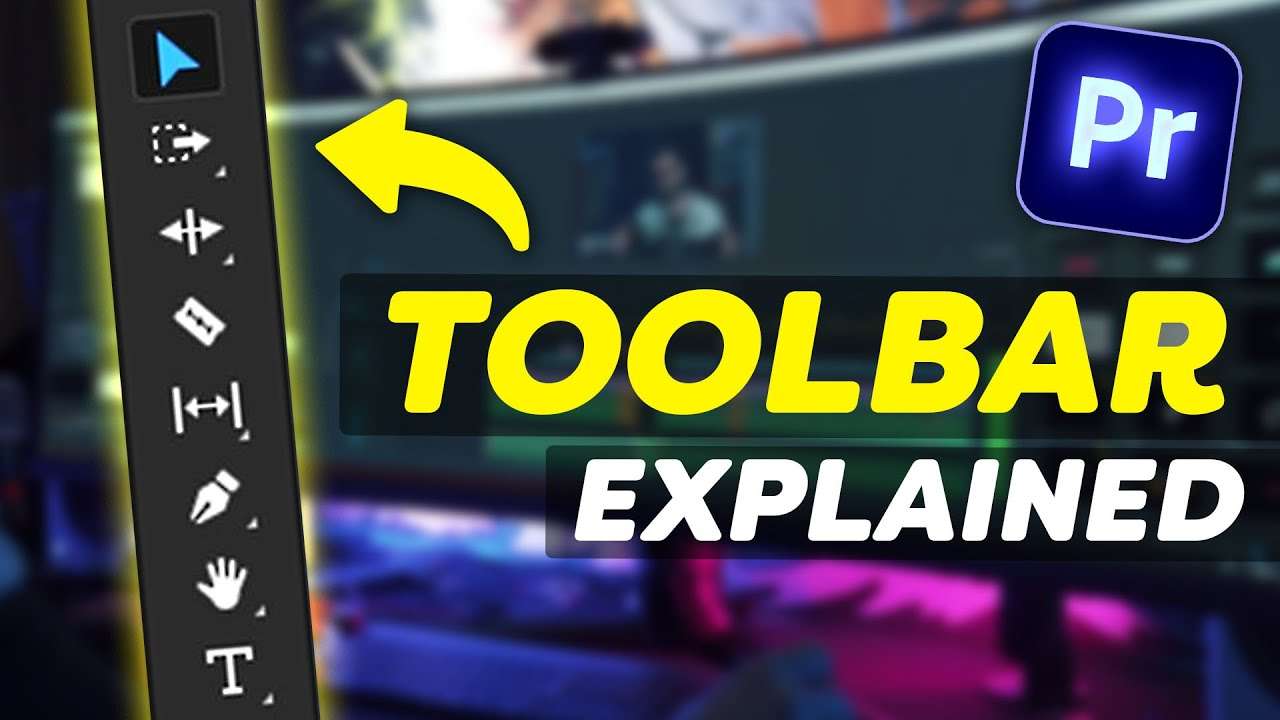
Every tool from the Toolbar (Premiere Pro Tutorial)
Learn how to use every tool from the toolbar in this beginner video editing tutorial in Adobe Premiere Pro.
 155K
8:23
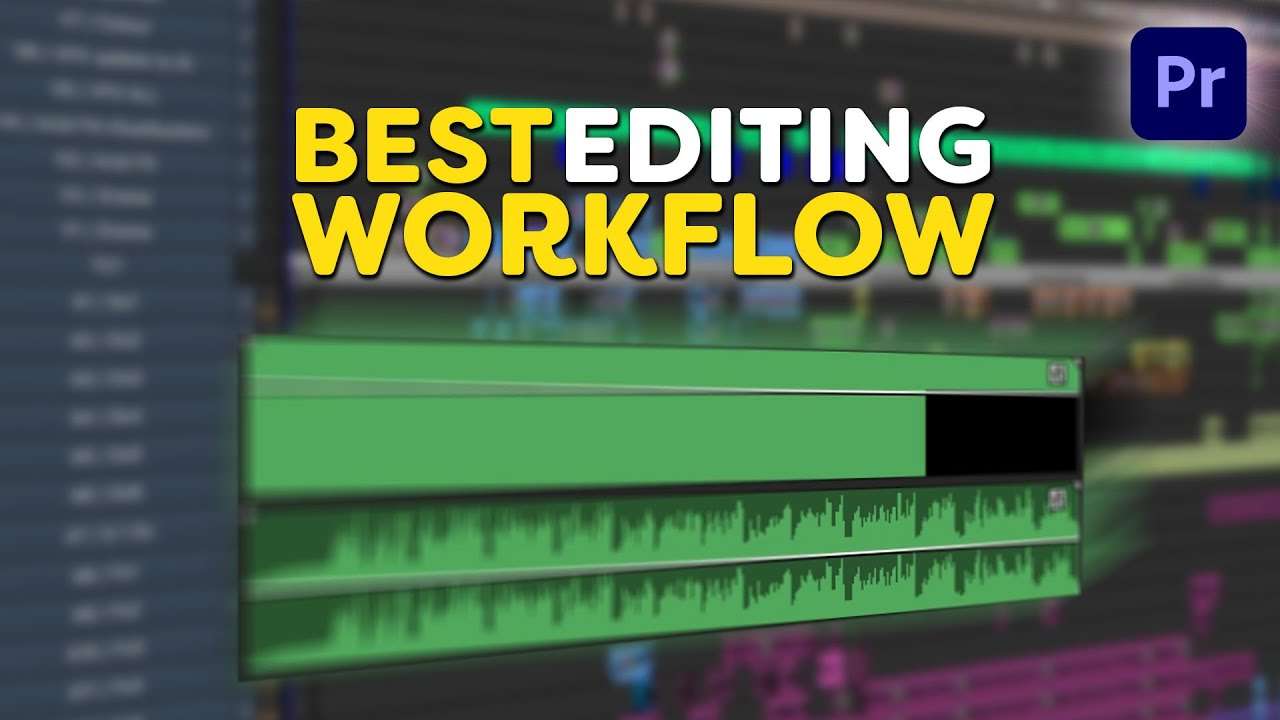
The BEST Editing WORKFLOW in Adobe Premiere Pro
Learn about the best start to finish editing workflow to have in Adobe Premiere pro in this beginner tutorial.
 21K
6:10
Keyboard Shortcuts You Must Know (Premiere Pro Tutorial)
Learn about the most useful keyboard shortcuts to drastically make your editing workflow way quicker in this Adobe Premiere Pro tutorial.
 105K
2:33
Rendering your timeline in Premiere Pro
Slow playback in Premiere Pro? In this tutorial you will learn how to fix that problem and understand how timeline rendering works.
 10K
2:03
Exporting your video in Premiere Pro
Learn how to export your Premiere Pro project to a shareable video with the best quality and lowest file size.
 60K
3:23
Effect Controls in Premiere Pro
Learn how to use the Effect Controls panel in Adobe Premiere Pro to adjust video and audio properties in this beginner tutorial.
 85K
2:29
How to create a sequence in Premiere Pro?
Learn how to create a timeline in Adobe Premiere Pro and adjust the sequence settings to your needs in this beginner tutorial.
 20K
2:06
Premiere Pro: How to import videos?
Learn how to import video files in Adobe Premiere Pro in this beginner tutorial. But also audio clips, images and other media files.
 241K
2:39
Premiere Pro Workspace: How to Organize
Organizing your workspace in Adobe Premiere Pro is super easy, in this beginner tutorial we'll teach you how to do it in simple steps.


Every course. Every pack. One price.
- 15 courses
- 24 video packs
- 1 partner deal
- Every future release